
Autoppt
AI PowerPoint maker that turns a topic or document into designed slides in seconds.
Data verified Sep 8, 2026
Score
- Try it free
- Free plan
- Best for
- Business Professionals
Editorial Verdict
AI-researched, not hands-on testedFast slide generation from a prompt or document, with support for 100+ languages, makes Autoppt quick for first-draft decks. Template customization stays limited, generated content can look generic enough to need editing, and there are no built-in image or icon libraries.
Reviewed by AIToolPundit Editorial Team · last verified October 2026
About Autoppt
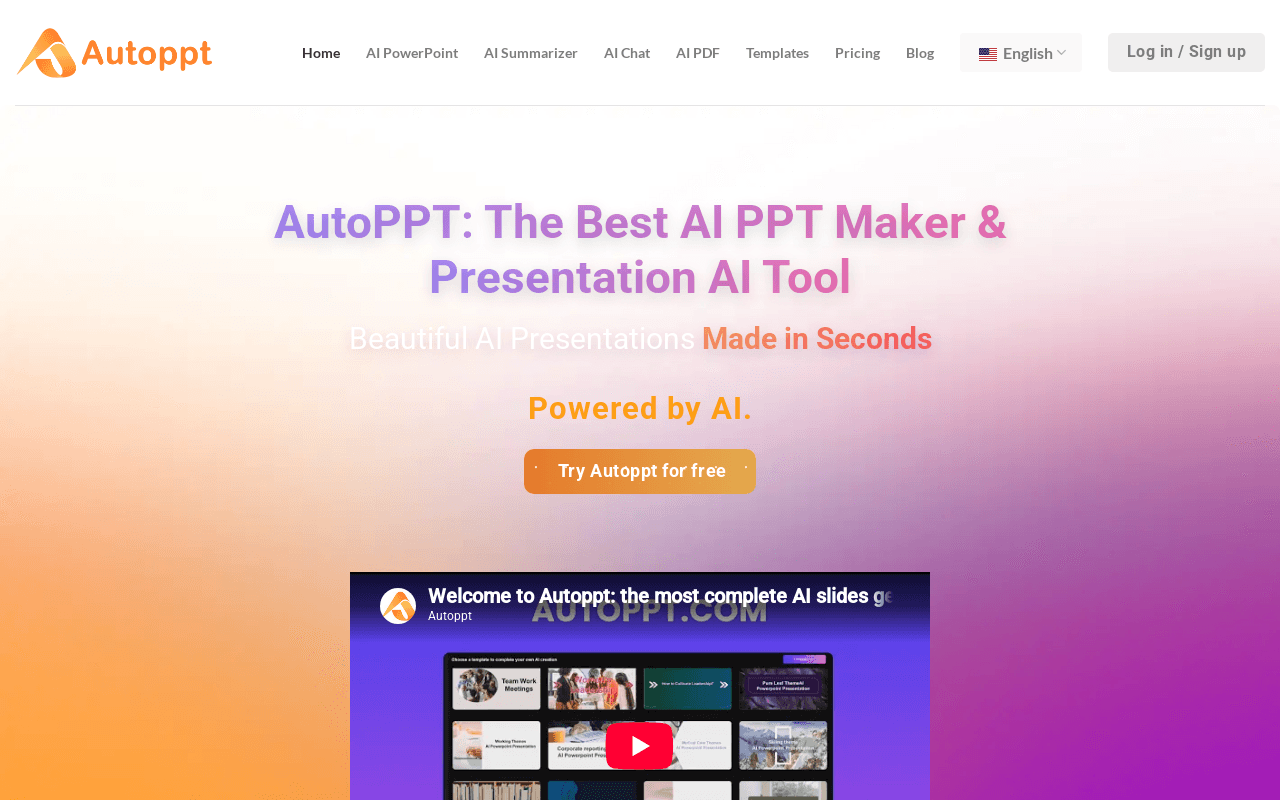
AutoPPT is an AI presentation generator that creates fully designed slideshows from a text prompt or an uploaded document (PDF, Word, Txt, Excel, PPT, or image), then lets you refine them in an online editor. It's aimed at business professionals, students, and educators who need polished decks fast without design skills, supporting content in 100+ languages. Its main differentiator is one-click document-to-slides conversion paired with a large library of themed templates you can swap on the fly.
Screenshots

Commonly Cited Strengths & Limitations
Strengths
- Very fast slide generation from a prompt or document
- Easy to use with no design skills required
- Convenient one-click document upload and conversion
- Large selection of templates
- Supports 100+ languages
Limitations
- Limited manual and granular template customization
- Generated output can look generic and often needs editing to be presentation-ready
- Lacks built-in image and icon libraries
- Credit limits on premium features like AI image generation can add to the cost
- Generated content should be proofread for accuracy
Common Use Cases
- Business meeting presentations
- Work summaries
- Study reports
- Knowledge sharing
- Converting PDF or Word documents to PowerPoint
- Creating slideshows on personal topics like hobbies or food
Details
- Pricing Model
- Freemium
- Category
- Design & Creative
Who is Autoppt for?
Business Professionals
Generate polished meeting and work-summary decks from a prompt or document to save time.
Students and Educators
Turn study reports and knowledge-sharing topics into designed slides without design skills.
Frequently Asked Questions
Is Autoppt free?
Autoppt offers a free plan.
Does Autoppt offer a free trial?
Yes, Autoppt offers a free trial.
Does Autoppt have an API?
Autoppt does not currently offer a public API.
What does Autoppt integrate with?
Autoppt integrates with FastSpring, PayPal, ChatGPT, Google Pay, Amazon Pay.
Is Autoppt cloud-based or self-hosted?
Autoppt is offered as a cloud-based (SaaS) deployment.
What are the downsides of Autoppt?
Limited manual and granular template customization Also, Generated output can look generic and often needs editing to be presentation-ready
Who is Autoppt best for?
Autoppt is best suited for Business Professionals, Students and Educators.
What can I use Autoppt for?
Common uses for Autoppt include business meeting presentations, work summaries, study reports, knowledge sharing.
What is the best alternative to Autoppt?
Our reviewed alternatives to Autoppt are AFFiNE.
How does Autoppt compare to SlideSpeak?
Autoppt and SlideSpeak are both used for design & creative -- specifically presentation-tools. See the full side-by-side comparison for pricing and feature differences.
Key Features
- AI slide generation from a promptEnter a topic and the AI instantly builds a designed presentation.
- Document-to-slides conversionUpload PDF, Word, Txt, Excel, PPT, or JPG files and convert them into slides with one click.
- Template libraryA large collection of themed, professionally designed templates for different presentation purposes.
- Template switchingSwap between design styles and templates on the fly without redoing the deck.
- Online editorAdjust fonts, colors, and add tables to customize generated slides in the browser.
- Export and shareDownload the finished PowerPoint or generate a shareable link.
- AI PDF summarizerSummarizes PDF documents as part of the subscription toolset.
- AI mind mappingGenerates mind maps alongside presentations.
- AI chatChatGPT-style integrated chat assistant.
- Multi-language supportGenerates and presents content in over 100 languages based on the input language.
Integrations
Technical Details
- Deployment
- Cloud
- Target Market
- Both
- Free Trial
- Yes
- Free Plan
- Available
Security & Compliance
Support
Official Pricing
Autoppt's published plans · verified Sep 8, 2026
Free Trial
Contact Sales
- Access to free online office tools
- Try AI PPT generation
Pro
Contact Sales
- Upload PDFs to generate presentations
- AI-powered PowerPoint creation
- PDF summarization
- ChatGPT integration
- AI mind mapping
Pricing shown above is sourced from Autoppt's own published plans as of Sep 8, 2026 and can change at any time -- confirm current pricing on Autoppt's own site before purchasing.
Full Autoppt pricing breakdown, free plan and cheaper alternatives →
Real Pricing from Verified Users
See what people actually pay for Autoppt
Reviews
0 reviews
No reviews yet. Be the first to share your experience!
Switching Stories
Real migration experiences with Autoppt
Discussion
Ask questions, share tips, or discuss this tool with other users.
No discussion yet. Start the conversation!
Autoppt alternatives we reviewed
Reviewed when this listing was published; open-source options are marked.
AFFiNE
Workspace tool that includes AI presentation-building capabilities.
Similar tools in Design & Creative
Other listed tools in Design & Creative, not reviewed as direct alternatives

Turn documents, text, and ideas into polished native PowerPoint slides with AI.
Also presentation-tools
- Create presentations from documents
- AI assistant (Charles)
- AI video presentations
AI-powered search engine that mines filings and earnings transcripts for investment insights.
Also Document Processing Tools
- Document Search
- Document Alerts & Filing Screener
- Trending Topics & Sentiment Analysis
All-in-one AI knowledge workspace for deeper thinking, not just faster answers
Also Document Processing Tools
- Ponder Agent
- Infinite canvas / knowledge mapping
- Multi-source import

- Create with AI
- Smart Slides
- Auto-aligning slide layouts

Document understanding OCR that extracts text, images, tables, and equations
Also Document Processing Tools
- State of the art understanding of complex documents
- Natively multilingual and multimodal
- Top-tier benchmarks

AI document parser that turns PDFs, emails, and documents into structured, ready-to-use data.
Also Document Processing Tools
- Document capture
- AI data extraction
- Normalization and validation
Also used for
People Also Viewed



More in Design & Creative

Collaborative interface design tool

The world's best image editing software