Writers Brew vs QuillBot: Which is Better in 2026?
We've compared 2 tools across pricing, features, ratings, and reviews to help you make an informed decision. No paid placements — just facts.
Compare different tools →| Feature | 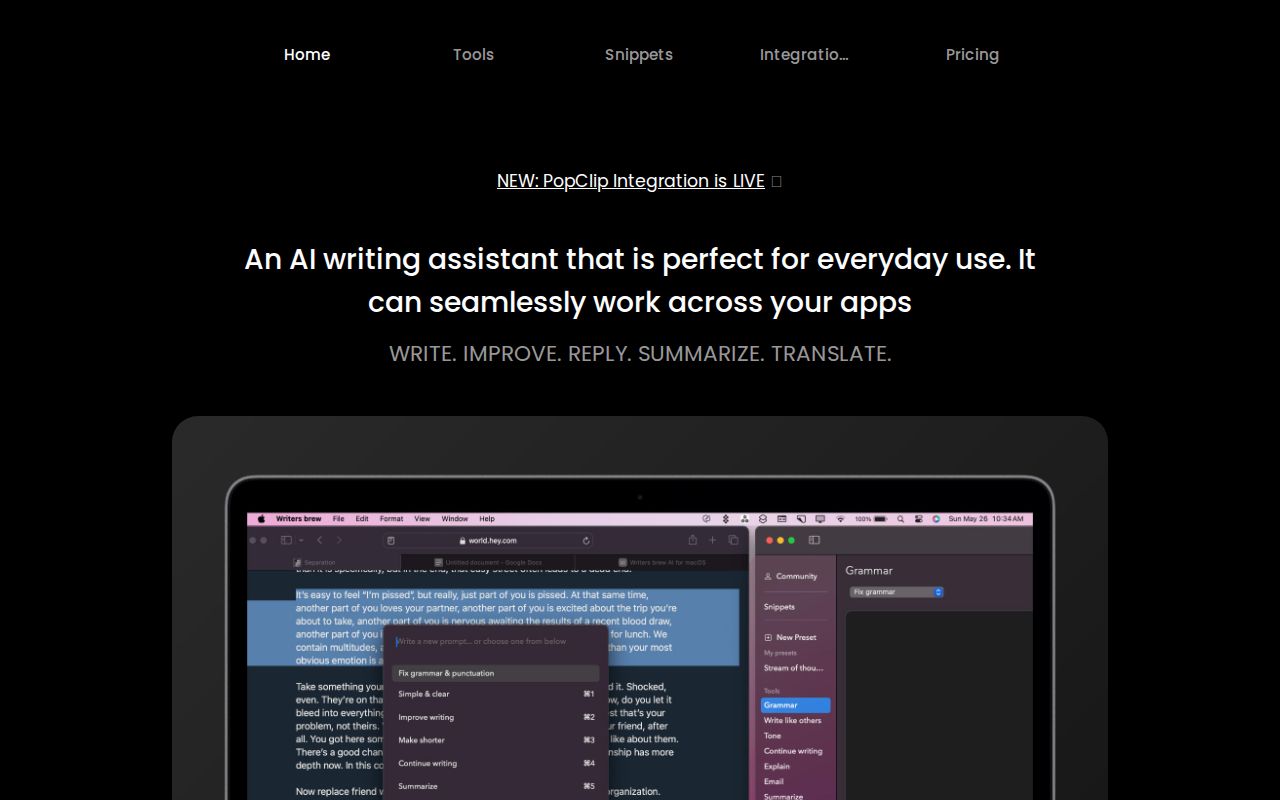 Writers Brew AI Writing & Content |  QuillBot AI Writing & Content |
|---|---|---|
| Rating | No reviews yet | No reviews yet |
| Pricing | — |
as of Oct 17, 2026 |
| Pricing Model | Paid | Freemium |
| Free Plan | ||
| Free Trial | ||
| API Available | ||
| Verified | ||
| Founded | — | 2017 |
| HQ | — | Chicago, Illinois, USA |
| Team Size | — | Teams plan: 2–10 seats, with discounts for 11+ seats |
| Platforms | — | — |
| Top Integrations | PopClipRaycastOpenAImacOS | Chrome extensionMicrosoft Word |
| Key Features |
|
|
| Description | Writers Brew is a macOS AI writing assistant that lets you rewrite, improve, summarize, translate, reply, and extract text (OCR) in any app by highlighting text and pressing a keyboard shortcut. It's built for everyday writers, students, and professionals who want quick edits without switching apps, and is marketed as cost-effective by letting you bring your own OpenAI key. It stands out for combining 30+ AI writing tools, non-AI text utilities, and TextExpander-style snippets in one system-wide macOS tool with multiple access modes (spotlight, menu bar, full app, and keyboard shortcuts). | QuillBot is an AI-powered writing assistant that paraphrases, checks grammar, summarizes, and rewrites text to improve clarity, tone, and correctness. It's built mainly for students, academics, and professionals who write frequently, and its standout feature is a flexible paraphraser with multiple modes and a synonym slider that lets users control how much of their text gets reworded. Owned by Learneo, it works across the web, browser extensions, and Microsoft Word. |