
Logseq
Open-source, local-first outliner and knowledge graph for privacy-focused note-taking
Data verified Sep 18, 2026
Score
- Price
- $5/mo
- Try it free
- Free plan
- Best for
- Researchers and academics
About Logseq
Logseq is a free, open-source (AGPL) note-taking and personal knowledge management app built around an outliner and a bidirectional-linked knowledge graph, storing everything as local Markdown/plain-text files. It's aimed at researchers, students, developers, and privacy-conscious individuals who want full control and ownership of their data rather than a cloud-locked notebook. What most sets it apart is its local-first, plain-text foundation combined with a powerful query language and an extensible plugin ecosystem.
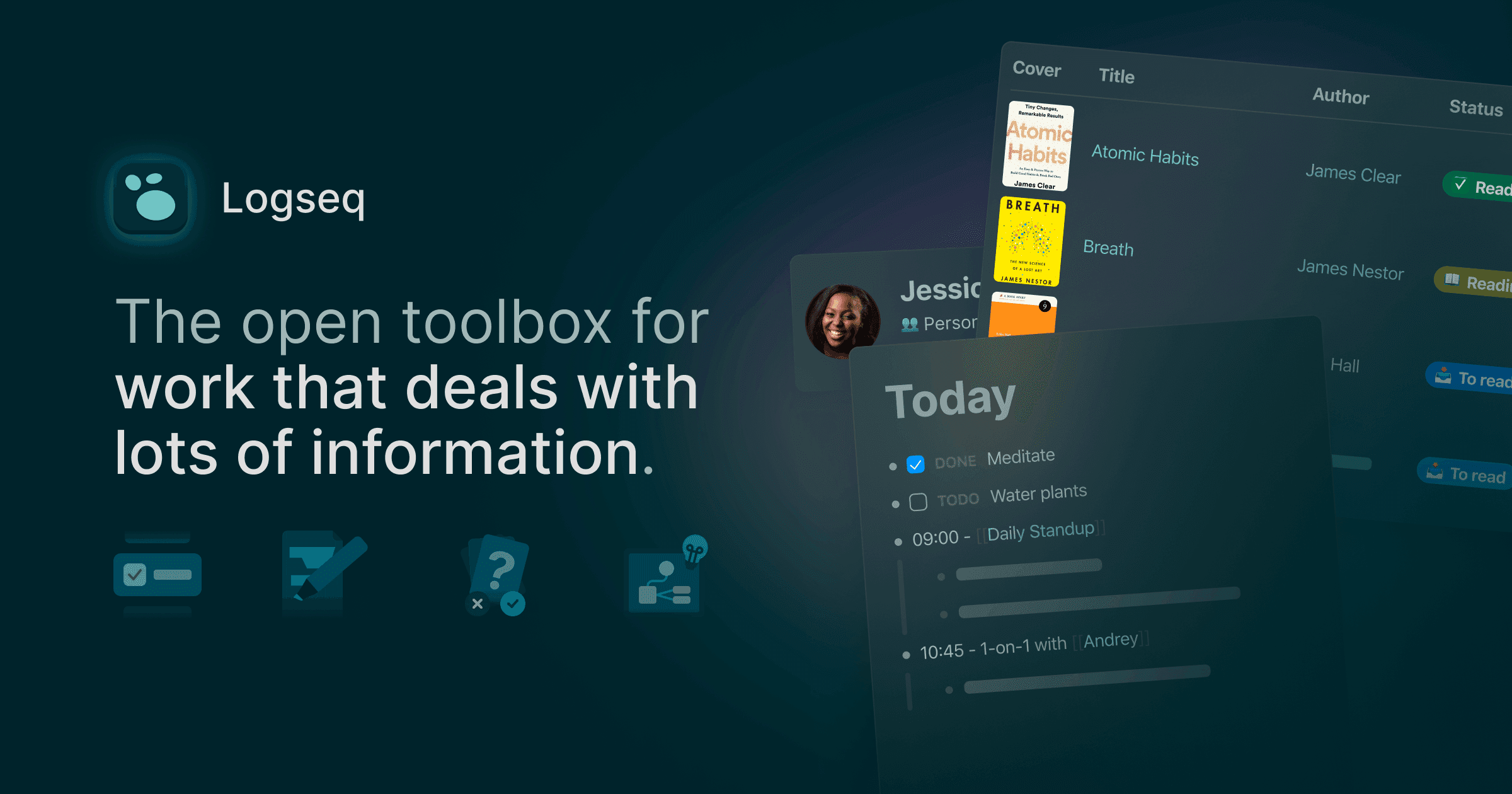
Screenshots
Commonly Cited Strengths & Limitations
Strengths
- Local-first storage gives users full control and privacy over their data
- Open-source and community-driven with transparent development
- Notes stored as portable Markdown/plain text, syncable via Git, iCloud, or Dropbox
- Fast, flexible capture without rigid folders (daily journal, outliner, backlinks)
- Powerful query language
- Extensive plugin and theme ecosystem for customization
Limitations
- Mobile apps (iOS and Android) are slow, janky, and frequently criticized
- Syncing across devices isn't automatic unless you pay for Logseq Sync or set up your own solution, and sync reliability complaints are common
- No built-in task manager, AI organization, or native email/calendar, so many users run additional apps alongside it
- Steep learning curve and an uneven, occasionally laggy UI
Common Use Cases
- Building a personal knowledge base
- Note-taking and research
- Querying personal notes
- Task and journal management
- PDF annotation and study with flashcards
Details
- Pricing Model
- Freemium
- Starting Price
- $5/mo
- Category
- Productivity & Automation
Who is Logseq for?
Researchers and academics
Use the linked graph, queries, and PDF annotation to connect sources and organize research.
Developers
Rely on plain-text Markdown files, Git-based version control, and the plugin ecosystem to customize their workflow.
Students
Capture lecture notes in the daily journal and turn them into spaced-repetition flashcards for studying.
Privacy-conscious note-takers
Keep all notes stored locally under their own control instead of in a vendor's cloud.
Frequently Asked Questions
Is Logseq free?
Logseq offers a free plan, with paid plans starting at $5/mo.
Does Logseq have an API?
Yes, Logseq provides an API for developers.
Is Logseq open source?
Yes, Logseq is open source.
What does Logseq integrate with?
Logseq integrates with Git, GitHub, iCloud, Dropbox, Readwise.
Is Logseq cloud-based or self-hosted?
Logseq is offered as an on-premise (self-hosted) deployment.
What are the downsides of Logseq?
Mobile apps (iOS and Android) are slow, janky, and frequently criticized Also, Syncing across devices isn't automatic unless you pay for Logseq Sync or set up your own solution, and sync reliability complaints are common
Who is Logseq best for?
Logseq is best suited for Researchers and academics, Developers, Students.
What can I use Logseq for?
Common uses for Logseq include building a personal knowledge base, note-taking and research, querying personal notes, task and journal management.
What is the best alternative to Logseq?
Our reviewed alternatives to Logseq are Obsidian and Roam Research.
How does Logseq compare to Keepi?
Logseq and Keepi are both used for productivity & automation -- specifically knowledge management tools. See the full side-by-side comparison for pricing and feature differences.
Key Features
- Knowledge graphLinks blocks and pages into a connected graph database with a visual graph view.
- Bidirectional linksAutomatically connects related notes so references work in both directions.
- OutlinerOrganizes notes as nested, hierarchical bullet outlines.
- Plain-text local storageStores notes as Git-friendly Markdown files kept locally on your device.
- Query languageLets you query your knowledge base to surface and organize information dynamically.
- Daily journalProvides a daily notes page for quick capture of tasks and ideas.
- Block references and transclusionsEmbeds and reuses individual blocks across pages.
- PDF annotationLets you highlight and annotate PDFs alongside your notes.
- FlashcardsTurns notes into spaced-repetition flashcards for study.
- WhiteboardsOffers a visual canvas for spatially arranging notes and ideas.
- Plugins and themesExtends functionality and appearance through a community plugin ecosystem.
- Logseq SyncOptional paid service that syncs graphs across devices.
Integrations
Technical Details
- Deployment
- On-Premise
- Target Market
- B2C
- API
- Available
- Free Plan
- Available
Support
Official Pricing
Logseq's published plans · verified Sep 18, 2026
Free
$0
- Unlimited local notes
- Daily journal
- Bidirectional links and graph view
- Queries
- Plugins and themes
- PDF annotation
Logseq Sync
$5/mo
- Sync graphs across devices
Sponsor
$15/mo
- Early access to experimental features
- Beta access to Logseq Sync
Pricing shown above is sourced from Logseq's own published plans as of Sep 18, 2026 and can change at any time -- confirm current pricing on Logseq's own site before purchasing.
Full Logseq pricing breakdown, free plan and cheaper alternatives →
Real Pricing from Verified Users
See what people actually pay for Logseq
Reviews
0 reviews
No reviews yet. Be the first to share your experience!
Switching Stories
Real migration experiences with Logseq
Discussion
Ask questions, share tips, or discuss this tool with other users.
No discussion yet. Start the conversation!
Logseq alternatives we reviewed
Reviewed when this listing was published; open-source options are marked.
Obsidian
Local-first Markdown knowledge base with bidirectional links and plugins
Roam Research
Networked note-taking tool built around bidirectional linking
Similar tools in Productivity & Automation
Other listed tools in Productivity & Automation, not reviewed as direct alternatives

- Capture by forwarding
- Voice transcription
- Article reading
All-in-one AI knowledge workspace for deeper thinking, not just faster answers
Also Knowledge Management Tools
- Ponder Agent
- Infinite canvas / knowledge mapping
- Multi-source import

AI workspace for docs, notes, wikis and selling subscriptions
Also Knowledge Management Tools
- Docs, notes and wikis
- AI credits
- Sell subscriptions on pages

- Links
- Graph
- Canvas

- Living timeline
- Contextual search
- Instant summaries

A knowledge management app that organizes notes as connected objects instead of files and folders
Also Knowledge Management Tools
- Objects
- Backlinks
- Related Content
People Also Viewed


More in Productivity & Automation

Connect your apps and automate workflows

Customer experience automation

Automate anything without code

Digital analytics platform