
Animaker
Online animation platform to create studio-quality animated videos from a text prompt, no design skills needed
Data verified Sep 11, 2026
Score
Editorial Verdict
AI-researched, not hands-on tested99% accurate subtitles across 130+ languages, with full scene-to-voiceover video generation requiring no animation experience, is a strong free-tier starting point. The free plan does carry watermarks and limits premium assets to the basics.
Reviewed by AIToolPundit Editorial Team · last verified October 2026
About Animaker
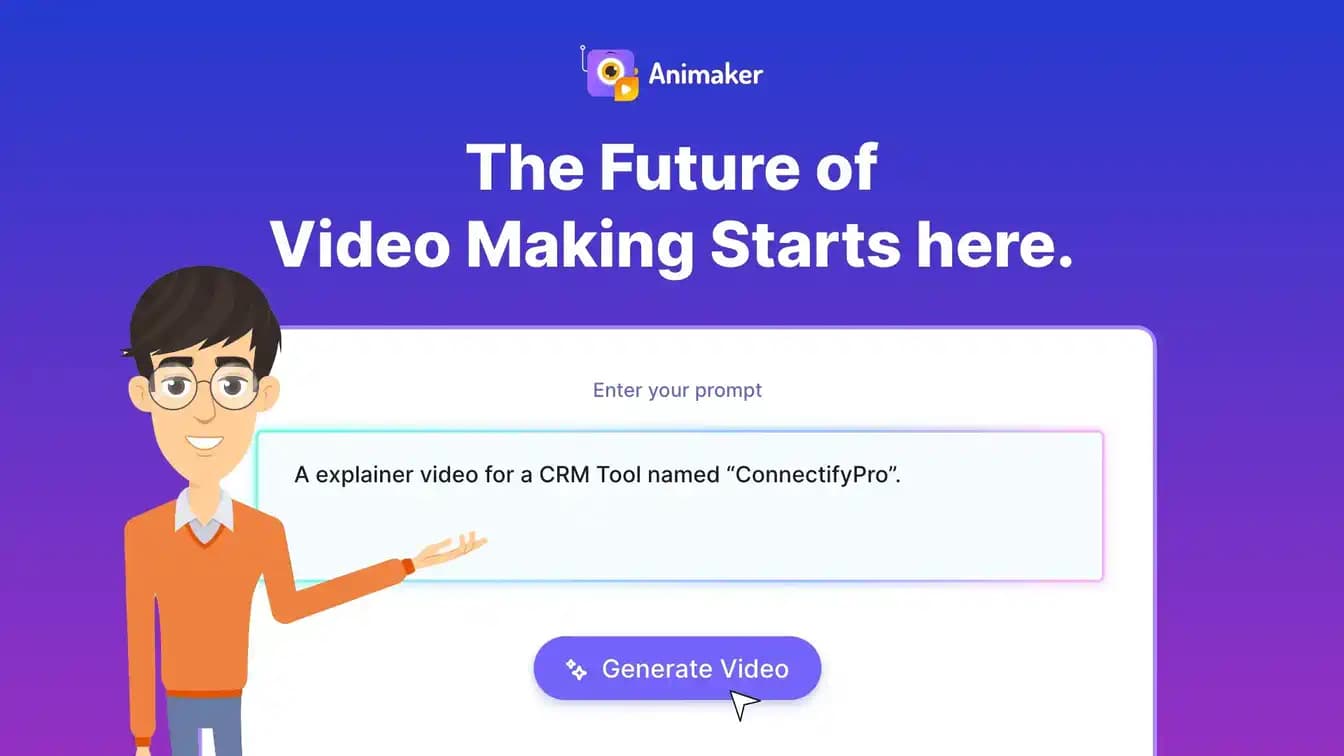
Animaker is a browser-based animation and video-making tool that lets anyone generate studio-quality animated videos from a single text prompt, complete with characters, voiceovers, lip sync, and transitions. It pairs AI generation with a drag-and-drop editor, a large asset library, a character builder, AI subtitles and voices, and one-click video translation. Finished videos can be exported as MP4, GIF, or WebM up to 4K or published directly to social media.
Screenshots
Commonly Cited Strengths & Limitations
Strengths
- 99% accurate AI subtitles in 130+ languages
- Generates videos with scenes, characters, voiceover, lip sync, and transitions in seconds
- No scripting or animation experience needed
- Responsive and useful customer support
Limitations
- Free plan exports include watermarks
- Free plan offers only limited premium assets and basic animation tools
Common Use Cases
- Explainer videos
- Training videos
- Promo videos
- Onboarding videos
- Educational courses
- Product demos
- Marketing and sales content
- Internal communications
- Personal videos (birthday wishes, wedding invites, resumes)
Details
- Pricing Model
- Freemium
- Team Size
- Small Business, Enterprise
- Category
- Design & Creative
Who is Animaker for?
L&D Course Creators
Create animated videos that simplify complex concepts and make courses more engaging and visually compelling.
HR Teams
Make onboarding, orientation, and compliance videos without depending on professional video creators.
Marketers and Sales Professionals
Create engaging video content to entice followers and clients and make an impact internally and externally.
Internal Communications Teams
Guide colleagues effectively with well-crafted animated videos to support company culture.
Frequently Asked Questions
Is Animaker free?
Animaker offers a free plan.
Does Animaker have an API?
Animaker does not currently offer a public API.
Is Animaker cloud-based or self-hosted?
Animaker is offered as a cloud-based (SaaS) deployment.
What are the downsides of Animaker?
Free plan exports include watermarks Also, Free plan offers only limited premium assets and basic animation tools
Who is Animaker best for?
Animaker is best suited for L&D Course Creators, HR Teams, Marketers and Sales Professionals.
What can I use Animaker for?
Common uses for Animaker include explainer videos, training videos, promo videos, onboarding videos.
How does Animaker compare to InfiniteArt.ai?
Animaker and InfiniteArt.ai are both used for design & creative -- specifically video editing tools. See the full side-by-side comparison for pricing and feature differences.
Key Features
- Animation Video CreationPowerful tools let anyone create a studio-quality animated video in an instant.
- Animation Character BuilderBuild billions of unique animation characters for your brand.
- AI Subtitles & Voices99% accurate AI subtitles in 130+ languages plus 1,800+ human-like voices across 200+ languages and accents.
- Asset & Animation Library100M+ stock media, 70K+ icons, and 30K+ music tracks & stickers.
- One-Click Video TranslationTranslate animation videos into 100+ languages with one click.
- Video Templates1000s of unique video templates to create professional animated videos in under 5 minutes.
- Advanced EditFine-tune AI-generated videos with full creative control and no technical skill required.
- Export & ShareDownload as MP4, GIF, or WebM from SD up to 4K, or publish to social media channels.
Technical Details
- Deployment
- Cloud
- Target Market
- Both
- Free Plan
- Available
Official Pricing
Animaker's published plans · verified Sep 11, 2026
Free
Contact Sales
- Create and download animated videos
- Basic animation tools
- Limited premium assets
- Watermarked exports
Basic
Contact Sales
Starter
Contact Sales
Pro
Contact Sales
Enterprise
Contact Sales
Pricing shown above is sourced from Animaker's own published plans as of Sep 11, 2026 and can change at any time -- confirm current pricing on Animaker's own site before purchasing.
Full Animaker pricing breakdown, free plan and cheaper alternatives →
Real Pricing from Verified Users
See what people actually pay for Animaker
Reviews
0 reviews
No reviews yet. Be the first to share your experience!
Switching Stories
Real migration experiences with Animaker
Discussion
Ask questions, share tips, or discuss this tool with other users.
No discussion yet. Start the conversation!
Similar tools in Design & Creative
Other listed tools in Design & Creative, not reviewed as direct alternatives

AI creative studio for iOS and Mac that turns text into images and animates them into video.
Also Video Editing Tools
- Text-to-image generation
- Generate videos
- Multiple image models
AI dubbing and localization with a full editor to transcribe, translate, caption, and dub in 50+ languages.
Also Video Editing Tools
- Automated dubbing
- Transcription
- Translation

- Seedance 2.5
- Nano Banana Pro
- Higgsfield Genjutsu

AI creative agents that turn one brief into on-brand images, video, copy, slides, and audio
Also Video Editing Tools
- AI Agent
- Brand consistency
- Smart Model Routing

- ClipAnything
- ReframeAnything
- AI captioning

- Templates Library
- Magic Studio (AI)
- Magic Write
Also used for
People Also Viewed


More in Design & Creative

Collaborative interface design tool

The world's best image editing software