CinLink
AI desktop app for editing, translating, and repurposing video.
Data verified Sep 26, 2026
Score
Editorial Verdict
AI-researched, not hands-on testedCinLink bundles video editing, translation, and repurposing into a single desktop app, so its main appeal is convenience for creators who'd otherwise stitch together separate tools for each step — particularly anyone regularly localizing or reformatting the same footage for multiple platforms. It fits solo creators and small teams doing routine multilingual or multi-format video work on their own machine rather than in the cloud. The honest caveat: there's no free tier and no published feature or pricing detail here, so it's hard to judge how its editing and translation quality stacks up against established tools before paying. Confirm the actual price and test the translation output on your own clips before committing.
Reviewed by AIToolPundit Editorial Team · last verified September 2026
About CinLink
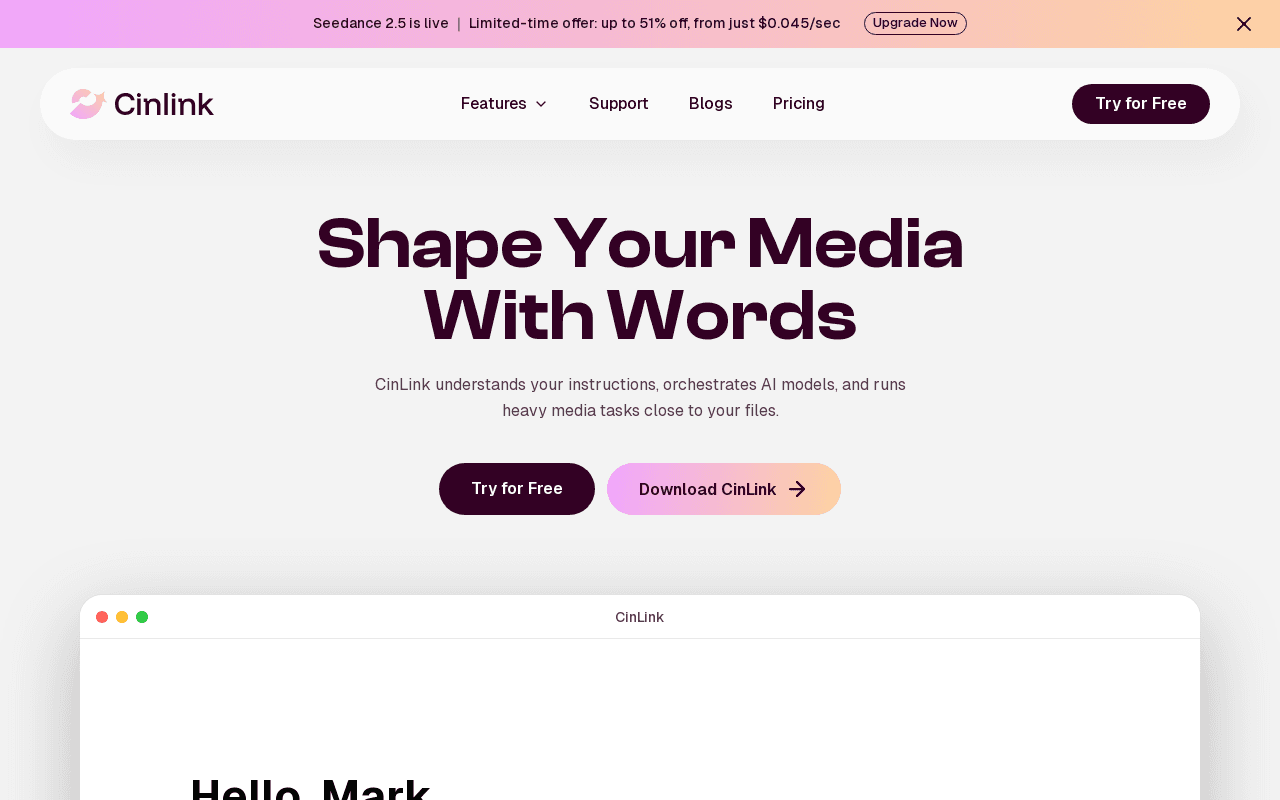
CinLink is an AI desktop app for editing, translating, and repurposing video, bundling several video post-production tasks (edit, translate, reformat/repurpose) into one desktop tool instead of separate apps for each step. It is aimed at video creators who want editing, translation, and repurposing handled in one desktop application rather than juggling multiple separate tools.
Screenshots
Common Use Cases
- Video creators who want subtitle/translation/dubbing workflows automated instead of done clip-by-clip in a traditional editor
- Teams repurposing long-form video into shorter, localized, or multilingual versions at volume
Details
- Pricing Model
- Freemium
- Starting Price
- Free (100 one-time credits); Creator $19/mo (2,500 credits); Studio $59/mo (8,500 credits); Enterprise custom
- Category
- AI Image & Video Generation
Frequently Asked Questions
Is CinLink free?
CinLink offers a free plan, with paid plans starting at Free (100 one-time credits); Creator $19/mo (2,500 credits); Studio $59/mo (8,500 credits); Enterprise custom.
Does CinLink have an API?
CinLink does not currently offer a public API.
Is CinLink cloud-based or self-hosted?
CinLink is offered as a cloud-based (SaaS) deployment.
What can I use CinLink for?
Common uses for CinLink include video creators who want subtitle/translation/dubbing workflows automated instead of done clip-by-clip in a traditional editor, teams repurposing long-form video into shorter, localized, or multilingual versions at volume.
How does CinLink compare to Fliki?
CinLink and Fliki are both used for ai image & video generation. See the full side-by-side comparison for pricing and feature differences.
Key Features
- AI Workflow OrchestrationDescribe what you want in plain language and CinLink builds and runs a multi-step media workflow (e.g. extract audio, transcribe, add subtitles) automatically.
- Whole-Project UnderstandingBrings speech, visuals, on-screen text, scripts, and timecodes together in one searchable project, not just one file at a time.
- Timed Captions & StylingTurns speech into timed captions with adjustable wording and style, exportable as SRT or burned into video, including bilingual captions.
- Multilingual DubbingTranslates captions and dialogue and generates a new voice track, with review before exporting a dubbed video.
- Video Repurposing ToolsShorten video into highlights, enhance/upscale quality while preserving audio, add watermarks, and generate images or video from the project context.
Technical Details
- Deployment
- Self-Hosted
- Free Plan
- Available
Official Pricing
CinLink's published plans · verified Sep 26, 2026
Free
$0/mo
- 100 one-time credits
- Try subtitles, transcription, basic translation
Creator
$19/mo/mo
- 2,500 credits/month
- AI subtitles, transcription, subtitle translation
Studio
$59/mo/mo
- 8,500 credits/month
- Batch video processing, for teams/agencies
Enterprise
Custom/mo
- Custom credits, team seats, private deployment, API
Pricing shown above is sourced from CinLink's own published plans as of Sep 26, 2026 and can change at any time -- confirm current pricing on CinLink's own site before purchasing.
Full CinLink pricing breakdown, free plan and cheaper alternatives →
Real Pricing from Verified Users
See what people actually pay for CinLink
Reviews
0 reviews
No reviews yet. Be the first to share your experience!
Switching Stories
Real migration experiences with CinLink
Discussion
Ask questions, share tips, or discuss this tool with other users.
No discussion yet. Start the conversation!
Similar tools in AI Image & Video Generation
Other listed tools in AI Image & Video Generation, not reviewed as direct alternatives

Turn text, scripts, or prompts into AI-narrated videos with 2,000+ voices in 80+ languages.
Similar tool in AI Image & Video Generation
- Text to Video
- Text to Speech
- AI Video Generator

Free AI painting app that turns simple brushstrokes into photorealistic landscape images in real time
Similar tool in AI Image & Video Generation
- Brushstroke-to-landscape generation
- Concept background creation
- Real-world materials and styles

AI that turns long videos into ready-to-post YouTube Shorts, TikToks, and Reels.
Similar tool in AI Image & Video Generation
- Center stage facial tracking
- One-click animated subtitles
- Unlimited high-quality exports

One workspace to generate AI videos, images, and ads using leading AI models.
Similar tool in AI Image & Video Generation
- AI Video Agent
- AI Cinematic Control
- Unified Model Hub

Create winning UGC video ads with 1,000+ AI actors and no film crew.
Similar tool in AI Image & Video Generation
- 1,000+ AI Actors library
- Custom AI Actor/Avatar
- Multiple AI models
Browser-based AI creative platform for images, video and audio with an infinite canvas and team editing
Similar tool in AI Image & Video Generation
- Infinite canvas
- Multiple model providers
- Editing tools
People Also Viewed


More in AI Image & Video Generation

All-in-one audio & video editing


Open-source image generation AI