
Decksy
AI presentation maker that turns topics, text, or files into ready-to-edit slide decks
Data verified Sep 12, 2026
Score
- Try it free
- Free plan
- Best for
- Business Professionals
Editorial Verdict
AI-researched, not hands-on testedFast generation that handles both content structure and design makes Decksy genuinely quick for pitch decks and reports without design skills. It's not built for pixel-perfect control that a graphic designer would want, AI-generated text often needs a human pass to sound less generic, and exporting requires a paid upgrade.
Reviewed by AIToolPundit Editorial Team · last verified October 2026
About Decksy
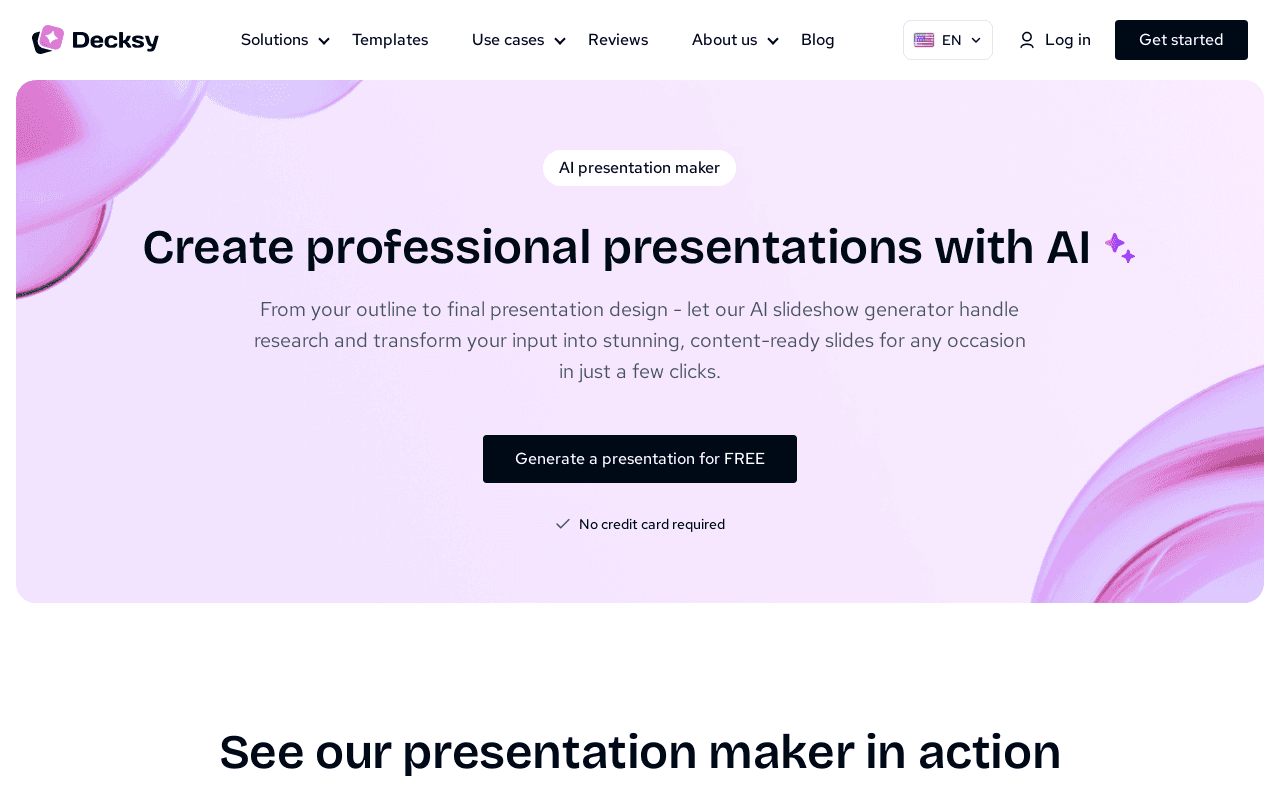
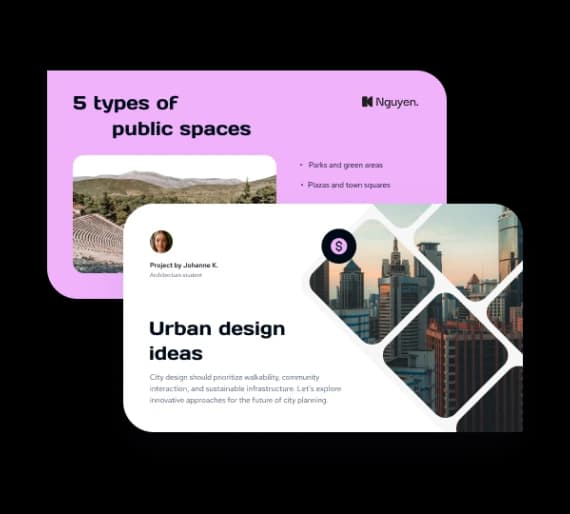
Decksy is an AI presentation maker that transforms a topic, pasted text, or uploaded file (PDF, Word, Markdown, Excel) into a fully designed, content-ready slide deck paired with a professional template. It's aimed at business professionals, educators, students, and startups who want polished decks fast without design skills, and it differentiates itself with a built-in Deep Research engine that gathers verified, cited sources by cross-checking models like ChatGPT, Gemini, and DeepSeek. Reviewers say it's best for speed and convenience over pixel-perfect design control.
Screenshots
Commonly Cited Strengths & Limitations
Strengths
- Fast generation with minimal editing needed
- Easy to use, no design skills required
- Handles both content structure and design
- Well-suited to pitch decks, reports, and educational use
- Clean slides with proper formatting saves time
Limitations
- Not ideal for graphic designers who need pixel-perfect control
- AI-generated text sometimes needs humanising and feels generic
- Export capabilities require a paid upgrade
- Some decks require extensive manual editing to be usable professionally
- A minority of reviewers found the generated results disappointing
Common Use Cases
- Business presentations
- Pitch decks
- Healthcare presentations
- HR presentations
- Life science research decks
- Student presentations
- Teacher lesson slides
- Marketing presentations
- Sales presentations
- Startup decks
- Reports and internal updates
- Client presentations
Details
- Pricing Model
- Freemium
- Team Size
- Small Business, Enterprise
- Category
- Design & Creative
Who is Decksy for?
Business Professionals
Create professional business, sales, and client presentations plus pitch decks and internal updates with AI.
Educators
Turn lesson plans and lecture material into structured, classroom-ready slides.
Students
Craft engaging student presentations from a topic or notes.
Healthcare & Life Sciences Teams
Build clear healthcare and life-science research presentations with AI support.
Frequently Asked Questions
Is Decksy free?
Decksy offers a free plan.
Does Decksy have an API?
Decksy does not currently offer a public API.
What does Decksy integrate with?
Decksy integrates with ChatGPT, Gemini, DeepSeek.
Is Decksy cloud-based or self-hosted?
Decksy is offered as a cloud-based (SaaS) deployment.
What are the downsides of Decksy?
Not ideal for graphic designers who need pixel-perfect control Also, AI-generated text sometimes needs humanising and feels generic
Who is Decksy best for?
Decksy is best suited for Business Professionals, Educators, Students.
What can I use Decksy for?
Common uses for Decksy include business presentations, pitch decks, healthcare presentations, hr presentations.
How does Decksy compare to SlideSpeak?
Decksy and SlideSpeak are both used for design & creative -- specifically presentation-tools. See the full side-by-side comparison for pricing and feature differences.
Key Features
- AI Presentation MakerGenerates professional presentations from an outline or input, handling research, layout, tone, and flow.
- AI PowerPoint GeneratorTurns any topic into a ready-to-edit slide deck.
- AI Pitch Deck GeneratorCreates pitch decks using an AI generator.
- AI PDF to PPTConverts PDF documents into presentation slides.
- AI Word to PPTConverts Word documents into ready-to-present slides.
- AI Text to PPTTurns pasted text into structured slides.
- AI Markdown to PPTTransforms Markdown files into PowerPoint slides.
- AI Excel to PPTTransfers Excel data into PowerPoint presentations.
- Deep Research engineGathers verified sources, adds citations, and cross-checks insights using models like ChatGPT, Gemini, and DeepSeek.
- Pre-made templatesHundreds of professionally designed templates that auto-match the input material.
- Flexible exportExports presentations across major file formats.
- Data encryptionEncrypts any data provided for AI-generated presentations to keep work secure.
Integrations
Technical Details
- Deployment
- Cloud
- Target Market
- Both
- Free Plan
- Available
Support
Official Pricing
Decksy's published plans · verified Sep 12, 2026
Free
Contact Sales
- Generate a presentation for free with no credit card required
Pricing shown above is sourced from Decksy's own published plans as of Sep 12, 2026 and can change at any time -- confirm current pricing on Decksy's own site before purchasing.
Real Pricing from Verified Users
See what people actually pay for Decksy
Reviews
0 reviews
No reviews yet. Be the first to share your experience!
Switching Stories
Real migration experiences with Decksy
Discussion
Ask questions, share tips, or discuss this tool with other users.
No discussion yet. Start the conversation!
Similar tools in Design & Creative
Other listed tools in Design & Creative, not reviewed as direct alternatives

Turn documents, text, and ideas into polished native PowerPoint slides with AI.
Also presentation-tools
- Create presentations from documents
- AI assistant (Charles)
- AI video presentations
AI-powered search engine that mines filings and earnings transcripts for investment insights.
Also Document Processing Tools
- Document Search
- Document Alerts & Filing Screener
- Trending Topics & Sentiment Analysis
All-in-one AI knowledge workspace for deeper thinking, not just faster answers
Also Document Processing Tools
- Ponder Agent
- Infinite canvas / knowledge mapping
- Multi-source import

- Create with AI
- Smart Slides
- Auto-aligning slide layouts

Document understanding OCR that extracts text, images, tables, and equations
Also Document Processing Tools
- State of the art understanding of complex documents
- Natively multilingual and multimodal
- Top-tier benchmarks

AI document parser that turns PDFs, emails, and documents into structured, ready-to-use data.
Also Document Processing Tools
- Document capture
- AI data extraction
- Normalization and validation
Also used for
People Also Viewed




More in Design & Creative

Collaborative interface design tool

The world's best image editing software