FME Hub
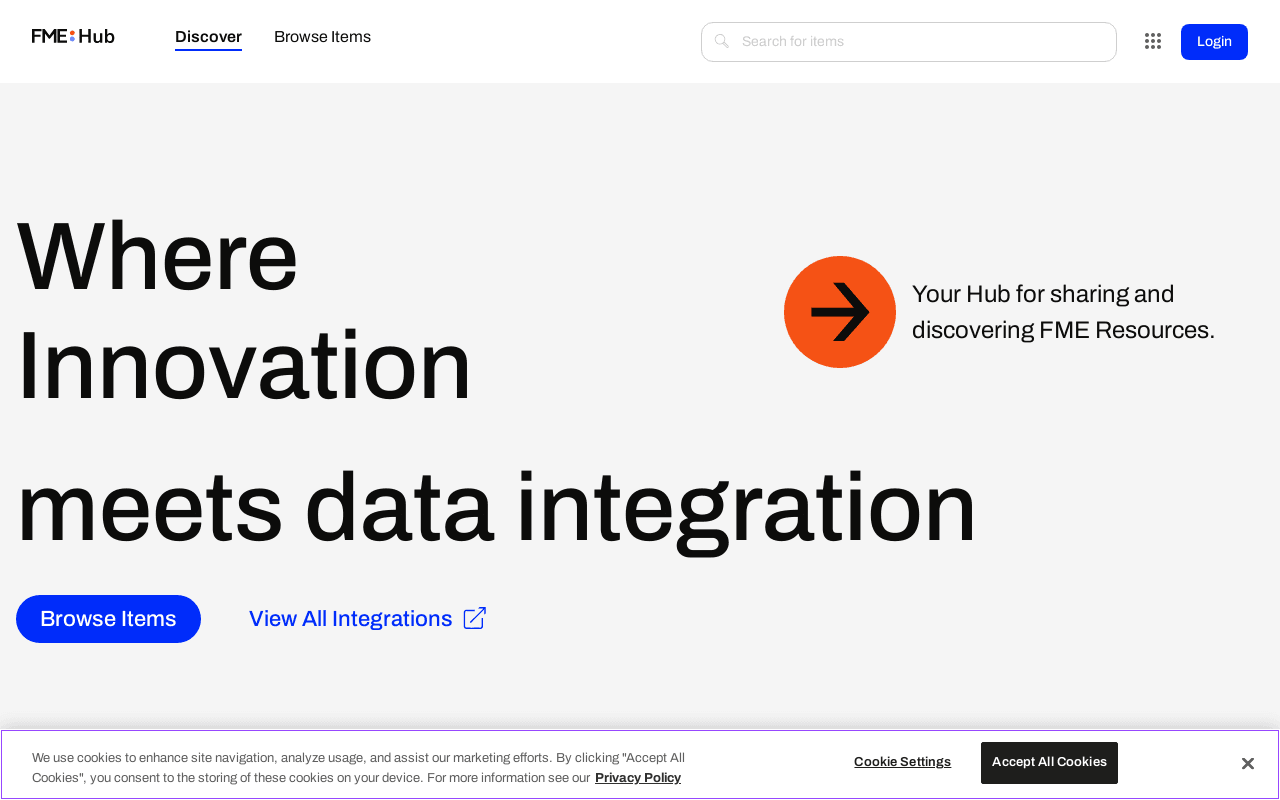
Free community hub for sharing and reusing FME transformers, formats, and templates
Data verified Sep 18, 2026
Score
- Price
- $0
- Try it free
- Free plan
- Best for
- GIS and Spatial Data Professionals
About FME Hub
FME Hub is Safe Software's free community platform where FME users find, download, and share reusable content—custom transformers, format readers/writers, web connections, and workspace templates—directly inside FME Workbench or via the web. It's aimed at GIS, CAD, and spatial-data professionals and developers who build FME data-integration workflows and want to avoid rebuilding common logic from scratch. What sets it apart is tight in-product integration and tiered publishers (Safe Software Official, Safe Software Lab, and Safe Sandbox) that signal how production-ready each shared item is.
Screenshots
Commonly Cited Strengths & Limitations
Strengths
- Strong reader/writer support for translating between many GIS and spatial data formats
- Free to use with no signup required to access tools
- Community-shared, pre-built transformers and templates that save setup time
- Tiered publishers signal which shared items are production-quality
Limitations
- The visual/no-code design can limit the volume of data handled, and very complex logic may be better done in code
- Some features have a steep learning curve
- Support experience reported as less than ideal
- Hub items (especially Safe Software Lab/Sandbox) have a limited test suite and may be less reliable or unsupported
- Some transformers get deprecated over time as libraries change or functionality is folded into FME
Common Use Cases
- Sharing and reusing FME transformers and templates
- Streamlining spatial data translation across GIS, CAD, and raster formats
- Connecting FME workflows to APIs and web services
Details
- Pricing Model
- Free
- Starting Price
- $0
- Category
- Data Management
Who is FME Hub for?
GIS and Spatial Data Professionals
They pull community transformers, format readers/writers, and templates to speed up translation across GIS, CAD, and raster formats.
FME Developers
They publish and privately store custom FME content, and use web connections to wire workflows into APIs and web services.
Frequently Asked Questions
Is FME Hub free?
Yes, FME Hub is free to use.
Does FME Hub offer a free trial?
Yes, FME Hub offers a free trial.
Does FME Hub have an API?
Yes, FME Hub provides an API for developers.
What does FME Hub integrate with?
FME Hub integrates with FME Workbench, FME Form.
Is FME Hub cloud-based or self-hosted?
FME Hub is offered as a cloud-based (SaaS) deployment.
What are the downsides of FME Hub?
The visual/no-code design can limit the volume of data handled, and very complex logic may be better done in code Also, Some features have a steep learning curve
Who is FME Hub best for?
FME Hub is best suited for GIS and Spatial Data Professionals, FME Developers.
What can I use FME Hub for?
Common uses for FME Hub include sharing and reusing fme transformers and templates, streamlining spatial data translation across gis, cad, and raster formats, connecting fme workflows to apis and web services.
How does FME Hub compare to Browse AI?
FME Hub and Browse AI are both used for data management -- specifically data management tools. See the full side-by-side comparison for pricing and feature differences.
Key Features
- No signup requiredTools can be browsed and accessed without creating an account.
- Community-based FME toolsAccess pre-built and customized FME tools shared by the community.
- FME Hub API
- Custom and pre-configured transformersBundled preconfigured transformers packaged together to save time.
- Web connectionsPreconfigured tools to connect to an API or web service from within an FME workflow.
- Private storage of toolsStore FME creations privately and access them from anywhere.
- Public sharing of toolsShare FME creations publicly for the community to use.
- Workspace templatesPartially configured templates that reduce complexity and can include datasets.
- Custom format readers and writersRead and write formats the core FME product cannot handle out-of-the-box.
- In-product accessAccess items through FME Workbench's quick-type tool.
- Drag-and-drop uploadUpload tools to the Hub via a drag-and-drop interface.
- Tiered publishersContent is organized under Safe Software Official, Safe Software Lab, and Safe Sandbox to indicate production-readiness.
Integrations
Technical Details
- Deployment
- Cloud
- Target Market
- B2B
- API
- Available
- Free Trial
- Yes
- Free Plan
- Available
Support
Official Pricing
FME Hub's published plans · verified Sep 18, 2026
Free
$0
Pricing shown above is sourced from FME Hub's own published plans as of Sep 18, 2026 and can change at any time -- confirm current pricing on FME Hub's own site before purchasing.
Real Pricing from Verified Users
See what people actually pay for FME Hub
Reviews
0 reviews
No reviews yet. Be the first to share your experience!
Switching Stories
Real migration experiences with FME Hub
Discussion
Ask questions, share tips, or discuss this tool with other users.
No discussion yet. Start the conversation!
Similar tools in Data Management
Other listed tools in Data Management, not reviewed as direct alternatives

- AI-powered data extraction
- Website change monitoring
- Scheduled runs
AI suite for sales and support conversations on WhatsApp and other messaging channels
Also Automation & Workflow Tools
- Omnichannel team inbox
- AI agents
- Automation flow builder
- Natural language task capture
- Today, Upcoming & custom filters
- Planning & scheduling
- AI agents
- AI summaries
- Structured workflows

- Bank payments
- Credit scoring & underwriting
- Fraud protection

- Courses
- Coaching
- Communities
Also used for
People Also Viewed



More in Data Management


Customer data platform