
GitHub Copilot CLI
AI-powered coding assistant that works agentically in your terminal
Data verified Oct 17, 2026
Score
- Price
- Free; paid from $10/month
- Best for
- GitHub-centric developers
Editorial Verdict
AI-researched, not hands-on testedGitHub Copilot CLI is a terminal agent from GitHub that edits code, runs git operations and works with issues and pull requests. It fits developers already on GitHub Copilot who want an agent in the terminal. It is included in Free, Pro, Pro+, Max, Business and Enterprise, but each interaction uses AI credits, and Free has limited usage. For open-source terminal agents, look at Gemini CLI, OpenAI Codex CLI, OpenCode or Aider.
Reviewed by AIToolPundit Editorial Team · last verified October 2026
About GitHub Copilot CLI
GitHub Copilot CLI brings Copilot's agentic coding into the command line, letting developers write, debug, refactor, and understand code through natural language while managing GitHub repos, issues, and pull requests conversationally. It's aimed at developers and engineering teams who want AI help without leaving the shell, and it requires explicit user approval before running any action. Its deep, native GitHub integration and per-action approval model are what most distinguish it from other terminal AI assistants.
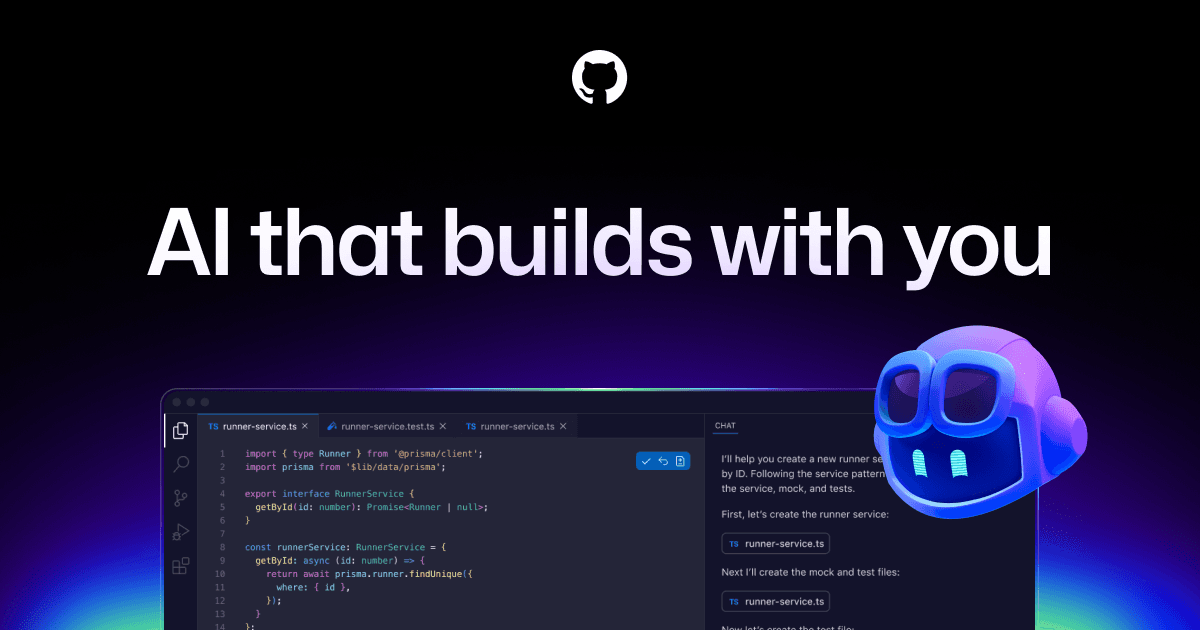
Screenshots
Commonly Cited Strengths & Limitations
Strengths
- Included in every Copilot plan, including Free, per the plans page.
- Works with GitHub issues and pull requests, including creating PRs and reviewing them.
- Supports plan mode, autopilot mode, parallel subagents (/fleet) and model switching.
- Customizable with MCP servers, custom agents, skills, hooks and AGENTS.md.
Limitations
- Requires an active paid GitHub Copilot subscription
- LSP servers are not bundled and must be installed separately
- Users report the CLI is sluggish and can hang, being much slower than Copilot Chat or competing tools on the same tasks
- Can struggle to complete larger refactors, sometimes failing after 10+ minutes
- Generated commands and code still need manual review for correctness and security
Common Use Cases
- AI coding assistance from the terminal
- Managing GitHub repos, issues, and pull requests via natural language
- Debugging and refactoring code
- Avoiding context switching between IDE and command line
Details
- Pricing Model
- Paid
- Starting Price
- Free; paid from $10/month
- Founded
- 2008
- Team Size
- Small Business, Enterprise
- Headquarters
- San Francisco, CA, USA
- Category
- Developer Tools
Who is GitHub Copilot CLI for?
GitHub-centric developers
It can list and create issues and PRs and review PRs from the terminal.
Developers wanting multi-model choice
The /model command and the plans page list Claude, GPT, Gemini, Grok and other models.
Teams needing governance
Copilot Business and Enterprise add content exclusion and admin enablement.
Frequently Asked Questions
How much does GitHub Copilot CLI cost?
GitHub Copilot CLI starts at Free; paid from $10/month (Paid).
Does GitHub Copilot CLI have an API?
Yes, GitHub Copilot CLI provides an API for developers.
What does GitHub Copilot CLI integrate with?
GitHub Copilot CLI integrates with GitHub, Homebrew, WinGet, npm, LSP servers, Claude, GPT, MCP servers.
Is GitHub Copilot CLI cloud-based or self-hosted?
GitHub Copilot CLI is offered as a cloud-based (SaaS) deployment.
What are the downsides of GitHub Copilot CLI?
Requires an active paid GitHub Copilot subscription Also, LSP servers are not bundled and must be installed separately
Who is GitHub Copilot CLI best for?
GitHub Copilot CLI is best suited for GitHub-centric developers, Developers wanting multi-model choice, Teams needing governance.
What can I use GitHub Copilot CLI for?
Common uses for GitHub Copilot CLI include ai coding assistance from the terminal, managing github repos, issues, and pull requests via natural language, debugging and refactoring code, avoiding context switching between ide and command line.
What is the best alternative to GitHub Copilot CLI?
Our reviewed alternatives to GitHub Copilot CLI are Claude Code, OpenAI Codex, Gemini CLI, OpenAI Codex CLI, OpenCode and Aider. Open-source options: Gemini CLI, OpenAI Codex CLI, OpenCode, Aider.
How does GitHub Copilot CLI compare to Keepi?
GitHub Copilot CLI and Keepi are both used for developer tools -- specifically chat assistants. See the full side-by-side comparison for pricing and feature differences.
Key Features
- Terminal AI coding assistanceProvides AI-powered code help directly in the command line.
- Natural language interactionLets users request commands and explanations in everyday language.
- Deep GitHub integrationInteracts with repositories, issues, and pull requests via natural language.
- Agentic capabilitiesPlans and executes complex tasks including building, debugging, and refactoring.
- Action preview and approvalRequires explicit user approval before running any action.
- LSP supportEnables go-to-definition and hover information in the terminal via language servers.
- Multiple AI modelsOffers a choice of models including Claude and GPT.
- Experimental modeProvides access to new features.
- Autopilot modeRuns tasks continuously without stopping for each step.
- Cross-platform supportWorks on Linux, macOS, and Windows.
Integrations
Technical Details
- Deployment
- Cloud
- Target Market
- B2B
- API
- Available
Support
Official Pricing
GitHub Copilot CLI's published plans · verified Oct 17, 2026
Free
$0/mo
- 2,000 completions per month
- Access to Haiku 4.5, GPT-5 mini, and more
- Copilot CLI
- Community Support
Pro
$10/mo
- Cloud agent and code review
- Unlimited code completion and next edit suggestions
- Access to 3rd party agents (Claude Code and Codex)
- Model selection
- $15 monthly total credits
Pro+
$39/mo
- Access to premium models, including Opus
- Audit logs
- 4x+ included usage than Pro
- $70 monthly total credits
Max
$100/mo
- Priority access to new models and features
- 2.9x+ included usage than Pro+
- $200 monthly total credits
Business
$19/mo
- Per user pricing
- Unlimited code completion and next edit
- Cloud agent and code review
- Access control, budget control, and governance
- IP indemnity and data privacy
- Web-based support
Enterprise
$39/mo
- Priority access to new models and features
- 2x included usage than Business
- Larger pooled credits
Pricing shown above is sourced from GitHub Copilot CLI's own published plans as of Oct 17, 2026 and can change at any time -- confirm current pricing on GitHub Copilot CLI's own site before purchasing.
Full GitHub Copilot CLI pricing breakdown, free plan and cheaper alternatives →
Real Pricing from Verified Users
See what people actually pay for GitHub Copilot CLI
Reviews
0 reviews
No reviews yet. Be the first to share your experience!
Switching Stories
Real migration experiences with GitHub Copilot CLI
Discussion
Ask questions, share tips, or discuss this tool with other users.
No discussion yet. Start the conversation!
GitHub Copilot CLI alternatives we reviewed
Reviewed when this listing was published; open-source options are marked.
Claude Code
Anthropic's terminal-based agentic coding assistant.
OpenAI Codex
OpenAI's agentic coding tool for autonomous development tasks.
Gemini CLI
Open sourceOpen-source command-line AI agent from Google.
- Cost:
- Free / self-host
- Licence:
- Open source
OpenAI Codex CLI
Open sourceOpen-source terminal coding agent from OpenAI.
- Cost:
- Free / self-host
- Licence:
- Open source
OpenCode
Open sourceOpen-source terminal coding agent.
- Cost:
- Free / self-host
- Licence:
- Open source
Aider
Open sourceOpen-source terminal pair-programming tool.
- Cost:
- Free / self-host
- Licence:
- Open source
Similar tools in Developer Tools
Other listed tools in Developer Tools, not reviewed as direct alternatives

- Capture by forwarding
- Voice transcription
- Article reading
Chat with AI versions of favorite fictional, anime, and historical characters.
Also Chat Assistants
- Diverse character library
- Custom character creation
- Voice chat
- AI support
- Live chat
- AI copilot
- Live chat widget
- AI chatbot
- Omnichannel inbox

- Conversations
- Code Generation
- Image Analysis

- Replit chat
- Free mode
- Infinite Canvas
Also used for
More from github.com


People Also Viewed


More in Developer Tools
The platform for smart business apps


The agentic IDE powered by Codeium AI

Prompt, run, edit & deploy full-stack apps in the browser