IBM MaaS360
AI-powered unified endpoint management for securing devices, apps, and data across an enterprise
Data verified Sep 23, 2026
Editorial Verdict
AI-researched, not hands-on testedEnterprise-grade device management that does the fundamentals well: it enrolls and secures a wide mix of hardware (Android, iOS, iPadOS, Chrome OS, Windows, macOS) from one console, with BYOD containerization to wall off corporate data from personal apps and Watson-based threat alerts layered on top. It's a reasonable fit for IT and security teams at businesses standardizing on mixed-fleet or BYOD programs, especially those already invested in IBM's ecosystem. The main tradeoffs to weigh: users report a dated, click-heavy admin interface with limited reporting flexibility, and there's no Linux support—so shops with Linux endpoints will need to cover those elsewhere.
Reviewed by AIToolPundit Editorial Team · last verified September 2026
About IBM MaaS360
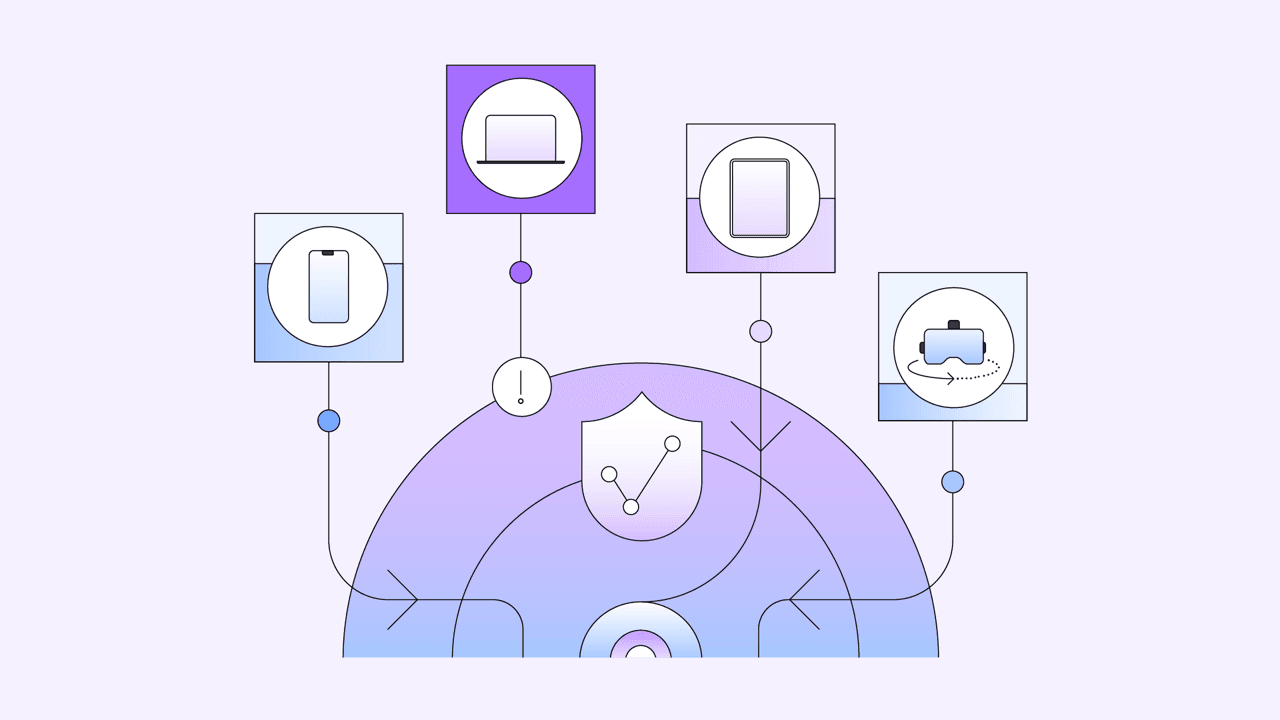
IBM MaaS360 is a cloud-based mobile device management (MDM) and unified endpoint management (UEM) platform that lets IT and security teams enroll, manage, and secure smartphones, tablets, laptops, and IoT devices from a single console. It's built for enterprises and small businesses running BYOD or corporate-owned device programs, keeping corporate data isolated in a secure container separate from personal apps. Its main differentiator is AI-driven security insights powered by IBM Watson, which surface real-time threat alerts and policy recommendations across Android, iOS, iPadOS, Chrome OS, Windows, and macOS.
Screenshots
Commonly Cited Strengths & Limitations
Strengths
- Comprehensive security and device management capabilities
- Broad support for many device types and operating systems (Android, iOS, iPadOS, Chrome OS, Windows, macOS)
- Containerization that separates corporate data from personal apps for BYOD
- AI-powered security insights and real-time alerts via IBM Watson
Limitations
- Interface feels outdated and some settings are buried behind extra clicks
- Limited customization and inflexible reporting tools
- No support for Linux devices
- Deleting a user from the admin console is slow
- Devices can experience communication problems and become blocked
Common Use Cases
- Managing and securing enterprise mobile devices
- Supporting BYOD programs
- Separating and protecting corporate data on employee devices
- Deploying and updating apps across an organization
- Secure content collaboration among colleagues
- Detecting and responding to mobile threats across endpoints
Details
- Pricing Model
- Free Trial
- Starting Price
- $4/device per month
- Team Size
- Small Business, Enterprise
- Category
- Cybersecurity
Who is IBM MaaS360 for?
IT Administrators
Enroll, configure, and remotely manage fleets of mixed-OS devices from a single MaaS360 console.
Security Teams
Use Watson-powered alerts and containerization to detect threats and keep corporate data protected on managed devices.
Frequently Asked Questions
How much does IBM MaaS360 cost?
IBM MaaS360 starts at $4/device per month (Free Trial).
Does IBM MaaS360 offer a free trial?
Yes, IBM MaaS360 offers a free trial of 30 days.
Does IBM MaaS360 have an API?
IBM MaaS360 does not currently offer a public API.
What does IBM MaaS360 integrate with?
IBM MaaS360 integrates with TeamViewer, Mobile Threat Defense (MTD).
Is IBM MaaS360 cloud-based or self-hosted?
IBM MaaS360 is offered as a cloud-based (SaaS) deployment.
What are the downsides of IBM MaaS360?
Interface feels outdated and some settings are buried behind extra clicks Also, Limited customization and inflexible reporting tools
Who is IBM MaaS360 best for?
IBM MaaS360 is best suited for IT Administrators, Security Teams.
What can I use IBM MaaS360 for?
Common uses for IBM MaaS360 include managing and securing enterprise mobile devices, supporting byod programs, separating and protecting corporate data on employee devices, deploying and updating apps across an organization.
What is the best alternative to IBM MaaS360?
Vanta is the closest alternative to IBM MaaS360, followed by Egosecure Endpoint - Matrix42 and iDox.ai Guardrail.
How does IBM MaaS360 compare to Vanta?
IBM MaaS360 and Vanta are both used for cybersecurity -- specifically cybersecurity tools. See the full side-by-side comparison for pricing and feature differences.
Key Features
- Remote Device ManagementMonitor and manage all enrolled devices remotely from a single console.
- Remote App ManagementDistribute, update, and manage applications across devices over the air.
- Interactive App CatalogDistribute, promote, and update selected apps through an enterprise catalog.
- Quick App DeploymentRapidly push applications out to users.
- Content CollaborationCollaborate on and edit work documents while preserving formatting.
- Real-Time Document ExchangeExchange documents in real time among colleagues.
- Secure Apps and DataKeep corporate data encrypted and isolated from personal apps in a secure container.
- Enterprise Systems IntegrationIntegrate with existing enterprise systems and directories.
- BYOD SupportLet employees use personally-owned devices while keeping corporate data separate.
- Simple Device EnrollmentOut-of-the-box bulk over-the-air enrollment of devices.
- Mobile Malware TroubleshootingDetect malware and alert IT to device infiltration.
- Rogue Device Access RevocationRevoke access for compromised or rogue devices.
- PC and Mac SecurityExtend security and management to Windows and macOS endpoints.
- AI Security Insights with WatsonDeliver AI-powered real-time threat alerts and policy recommendations.
- Multi-OS Endpoint ManagementManage Android, iOS, iPadOS, Chrome OS, Windows, macOS, IoT, and rugged devices from one place.
Integrations
Technical Details
- Deployment
- Cloud
- Target Market
- B2B
- Free Trial
- 30 days
Official Pricing
IBM MaaS360's published plans · verified Sep 23, 2026
Essentials
$4.00/mo
Deluxe
$5.00/mo
Real Pricing from Verified Users
See what people actually pay for IBM MaaS360
Reviews
0 reviews
No reviews yet. Be the first to share your experience!
Switching Stories
Real migration experiences with IBM MaaS360
Discussion
Ask questions, share tips, or discuss this tool with other users.
No discussion yet. Start the conversation!

- Compliance
- Risk
- Third Party Risk

All-in-one endpoint data protection with encryption, device and application control.
Also Cybersecurity Tools
- Access Control
- Application Control
- Device Control
Real-time, on-device security that stops sensitive data from reaching ChatGPT and AI agents.
Also Cybersecurity Tools
- On-Device Interception
- Risky Prompt Detection
- AI Agent Control
All-in-one MCP interface that unifies 15 open-source security tools for AI-driven testing
Also Cybersecurity Tools
- Unified Interface
- Docker Support
- JSON Output

Autonomous security engineer that proves exploitability and ships merge-ready vulnerability fixes.
Also Cybersecurity Tools
- Automatic Fixes
- Exploitability Analysis
- Deep Codebase & Architecture Mapping

- Unified Access
- Enterprise Password Manager
- Credential Broker
More from ibm.com
People Also Viewed



More in Cybersecurity


High-speed VPN service

Password manager & online security