mcp-kibela
MCP server that lets AI assistants search and manage your Kibela notes
Data verified Sep 18, 2026
Score
- Try it free
- Free plan
- Best for
- Developers
About mcp-kibela
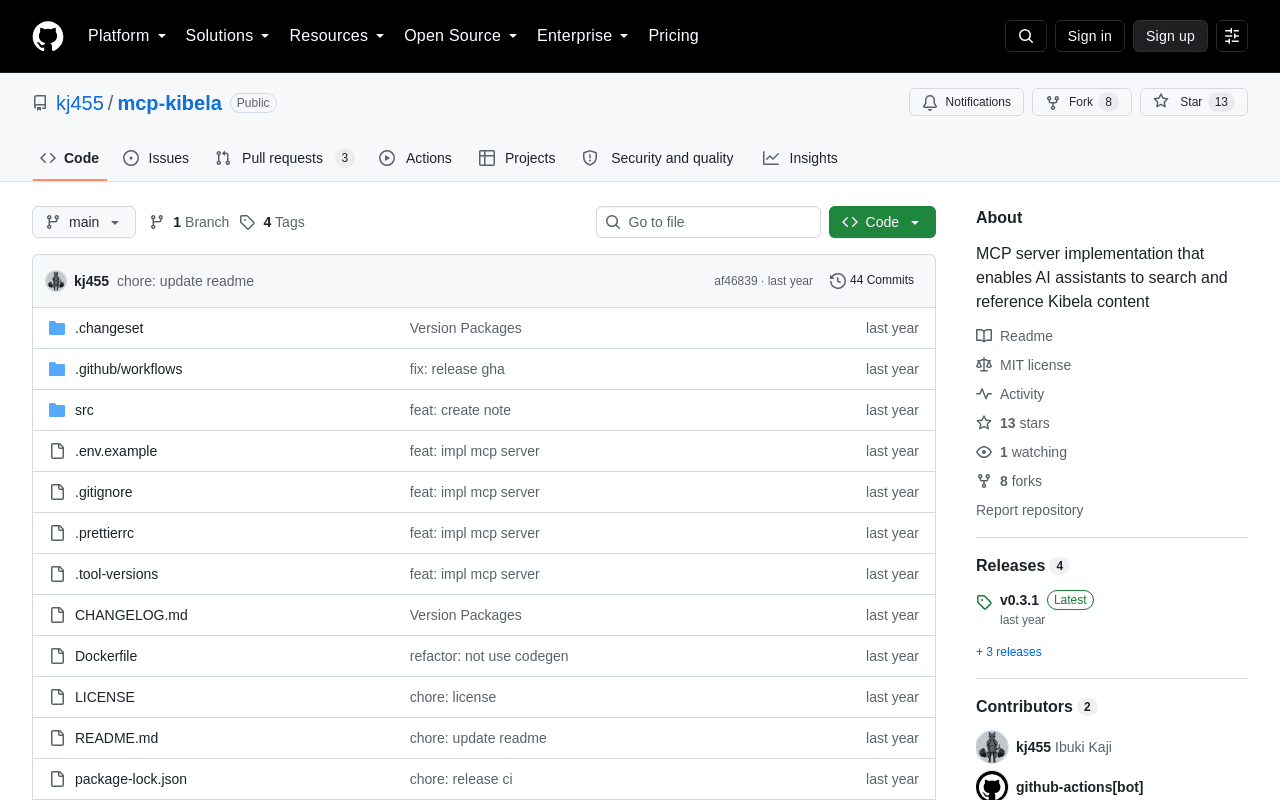
mcp-kibela is an open-source Model Context Protocol (MCP) server that connects AI assistants like Claude, Cursor, and VSCode to Kibela, letting them securely search, read, create, and update notes in your team's knowledge base. It's built for developers and teams that already use Kibela for internal documentation and want their AI tools to reference that content directly. Unlike a read-only connector, it supports both retrieving notes (by keyword, ID, or path) and writing them, and runs as a self-hosted Docker container using your own Kibela API token.
Screenshots
Commonly Cited Strengths & Limitations
Strengths
- Supports both reading and writing (create/update) Kibela notes
- Works across multiple MCP clients including Claude Desktop, Cursor, and VSCode
- Open source with straightforward Docker-based setup
Common Use Cases
- Letting AI assistants search and reference internal Kibela documentation
- Creating and updating Kibela notes from an AI client
- Pulling your latest Kibela notes into an AI chat for context
Details
- Pricing Model
- Free
- Category
- Productivity & Automation
Who is mcp-kibela for?
Developers
Developers self-host the server via Docker with their Kibela API token to give AI coding assistants access to internal docs.
Knowledge Management Teams
Teams using Kibela as their internal wiki let AI assistants search and update notes without leaving the chat.
Frequently Asked Questions
Is mcp-kibela free?
Yes, mcp-kibela is free to use.
Does mcp-kibela have an API?
Yes, mcp-kibela provides an API for developers.
Is mcp-kibela open source?
Yes, mcp-kibela is open source.
What does mcp-kibela integrate with?
mcp-kibela integrates with Kibela, Claude Desktop, Cursor, VSCode, Docker, Smithery, Node.js.
Is mcp-kibela cloud-based or self-hosted?
mcp-kibela is offered as a cloud-based (SaaS) deployment.
Who is mcp-kibela best for?
mcp-kibela is best suited for Developers, Knowledge Management Teams.
What can I use mcp-kibela for?
Common uses for mcp-kibela include letting ai assistants search and reference internal kibela documentation, creating and updating kibela notes from an ai client, pulling your latest kibela notes into an ai chat for context.
How does mcp-kibela compare to Pieces for Developers?
mcp-kibela and Pieces for Developers are both used for productivity & automation -- specifically knowledge management tools. See the full side-by-side comparison for pricing and feature differences.
Key Features
- Note SearchSearch Kibela notes by keyword.
- My NotesFetch your most recent notes.
- Note ContentRetrieve a note's content and comments by its ID.
- Note by PathRetrieve a note's content by its path.
- Create NoteCreate a new note in Kibela.
- Update Note ContentUpdate an existing note's content by its ID.
Integrations
Technical Details
- Deployment
- Cloud
- Target Market
- B2B
- API
- Available
- Free Plan
- Available
Real Pricing from Verified Users
See what people actually pay for mcp-kibela
Reviews
0 reviews
No reviews yet. Be the first to share your experience!
Switching Stories
Real migration experiences with mcp-kibela
Discussion
Ask questions, share tips, or discuss this tool with other users.
No discussion yet. Start the conversation!
Similar tools in Productivity & Automation
Other listed tools in Productivity & Automation, not reviewed as direct alternatives

- Living timeline
- Contextual search
- Instant summaries

- Capture by forwarding
- Voice transcription
- Article reading

Full lifecycle API management to create, secure, manage, and socialize APIs across clouds.
Also Integration Platforms
- API Design
- API Lifecycle Management
- API Gateway
All-in-one AI knowledge workspace for deeper thinking, not just faster answers
Also Knowledge Management Tools
- Ponder Agent
- Infinite canvas / knowledge mapping
- Multi-source import

AI workspace for docs, notes, wikis and selling subscriptions
Also Knowledge Management Tools
- Docs, notes and wikis
- AI credits
- Sell subscriptions on pages

- Replit chat
- Free mode
- Infinite Canvas
Also used for
More from github.com


People Also Viewed


More in Productivity & Automation

Connect your apps and automate workflows

Customer experience automation

Automate anything without code

Digital analytics platform