
Editorial Verdict
AI-researched, not hands-on testedVS Code's core appeal is real -- free, open-source, and genuinely cross-platform with strong multi-agent support. The honest cost is the Electron foundation: RAM use climbs on large projects, performance degrades as extensions pile up, and it's noticeably heavier on battery than lightweight native editors.
Reviewed by AIToolPundit Editorial Team · last verified October 2026
About VS Code
Visual Studio Code is the most popular code editor in the world, used by 73% of developers. Built by Microsoft, VS Code combines speed, power, and a massive ecosystem of 50,000+ extensions to support every language and workflow.
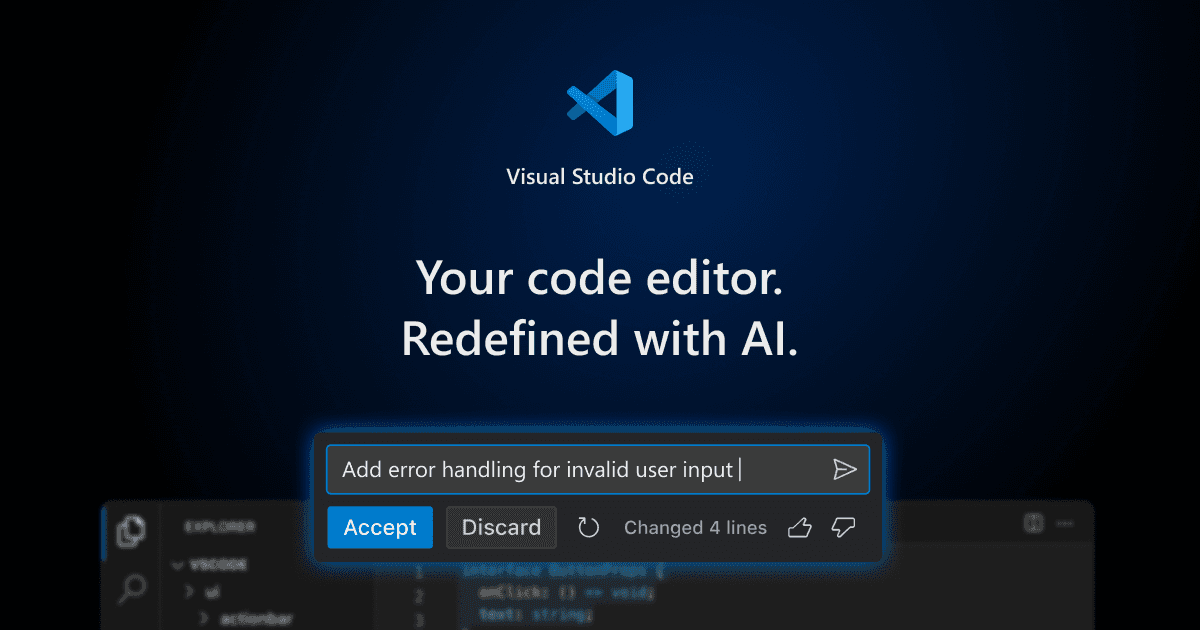
Screenshots
Commonly Cited Strengths & Limitations
Strengths
- Open source
- Free to download
- Cross-platform (macOS, Windows, Linux)
- Supports multi-agent development
Limitations
- High memory/RAM usage, especially on large projects, due to the Electron/Chromium base
- Slow to load and can lag or become unresponsive with many projects open
- Performance degrades as more extensions are installed
- Heavier and consumes more battery than lightweight native editors
- Microsoft telemetry is a concern for some users (prompting the VSCodium fork)
- Electron shell has trouble with some GPU hardware acceleration (blank-window issues)
- Limited native support for certain languages and limited refactoring/code-analysis capabilities
Common Use Cases
- Multi-agent development
- AI-assisted coding
- Code refactoring
Details
- Pricing Model
- Free
- Starting Price
- Free
- Founded
- 2015
- Team Size
- 1000+
- Headquarters
- Redmond, WA
- Platforms
- MacWindowsLinuxWeb
- Category
- Developer Tools
Who is VS Code for?
Software developers
Use VS Code as an open source AI editor to write, refactor, and build code with agent assistance.
Frequently Asked Questions
Is VS Code free?
Yes, VS Code is free to use.
Does VS Code have an API?
Yes, VS Code provides an API for developers.
Is VS Code open source?
Yes, VS Code is open source.
What platforms does VS Code support?
VS Code is available on Mac, Windows, Linux, Web.
What does VS Code integrate with?
VS Code integrates with GitHub Copilot, MCP servers, Playwright.
What are the downsides of VS Code?
High memory/RAM usage, especially on large projects, due to the Electron/Chromium base Also, Slow to load and can lag or become unresponsive with many projects open
Who is VS Code best for?
VS Code is best suited for Software developers.
What can I use VS Code for?
Common uses for VS Code include multi-agent development, ai-assisted coding, code refactoring.
How does VS Code compare to IBM API Connect?
VS Code and IBM API Connect are both used for developer tools -- specifically dev infrastructure tools. See the full side-by-side comparison for pricing and feature differences.
Key Features
- AI code editorAn open source code editor with AI capabilities.
- Multi-agent developmentPositioned as a home for multi-agent development workflows.
- Agent HostEnables persistent, portable agent sessions.
- GitHub Copilot Cloud AgentRuns coding agents in the cloud to perform tasks like refactoring code.
- MCP server supportConnects to MCP servers such as github-mcp-server and playwright.
Integrations
Technical Details
- API
- Available
- Free Plan
- Available
Official Pricing
VS Code's published pricing · verified Sep 15, 2026
Free
Pricing shown above is sourced from VS Code's own published plans as of Sep 15, 2026 and can change at any time -- confirm current pricing on VS Code's own site before purchasing.
Real Pricing from Verified Users
See what people actually pay for VS Code
Reviews
0 reviews
No reviews yet. Be the first to share your experience!
Switching Stories
Real migration experiences with VS Code
Discussion
Ask questions, share tips, or discuss this tool with other users.
No discussion yet. Start the conversation!
Similar tools in Developer Tools
Other listed tools in Developer Tools, not reviewed as direct alternatives

Full lifecycle API management to create, secure, manage, and socialize APIs across clouds.
Also Dev Infrastructure Tools
- API Design
- API Lifecycle Management
- API Gateway

- Payment Gateway
- Payment Button
- Payment Links

- GitHub Copilot
- GitHub Actions
- GitHub Codespaces

- Durable Orchestration
- Sandboxed Environments
- AI Model Gateway
- AI orchestration
- Platform
- Security

- AI throughout the SDLC
- Extensible all-in-one platform
- Platform-wide standards
Also used for



More in Developer Tools
The platform for smart business apps


The agentic IDE powered by Codeium AI

Prompt, run, edit & deploy full-stack apps in the browser