
Autosubbed
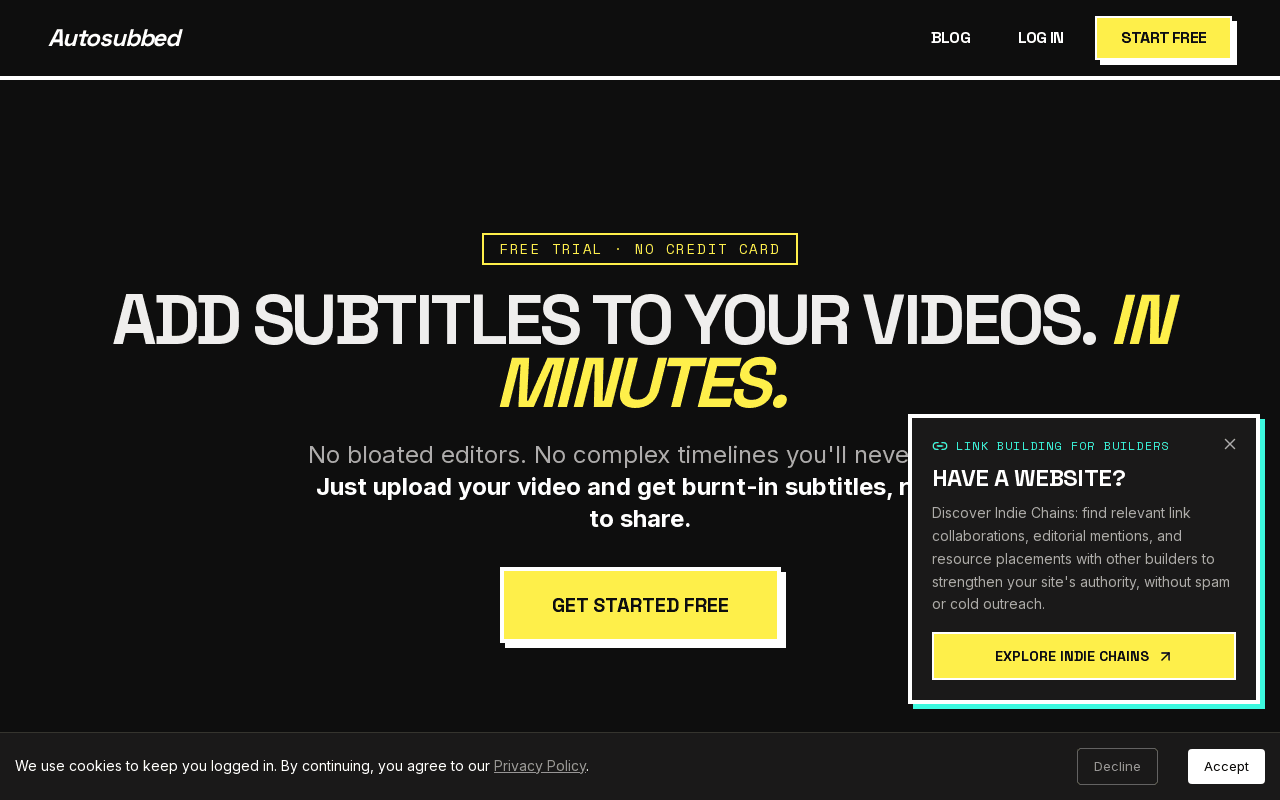
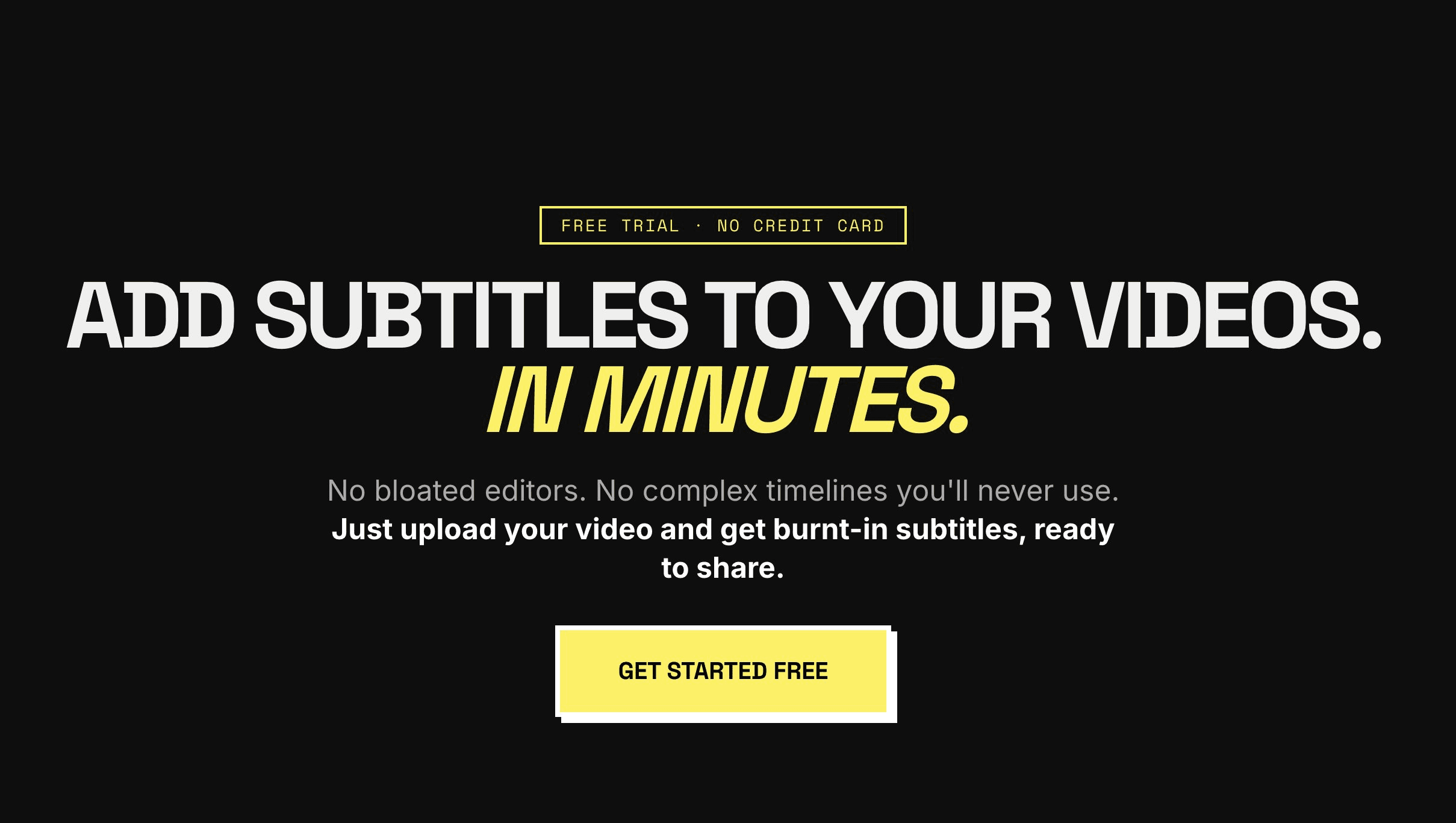
Upload a video and get burnt-in AI subtitles in minutes — no editor needed.
Data verified Nov 1, 2026
Score
- Price
- $5/mo
- Try it free
- Free plan
- Best for
- Content Creators & YouTubers
About Autosubbed
Autosubbed is an AI subtitle service that transcribes your audio with OpenAI Whisper and uses FFmpeg to permanently burn styled captions directly into MP4 and MOV videos, no timeline editor required. It's built for content creators, educators, marketers, and corporate teams who want share-ready captioned video fast — a typical 10-minute clip is processed by the GPU cloud in under a minute. Its key differentiator is hard-burned (not detachable SRT) captions that display reliably on auto-play social feeds like Instagram, TikTok, and LinkedIn.
Screenshots
Commonly Cited Strengths & Limitations
Strengths
- High transcription accuracy using OpenAI Whisper (95%+ for clear single-language audio)
- Fast GPU-accelerated processing (10-minute video in under 60 seconds)
- Supports over 50 languages with automatic language detection
- Permanent burned-in subtitles compatible with social platforms
- Simple upload workflow with no complex timeline editor
- Free trial with no credit card required
Limitations
- Accuracy drops with background noise, heavy accents, or overlapping speakers
- Only accepts MP4 and MOV files
- Files limited to 500 MB per upload
- Trial limited to one video with a time limit and no download
- SRT file download only available on paid plans
Common Use Cases
- Adding burnt-in subtitles to videos
- Growing a global audience with multilingual subtitles
- Making lectures and courses accessible and ADA-friendly
- Captioning social media videos for silent viewing
- Batch subtitling corporate and training videos
Details
- Pricing Model
- Freemium
- Starting Price
- $5/mo
- Category
- AI Image & Video Generation
Who is Autosubbed for?
Content Creators & YouTubers
Upload raw footage and get a subtitle-burned video back in under a minute to grow a global audience and increase watch time.
Educators & Course Creators
Turn lecture recordings into fully captioned, ADA-friendly videos to help non-native speakers and students with hearing impairments.
Marketers & Social Media Teams
Add burned-in subtitles that work on Instagram Reels, TikTok, LinkedIn, and X for the 85% of social video watched without sound.
Businesses & Corporate Teams
Batch-subtitle training videos, product demos, and webinar recordings while keeping brand fonts and colors consistent.
Frequently Asked Questions
Is Autosubbed free?
Autosubbed offers a free plan, with paid plans starting at $5/mo.
Does Autosubbed offer a free trial?
Yes, Autosubbed offers a free trial.
Does Autosubbed have an API?
Autosubbed does not currently offer a public API.
What does Autosubbed integrate with?
Autosubbed integrates with OpenAI Whisper, FFmpeg, Creem.
Is Autosubbed cloud-based or self-hosted?
Autosubbed is offered as a cloud-based (SaaS) deployment.
What are the downsides of Autosubbed?
Accuracy drops with background noise, heavy accents, or overlapping speakers Also, Only accepts MP4 and MOV files
Who is Autosubbed best for?
Autosubbed is best suited for Content Creators & YouTubers, Educators & Course Creators, Marketers & Social Media Teams.
What can I use Autosubbed for?
Common uses for Autosubbed include adding burnt-in subtitles to videos, growing a global audience with multilingual subtitles, making lectures and courses accessible and ada-friendly, captioning social media videos for silent viewing.
How does Autosubbed compare to InfiniteArt.ai?
Autosubbed and InfiniteArt.ai are both used for ai image & video generation -- specifically video editing tools. See the full side-by-side comparison for pricing and feature differences.
Key Features
- Neural TranscriptionMulti-pass AI analysis understands context, technical jargon, and slang for accurate hardcoded subtitles.
- Fast Cloud ProcessingGPU-accelerated rendering subtitles a 10-minute video in under 60 seconds.
- Custom StylizingChoose fonts, weights, and colors with support for custom branding on every frame.
- Permanent HardcodingSubtitles are burned into the video pixels, ideal for Instagram, TikTok, and LinkedIn auto-play feeds.
- AI Process (Whisper)Whisper transcribes audio with 99% accuracy across 50+ languages automatically.
- Hard Burn (FFmpeg)FFmpeg burns subtitles directly into the video pixels for maximum compatibility.
- SRT DownloadPaid plans can download the raw SRT file for separate upload or manual corrections.
Integrations
Technical Details
- Deployment
- Cloud
- Target Market
- Both
- Free Trial
- Yes
- Free Plan
- Available
Official Pricing
Autosubbed's published plans · verified Nov 1, 2026
Trial
Free
- 1 free video
- 7-minute limit
- AI transcription
- No download
Starter
$5/mo
- 60 minutes/month
- All video formats
- AI transcription
- Download included
Pro
$9/mo
- 200 minutes/month
- All video formats
- AI transcription
- Download included
- Priority processing
Business
$18/mo
- 600 minutes/month
- All video formats
- AI transcription
- Download included
- Priority processing
Pricing shown above is sourced from Autosubbed's own published plans as of Nov 1, 2026 and can change at any time -- confirm current pricing on Autosubbed's own site before purchasing.
Full Autosubbed pricing breakdown, free plan and cheaper alternatives →
Real Pricing from Verified Users
See what people actually pay for Autosubbed
Reviews
0 reviews
No reviews yet. Be the first to share your experience!
Switching Stories
Real migration experiences with Autosubbed
Discussion
Ask questions, share tips, or discuss this tool with other users.
No discussion yet. Start the conversation!
Similar tools in AI Image & Video Generation
Other listed tools in AI Image & Video Generation, not reviewed as direct alternatives

AI creative studio for iOS and Mac that turns text into images and animates them into video.
Also Video Editing Tools
- Text-to-image generation
- Generate videos
- Multiple image models
AI dubbing and localization with a full editor to transcribe, translate, caption, and dub in 50+ languages.
Also Video Editing Tools
- Automated dubbing
- Transcription
- Translation

- Seedance 2.5
- Nano Banana Pro
- Higgsfield Genjutsu
- Raya AI agent
- Competitor strategy extraction
- Customer review mining

AI creative agents that turn one brief into on-brand images, video, copy, slides, and audio
Also Video Editing Tools
- AI Agent
- Brand consistency
- Smart Model Routing

- Video translation and dubbing
- Voice cloning
- Lip-sync
Also used for
People Also Viewed


More in AI Image & Video Generation

All-in-one audio & video editing

Open-source image generation AI