
Loom
VerifiedFeaturedDealVideo messaging for work
Data verified Sep 3, 2026
Score
Editorial Verdict
AI-researched, not hands-on testedLoom is a straightforward async screen-recording tool — the free Starter tier is real (25 videos, 5-minute recordings) but caps quickly for anyone recording regularly. Business at $18/user/month removes the video-count and length caps; Business + AI at $24/user/month adds Loom's auto-editing and meeting-notes features, which is where most of Loom's recent product investment has gone.
Reviewed by AIToolPundit Editorial Team · last verified September 2026
Loom's core job is simple: record your screen and camera, get a shareable link instantly, and let the other person watch or read a transcript instead of scheduling a live call. It's become a default for async product demos, bug reports, and internal updates specifically because the record-to-share loop is fast.
Pricing (verified at loom.com/pricing)
- Starter — free, capped at 25 total videos and 5-minute recordings (meetings have unlimited length)
- Business — $18/user/month, removes video-count and length caps, basic waveform editing, branding removal
- Business + AI — $24/user/month, adds auto-video enhancement, auto-meeting recaps, auto-meeting notes, filler-word removal
- Enterprise — custom, SSO/SCIM, uptime SLA
Where it's strong
Teams that communicate asynchronously and want video/screen-recording that's faster than scheduling a call — the AI auto-recap and note-taking features on the top tier are a genuine time-saver for meeting-heavy teams.
Where to be careful
The free tier's 25-video lifetime-style cap (not monthly) means anyone recording more than occasionally will hit the paywall within weeks, not months.
About Loom
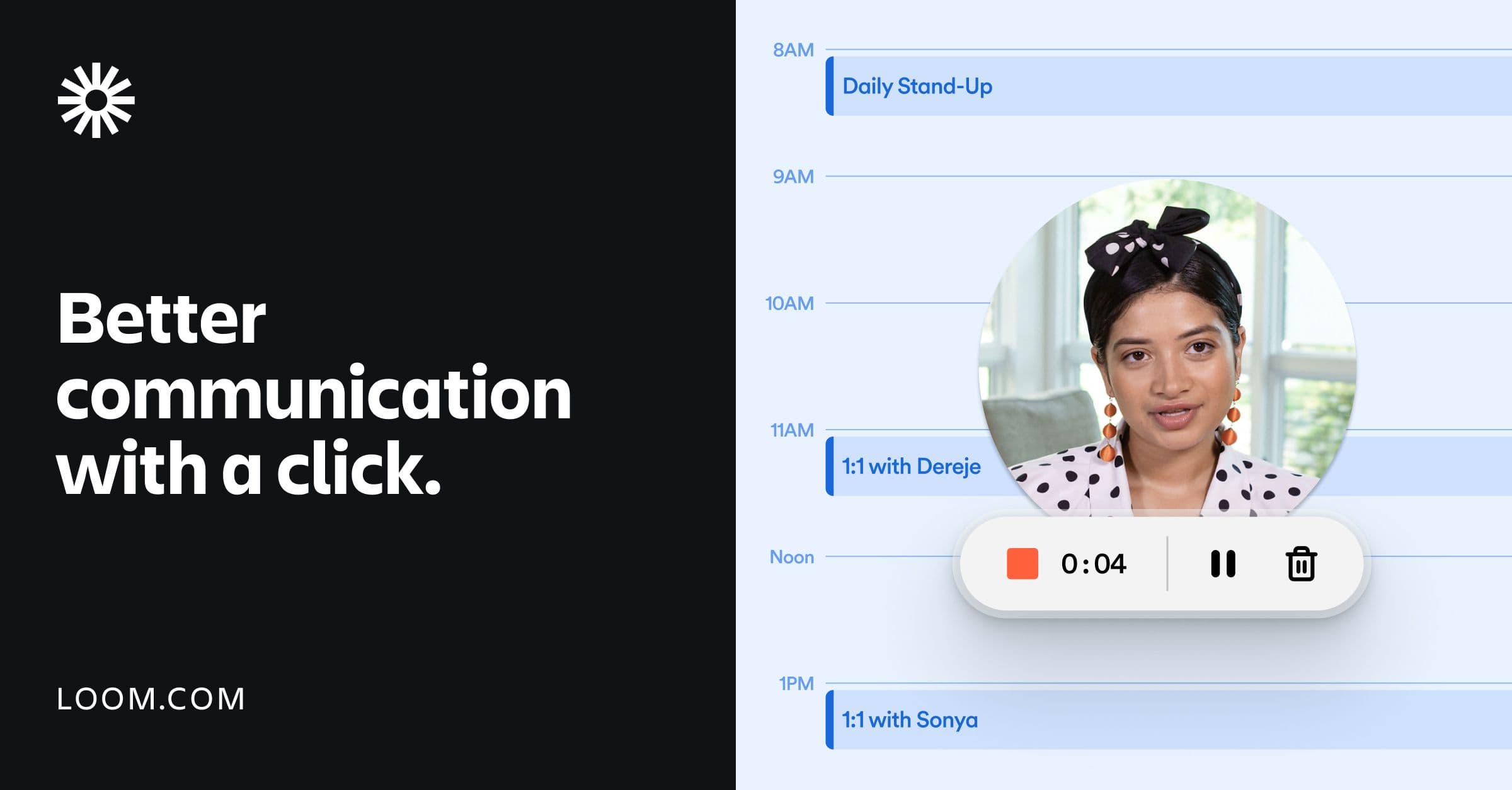
Loom is the video messaging platform used by 25 million+ people at 400,000+ companies. Record your screen and camera to async-communicate ideas faster than email — with AI summaries, chapters, and viewer engagement insights.
Screenshots
Commonly Cited Strengths & Limitations
Strengths
- Easy screen and camera recording in a few clicks
- Saves time versus long emails and 1-on-1 calls
- Supports async communication across timezones
- Enterprise-grade security
Limitations
- Free plan is limited: caps videos at 5 minutes each, restricts total to 25 videos, and blocks local MP4 downloads
- Paid plans and rising prices are seen as expensive for individuals and small businesses
- Limited video editing and branding customization compared to dedicated editors
- Performance issues: slow uploads, lag during recording, and slow processing of larger videos, especially on poor connections
- Recording reliability problems: browser/app freezes, recordings stopping unexpectedly, or capturing the wrong screen
- Buggy browser extension and app disconnections
- Unreliable file management
Common Use Cases
- Sales
- Engineering
- Customer support
- Design
Details
- Pricing Model
- Freemium
- Starting Price
- Free
- Founded
- 2015
- Team Size
- 201-500
- Headquarters
- San Francisco, CA
- Platforms
- WebMacWindowsiOSAndroidChrome Extension
- Category
- Video & Webinar
Who is Loom for?
Sales teams
Personalize pitches with video outreach to close more deals.
Engineers
Add visual context to code to accelerate sprints and file AI-generated Jira bug reports.
Customer support teams
Troubleshoot over video to reach resolutions faster.
Designers
Share ideas and provide feedback over video to enhance designs.
Frequently Asked Questions
Is Loom free?
Loom offers a free plan, with paid plans starting at Free.
Does Loom have an API?
Yes, Loom provides an API for developers.
What platforms does Loom support?
Loom is available on Web, Mac, Windows, iOS, Android, Chrome Extension.
What does Loom integrate with?
Loom integrates with Google Workspace, Slack, Jira.
Is Loom cloud-based or self-hosted?
Loom is offered as a cloud-based (SaaS) deployment.
What are the downsides of Loom?
Free plan is limited: caps videos at 5 minutes each, restricts total to 25 videos, and blocks local MP4 downloads Also, Paid plans and rising prices are seen as expensive for individuals and small businesses
Who is Loom best for?
Loom is best suited for Sales teams, Engineers, Customer support teams.
What can I use Loom for?
Common uses for Loom include sales, engineering, customer support, design.
What is the best alternative to Loom?
Our reviewed alternatives to Loom are Cap and Screenity. Open-source options: Cap, Screenity.
How does Loom compare to Vimeo?
Loom and Vimeo are both used for video & webinar -- specifically video editing tools. See the full side-by-side comparison for pricing and feature differences.
Key Features
- Screen and camera recordingRecord your screen and camera on any device via Chrome extension, desktop app, or mobile app.
- AI bug reportsTurns a recorded walkthrough into a fully populated Jira work item, capturing device/browser/OS, console errors, and network activity.
- Video editorTrim, stitch clips, add backgrounds, and enhance with text, arrows, and box overlays.
- Easy sharing and embeddingShare or embed videos across hundreds of tools you use every day.
- Transcriptions and closed captionsProvides transcripts and captions in 50+ languages.
- Engagement toolsAdd emojis, comments, tasks, and CTAs to video messages.
- Video privacy controlsEnterprise-grade security with SSO, SCIM, custom data retention policies, and privacy settings.
- Video and viewer insights
- Custom background
- Download and upload
Integrations
Technical Details
- Deployment
- Cloud
- API
- Available
- Free Plan
- Available
Official Pricing
Loom's published plans · verified Sep 3, 2026
Enterprise
Contact Sales
- Securely manage and organize async video communication at scale
- SSO
- SCIM
- Custom data retention policies
Pricing shown above is sourced from Loom's own published plans as of Sep 3, 2026 and can change at any time -- confirm current pricing on Loom's own site before purchasing.
Real Pricing from Verified Users
See what people actually pay for Loom
Reviews
0 reviews
No reviews yet. Be the first to share your experience!
Switching Stories
Real migration experiences with Loom
Discussion
Ask questions, share tips, or discuss this tool with other users.
No discussion yet. Start the conversation!
Loom alternatives we reviewed
Reviewed when this listing was published; open-source options are marked.
Cap
Open sourceOpen-source screen recorder — a self-hostable Loom alternative.
Screenity
Open sourceOpen-source Chrome screen recorder with no time limits.
Similar tools in Video & Webinar
Other listed tools in Video & Webinar, not reviewed as direct alternatives
- Video hosting
- Video collaboration
- Embeddable player
- Host and Stream
- Publish & Manage Video Library
- Analytics

AI creative studio for iOS and Mac that turns text into images and animates them into video.
Also Video Editing Tools
- Text-to-image generation
- Generate videos
- Multiple image models
AI dubbing and localization with a full editor to transcribe, translate, caption, and dub in 50+ languages.
Also Video Editing Tools
- Automated dubbing
- Transcription
- Translation

- Seedance 2.5
- Nano Banana Pro
- Higgsfield Genjutsu

AI creative agents that turn one brief into on-brand images, video, copy, slides, and audio
Also Video Editing Tools
- AI Agent
- Brand consistency
- Smart Model Routing
Also used for
People Also Viewed



More in Video & Webinar

Record studio-quality podcasts & video interviews
