
Riverside.fm
VerifiedRecord studio-quality podcasts & video interviews
Data verified Oct 18, 2026
Score
Editorial Verdict
AI-researched, not hands-on testedRiverside.fm's recording quality is genuinely strong -- studio-grade 4K video and uncompressed audio straight from the browser, backed by a real 4.8 G2 rating across 1,582 reviews. The tradeoff is cost and reliability at the edges: the most useful AI editing features sit behind higher tiers, and some users report sync issues on longer sessions plus slow support response times.
Reviewed by AIToolPundit Editorial Team · last verified October 2026
About Riverside.fm
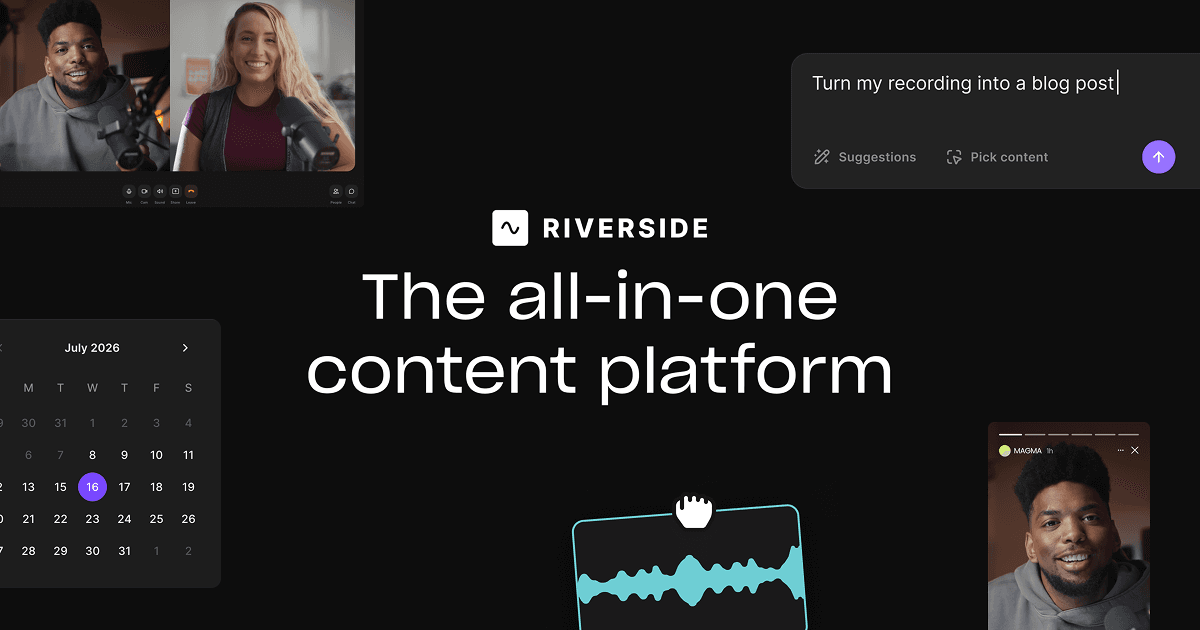
Riverside is the #1 remote recording studio for podcasters and video creators. Record up to 4K video locally — with crystal-clear audio even on bad internet — then edit with AI transcripts, automated clips, and screen recording.
Screenshots
Commonly Cited Strengths & Limitations
Strengths
- Easy to create high quality content right from your browser
- Cuts down editing time while keeping production quality high
- Full HD streaming with real-time engagement
- 4.8 rating on G2 with 1,582 reviews
Limitations
- Some of the most useful editing and AI features are limited to higher-priced plans
- Occasional uploading, syncing, or browser-related issues, especially after longer recording sessions
- Customer support flagged as a weak point with slow ticket response times
- Recurring billing and cancellation complaints, including charges after users believed accounts were cancelled
- High pricing for advanced plans
- Participant/recording limits (studio capped around 10 participants, only up to 7 recording simultaneously)
Common Use Cases
- Podcasts
- Interviews
- Webinars
- Live streams
- Social clips
- Video marketing
- Transcriptions
- Virtual events
- Learning & development
- Internal communications
Details
- Pricing Model
- Freemium
- Starting Price
- Free
- Founded
- 2019
- Team Size
- 51-200
- Headquarters
- Tel Aviv, Israel
- Platforms
- WebiOSAndroid
- Category
- Video & Webinar
Who is Riverside.fm for?
Podcasters
Record studio-quality podcasts in the browser and publish directly to Spotify, Apple, and YouTube with built-in hosting and analytics.
Marketers
Produce content at scale, generate promotional assets, and run webinars with HubSpot lead syncing and registration.
Producers
Collaborate and maintain brand quality across content with multi-track editing and 24/7 priority support.
Frequently Asked Questions
Is Riverside.fm free?
Riverside.fm offers a free plan, with paid plans starting at Free.
Does Riverside.fm offer a free trial?
Yes, Riverside.fm offers a free trial of 14 days.
Does Riverside.fm have an API?
Yes, Riverside.fm provides an API for developers.
What platforms does Riverside.fm support?
Riverside.fm is available on Web, iOS, Android.
What does Riverside.fm integrate with?
Riverside.fm integrates with YouTube, Spotify, Apple, LinkedIn, Instagram, Twitch, HubSpot.
Is Riverside.fm cloud-based or self-hosted?
Riverside.fm is offered as a cloud-based (SaaS) deployment.
What are the downsides of Riverside.fm?
Some of the most useful editing and AI features are limited to higher-priced plans Also, Occasional uploading, syncing, or browser-related issues, especially after longer recording sessions
Who is Riverside.fm best for?
Riverside.fm is best suited for Podcasters, Marketers, Producers.
What can I use Riverside.fm for?
Common uses for Riverside.fm include podcasts, interviews, webinars, live streams.
How does Riverside.fm compare to InfiniteArt.ai?
Riverside.fm and InfiniteArt.ai are both used for video & webinar -- specifically video editing tools. See the full side-by-side comparison for pricing and feature differences.
Key Features
- Local recordingCapture up to 4K video and uncompressed audio in separate tracks, unaffected by internet connection.
- Text-based editorEdit videos like a document by searching, cutting, copying, and pasting directly in the transcript.
- Multi-track editingUse separate track recording to remove crosstalk and change layouts.
- Magic AudioAI polishes sound, removes noise, and makes any mic sound professional-grade.
- AI Co-CreatorInstantly generates a full suite of promotional assets like clips, posts, thumbnails, and headlines optimized for each channel.
- Correct speechFix the transcript and AI syncs your voice and lips to match the edit.
- Remove filler wordsAI cleans up filler words, silences, and fluff in one click.
- Fix eye contactAI makes it look like you and your guests are looking at the camera.
- Generate B-rollCreate video from a prompt to use as B-roll in your content.
- Auto-layoutsAI handles layout changes based on who's speaking.
- AI Translation and dubbingTranslate and dub content into over 30 languages.
- Animated captionsGet customizable animated captions in one click for reels, TikToks, and more.
- Studio brandingAdd your logo, colors, intro, and outro and apply them with a click.
- Live streamingStream in full HD to LinkedIn, YouTube, Instagram, Twitch, and more at once.
- Podcast hostingBuilt-in hosting to get listed on Spotify, Apple, YouTube and more, plus analytics.
- AI Show NotesAutomatically generate transcriptions, titles, descriptions, chapters, and takeaways.
- Webinar toolsRun webinars with audience call-ins, Q&As, custom branding, registration, and HubSpot sync.
- MCP
- Teleprompter
- Async Recording
Integrations
Technical Details
- Deployment
- Cloud
- API
- Available
- Free Trial
- 14 days
- Free Plan
- Available
Official Pricing
Riverside.fm's published plans · verified Oct 18, 2026
Free
Contact Sales
Pricing shown above is sourced from Riverside.fm's own published plans as of Oct 18, 2026 and can change at any time -- confirm current pricing on Riverside.fm's own site before purchasing.
Real Pricing from Verified Users
See what people actually pay for Riverside.fm
Reviews
0 reviews
No reviews yet. Be the first to share your experience!
Switching Stories
Real migration experiences with Riverside.fm
Discussion
Ask questions, share tips, or discuss this tool with other users.
No discussion yet. Start the conversation!
Similar tools in Video & Webinar
Other listed tools in Video & Webinar, not reviewed as direct alternatives

AI creative studio for iOS and Mac that turns text into images and animates them into video.
Also Video Editing Tools
- Text-to-image generation
- Generate videos
- Multiple image models
AI dubbing and localization with a full editor to transcribe, translate, caption, and dub in 50+ languages.
Also Video Editing Tools
- Automated dubbing
- Transcription
- Translation

- Seedance 2.5
- Nano Banana Pro
- Higgsfield Genjutsu

AI creative agents that turn one brief into on-brand images, video, copy, slides, and audio
Also Video Editing Tools
- AI Agent
- Brand consistency
- Smart Model Routing

- ClipAnything
- ReframeAnything
- AI captioning

- Templates Library
- Magic Studio (AI)
- Magic Write
People Also Viewed




More in Video & Webinar

Video messaging for work
