
Eddie AI
AI assistant video editor that turns raw footage into a rough cut for your NLE.
Data verified Sep 11, 2026
Score
- Price
- $25/mo
- Try it free
- Free plan
- Best for
- Professional Video Editors
About Eddie AI
Eddie AI is an AI assistant video editor that ingests raw footage and produces a structured assembly or rough cut you can finish in your NLE, driven by natural-language prompts rather than templates or presets. It's built for professional video editors, creators, filmmakers, and post-production teams who work on interview and documentary-style content, and it stands out for logging B-roll/A-roll and round-tripping edits back into Premiere Pro, DaVinci Resolve, and Final Cut Pro with clips relinked. Because it edits from transcript text, it works best on talking-head footage and hands off the creative polish to the human editor.
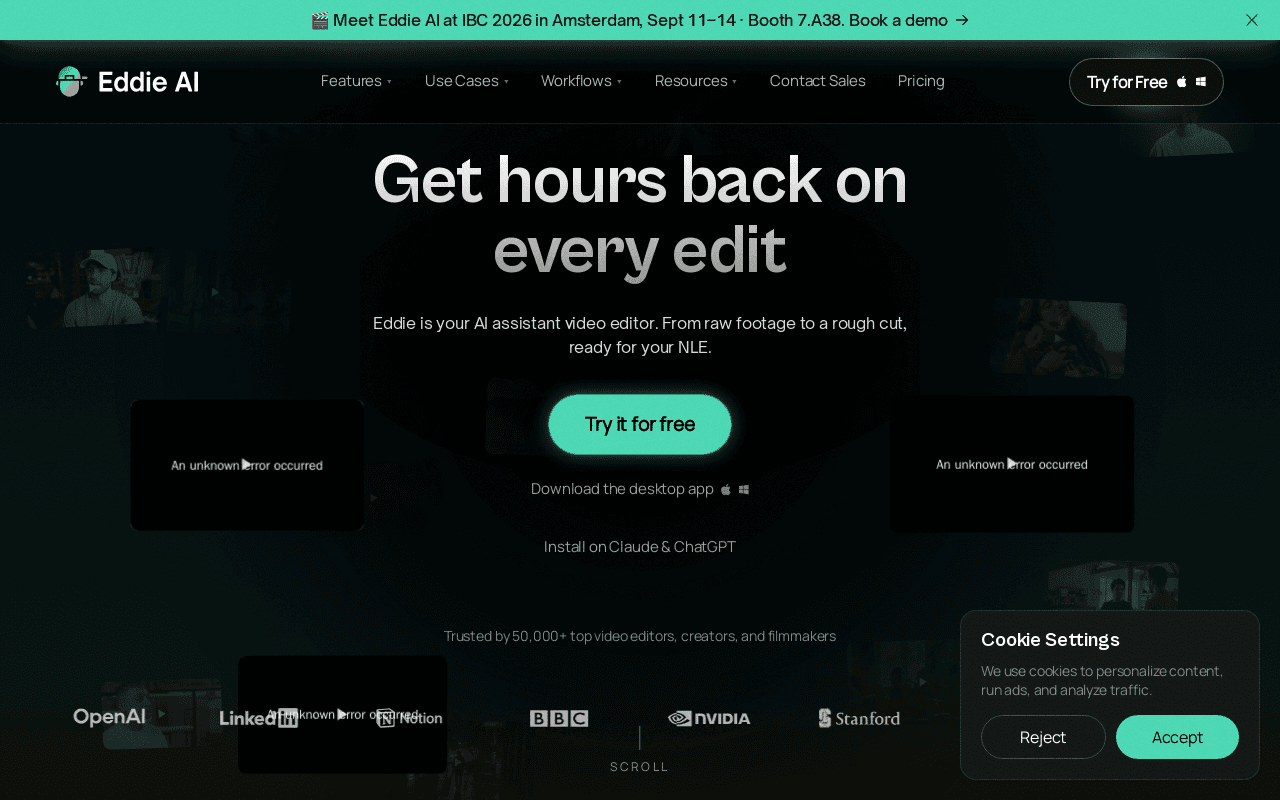
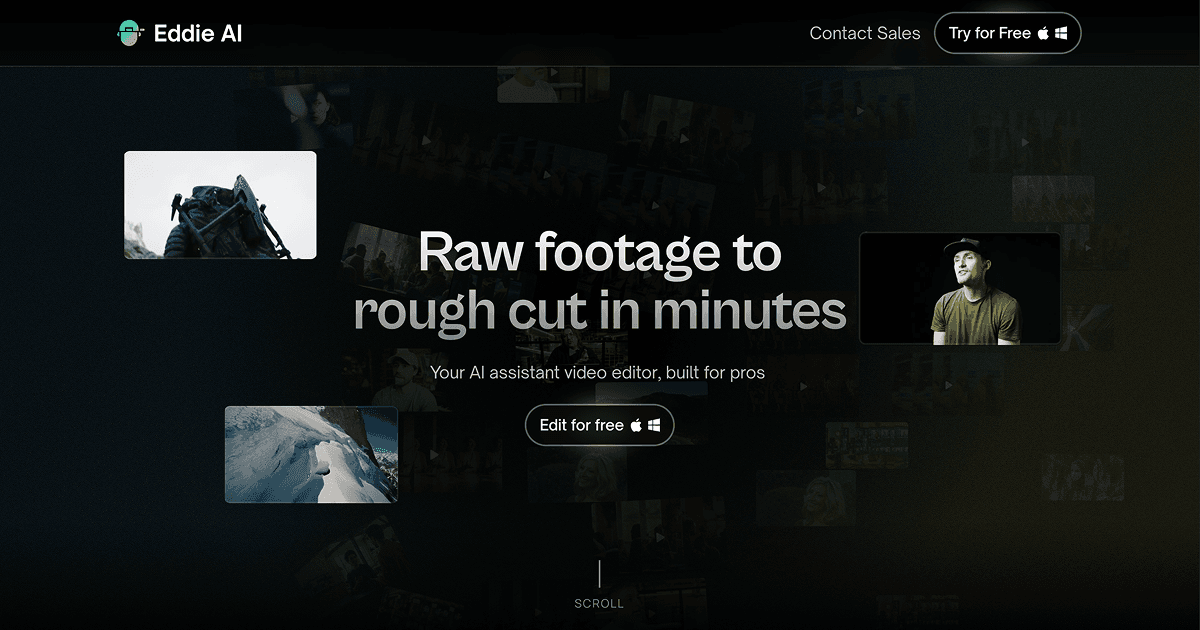
Screenshots
Commonly Cited Strengths & Limitations
Strengths
- Fast turnaround from raw footage to a usable rough cut
- Strong B-roll/A-roll logging with shot types and descriptions
- Round-trips cleanly to Premiere, Resolve, and Final Cut with relinked clips
- Genuinely understands what video editors need
Limitations
- Only works with talking/transcript-based footage, not silent or scenery clips
- Limited editing capabilities on some content — cuts can feel choppy and lack emotional timing
- Sometimes selects interviewer questions instead of subject responses
- No mobile support; desktop-only
- English-only for now
- Project/clip limits (e.g. 5 interview clips per rough cut, 10 A-roll/50 B-roll per logging project)
- Some users spend extra time writing prompts to get acceptable results
- Not a fully automatic 'drop clips and get a movie' tool — needs direction
Common Use Cases
- Turning raw footage into a rough cut
- Interview and documentary editing
- Logging and organizing B-roll and A-roll
- Multicam podcast editing
- Assembly cuts for handoff to an NLE
Details
- Pricing Model
- Freemium
- Starting Price
- $25/mo
- Founded
- 2024
- Team Size
- Freelance, Small Business, Enterprise
- Category
- AI Image & Video Generation
Who is Eddie AI for?
Professional Video Editors
Offload tedious assembly, logging, and first-pass edits so they can focus on creative polish in Premiere, Resolve, or Final Cut.
Filmmakers & Documentarians
Quickly convert large volumes of interview and documentary footage into an organized, structured cut.
Post-Production Teams
Take on more projects and reduce burnout by handing repetitive editing tasks to an AI assistant.
Frequently Asked Questions
Is Eddie AI free?
Eddie AI offers a free plan, with paid plans starting at $25/mo.
Does Eddie AI have an API?
Yes, Eddie AI provides an API for developers.
What does Eddie AI integrate with?
Eddie AI integrates with Adobe Premiere Pro, DaVinci Resolve, Final Cut Pro, Claude, ChatGPT.
Is Eddie AI cloud-based or self-hosted?
Eddie AI is offered as a cloud-based (SaaS) deployment.
What are the downsides of Eddie AI?
Only works with talking/transcript-based footage, not silent or scenery clips Also, Limited editing capabilities on some content — cuts can feel choppy and lack emotional timing
Who is Eddie AI best for?
Eddie AI is best suited for Professional Video Editors, Filmmakers & Documentarians, Post-Production Teams.
What can I use Eddie AI for?
Common uses for Eddie AI include turning raw footage into a rough cut, interview and documentary editing, logging and organizing b-roll and a-roll, multicam podcast editing.
What is the best alternative to Eddie AI?
Our reviewed alternatives to Eddie AI are Filmora.
How does Eddie AI compare to InfiniteArt.ai?
Eddie AI and InfiniteArt.ai are both used for ai image & video generation -- specifically video editing tools. See the full side-by-side comparison for pricing and feature differences.
Key Features
- Prompt-based editingDescribe the edit you want in natural language and Eddie builds it without templates or presets.
- Assembly / rough cut editsTurns raw footage into a structured assembly or rough cut ready for your editing pass.
- B-roll logging & placementLogs your B-roll and places it on the story spine where it fits.
- A-roll loggingLogs A-roll clips to give the cut timing, structure, and purpose.
- Add a music trackScores the cut with music matched to its pacing and tone.
- Audio duckingAutomatically ducks audio under narration or dialogue.
- Color gradeNormalizes, balances, and grades footage as a colorist-style pass on the cut.
- Captions & titlesAdds captions and titles, including motion graphics.
- NLE round-trippingRound-trips edits to Premiere, Resolve, and Final Cut Pro with clips relinked.
- Multicam podcast editingSupports a dedicated multicam podcast editing mode.
- Desktop appNative Mac and Windows applications for editing.
- MCP integrationInstalls on Claude and ChatGPT via MCP to drive edits.
Integrations
Technical Details
- Deployment
- Cloud
- Target Market
- B2B
- API
- Available
- Free Plan
- Available
Support
Official Pricing
Eddie AI's published plans · verified Sep 11, 2026
Free
$0
- 1,000 free credits that never expire
- Create and view edits from interviews
- Prompt-based editing
- Import videos with professional codec support
- Export MP4s with light branding
Plus
$25/mo
- Up to 4 projects per month
- Native Mac and Windows apps
- Rough cut, A/B roll logging, and multicam podcast editing modes
Pro
$100/mo
- Unlimited projects
- Import larger and longer video files
- Priority processing with advanced AI models
- Private community for video professionals
Pay-as-you-go credits
$10/one-time
- $10 for 1,000 credits
- $45 for 5,000 credits
- $120 for 15,000 credits
- $350 for 50,000 credits
- Credits never expire, no subscription required
Pricing shown above is sourced from Eddie AI's own published plans as of Sep 11, 2026 and can change at any time -- confirm current pricing on Eddie AI's own site before purchasing.
Full Eddie AI pricing breakdown, free plan and cheaper alternatives →
Real Pricing from Verified Users
See what people actually pay for Eddie AI
Reviews
0 reviews
No reviews yet. Be the first to share your experience!
Switching Stories
Real migration experiences with Eddie AI
Discussion
Ask questions, share tips, or discuss this tool with other users.
No discussion yet. Start the conversation!
Eddie AI alternatives we reviewed
Reviewed when this listing was published; open-source options are marked.
Filmora
AI-assisted video editor covering broader creative editing beyond rough cuts.
Similar tools in AI Image & Video Generation
Other listed tools in AI Image & Video Generation, not reviewed as direct alternatives

AI creative studio for iOS and Mac that turns text into images and animates them into video.
Also Video Editing Tools
- Text-to-image generation
- Generate videos
- Multiple image models
AI dubbing and localization with a full editor to transcribe, translate, caption, and dub in 50+ languages.
Also Video Editing Tools
- Automated dubbing
- Transcription
- Translation

- Seedance 2.5
- Nano Banana Pro
- Higgsfield Genjutsu

AI creative agents that turn one brief into on-brand images, video, copy, slides, and audio
Also Video Editing Tools
- AI Agent
- Brand consistency
- Smart Model Routing

- Video translation and dubbing
- Voice cloning
- Lip-sync

- ClipAnything
- ReframeAnything
- AI captioning
Also used for
People Also Viewed


More in AI Image & Video Generation

All-in-one audio & video editing


Open-source image generation AI