
Editorial Verdict
AI-researched, not hands-on testedFramer's Core Web Vitals performance is genuinely excellent (1.1s LCP, 95ms INP) with 99.99% uptime hosting included. The honest tradeoff: pricing climbs quickly for extra locales or collaborators, official support leans on the community for help, and the free plan carries Framer branding with real limits.
Reviewed by AIToolPundit Editorial Team · last verified October 2026
About Framer
Framer is the all-in-one website builder for designers. Design, animate, and ship beautiful websites that load fast — no code required. With AI-powered generation and direct Figma import, Framer is the modern way to build sites.
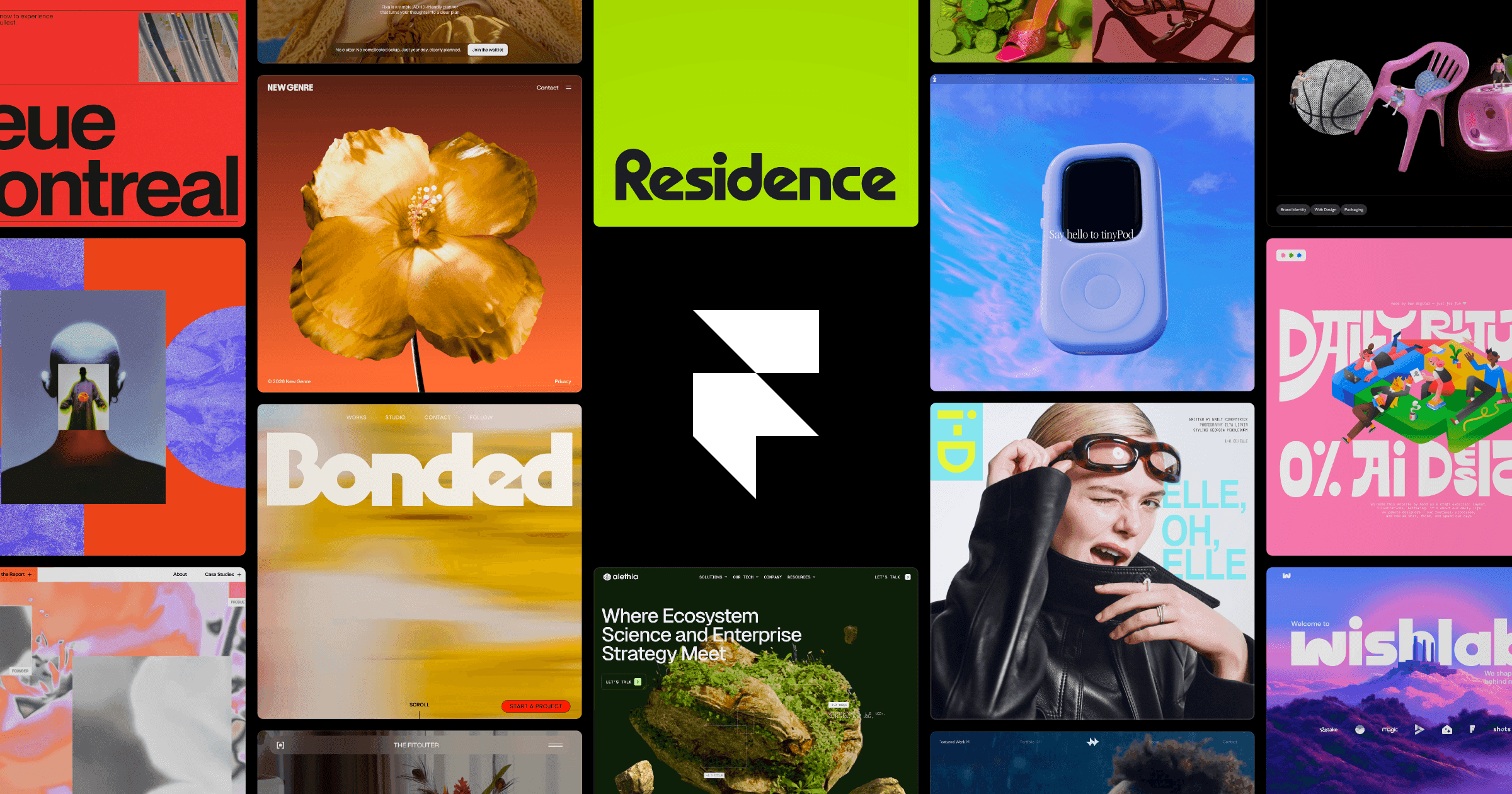
Screenshots
Commonly Cited Strengths & Limitations
Strengths
- Good Core Web Vitals performance (LCP 1.1s, INP 95ms, CLS 0.01)
- 99.99% uptime hosting
- Changes made by agents are visible, editable, and under your control
- Large community with 21,664 resources
Limitations
- Pricing is considered expensive and scales quickly, especially for additional locale languages and collaborators
- Lack of official support with slow response times, forcing reliance on the community
- Documentation and tutorials lack depth for troubleshooting complex issues
- Limited CMS and image-handling features restrict design flexibility
- Fewer templates and limited advanced design options
- Steep learning curve; some find it very technical and difficult to use
- Can be slow and laggy on larger projects
- Free plan is limited and includes Framer branding
- No good way to manage or edit the site (e.g. CMS) from mobile
- Reports of designs constantly breaking
Common Use Cases
- Designing websites with an AI agent on the canvas
- Managing and publishing CMS content
- Importing content from WordPress
- Adding custom code effects and interactions
- A/B testing pages
- Localizing sites into multiple languages
Details
- Pricing Model
- Freemium
- Starting Price
- Free
- Founded
- 2014
- Team Size
- 51-200
- Headquarters
- Amsterdam, Netherlands
- Platforms
- WebMacWindows
- Category
- Developer Tools
Who is Framer for?
Designers
Design with a professional agent native to the canvas that generates and refines site layouts in place.
Developers
Use agents to turn ideas into code for custom effects and complex interactions on their site.
Content teams
Run the CMS with an agent that organizes and updates content, and import posts from WordPress.
Frequently Asked Questions
Is Framer free?
Framer offers a free plan, with paid plans starting at Free.
Does Framer have an API?
Yes, Framer provides an API for developers.
What platforms does Framer support?
Framer is available on Web, Mac, Windows.
What does Framer integrate with?
Framer integrates with Slack, GitHub, Terminal, Codex, Claude Code, Cursor, WordPress, ChatGPT.
Is Framer cloud-based or self-hosted?
Framer is offered as a cloud-based (SaaS) deployment.
What are the downsides of Framer?
Pricing is considered expensive and scales quickly, especially for additional locale languages and collaborators Also, Lack of official support with slow response times, forcing reliance on the community
Who is Framer best for?
Framer is best suited for Designers, Developers, Content teams.
What can I use Framer for?
Common uses for Framer include designing websites with an ai agent on the canvas, managing and publishing cms content, importing content from wordpress, adding custom code effects and interactions.
How does Framer compare to We0.ai?
Framer and We0.ai are both used for developer tools -- specifically no-code tools. See the full side-by-side comparison for pricing and feature differences.
Key Features
- Design with an agentA professional design agent native to the canvas that generates and refines directly on your site with every change visible and editable.
- CMS agentSets up, organizes, and updates your entire CMS, connecting it to the canvas so content and design stay in sync.
- Code with an agentAgents turn ideas into code and put them on your site, from simple custom effects to complex interactions.
- Connect to any agentTake action on your site from anywhere—update copy from Slack, trigger CMS changes from the terminal, or ship from a GitHub PR.
- SEOManage page titles, URLs, descriptions, and social previews for your site.
- AnalyticsTrack live visitors, unique visitors, total pageviews, and bounce rate for your site.
- A/B TestingTest page variants to measure views, events, conversion, and lift to find the winner.
- LocalizationTranslate and localize your site into multiple languages like Dutch, Italian, and Chinese.
- HostingHost your site with 99.99% uptime.
Integrations
Technical Details
- Deployment
- Cloud
- API
- Available
- Free Plan
- Available
Official Pricing
Framer's published pricing · verified Sep 22, 2026
Free
Pricing shown above is sourced from Framer's own published plans as of Sep 22, 2026 and can change at any time -- confirm current pricing on Framer's own site before purchasing.
Real Pricing from Verified Users
See what people actually pay for Framer
Reviews
0 reviews
No reviews yet. Be the first to share your experience!
Switching Stories
Real migration experiences with Framer
Discussion
Ask questions, share tips, or discuss this tool with other users.
No discussion yet. Start the conversation!
Similar tools in Developer Tools
Other listed tools in Developer Tools, not reviewed as direct alternatives

- Chat-based generation
- Multi-agent build
- Design-to-code

- AI-powered data extraction
- Website change monitoring
- Scheduled runs

Turn website heatmaps into AI-generated UI redesigns and code in seconds.
Also No-Code Tools
- Generative UI from heatmaps
- Improvement goals
- Improvement report
- AI agents
- AI summaries
- Structured workflows

- Design
- CMS
- Optimize

- Replit chat
- Free mode
- Infinite Canvas
Also used for
People Also Viewed



More in Developer Tools
The platform for smart business apps


The agentic IDE powered by Codeium AI

Prompt, run, edit & deploy full-stack apps in the browser