
Webflow
VerifiedFeaturedVisual website design & development platform
Data verified Oct 3, 2026
Editorial Verdict
AI-researched, not hands-on testedWebflow genuinely delivers on visual, no-code site building with real design control -- publishing changes in hours instead of days is a real, commonly cited benefit. The honest catch is the learning curve: getting the most out of it benefits from knowing HTML/CSS, and the pricing (site plans plus per-seat workspace plans) can add up faster than expected as a team or site count grows.
Reviewed by AIToolPundit Editorial Team · last verified October 2026
About Webflow
Webflow is a visual development platform that lets you design, build, and launch responsive websites without writing code. From simple landing pages to complex multi-language sites with CMS and ecommerce, Webflow scales with your business.
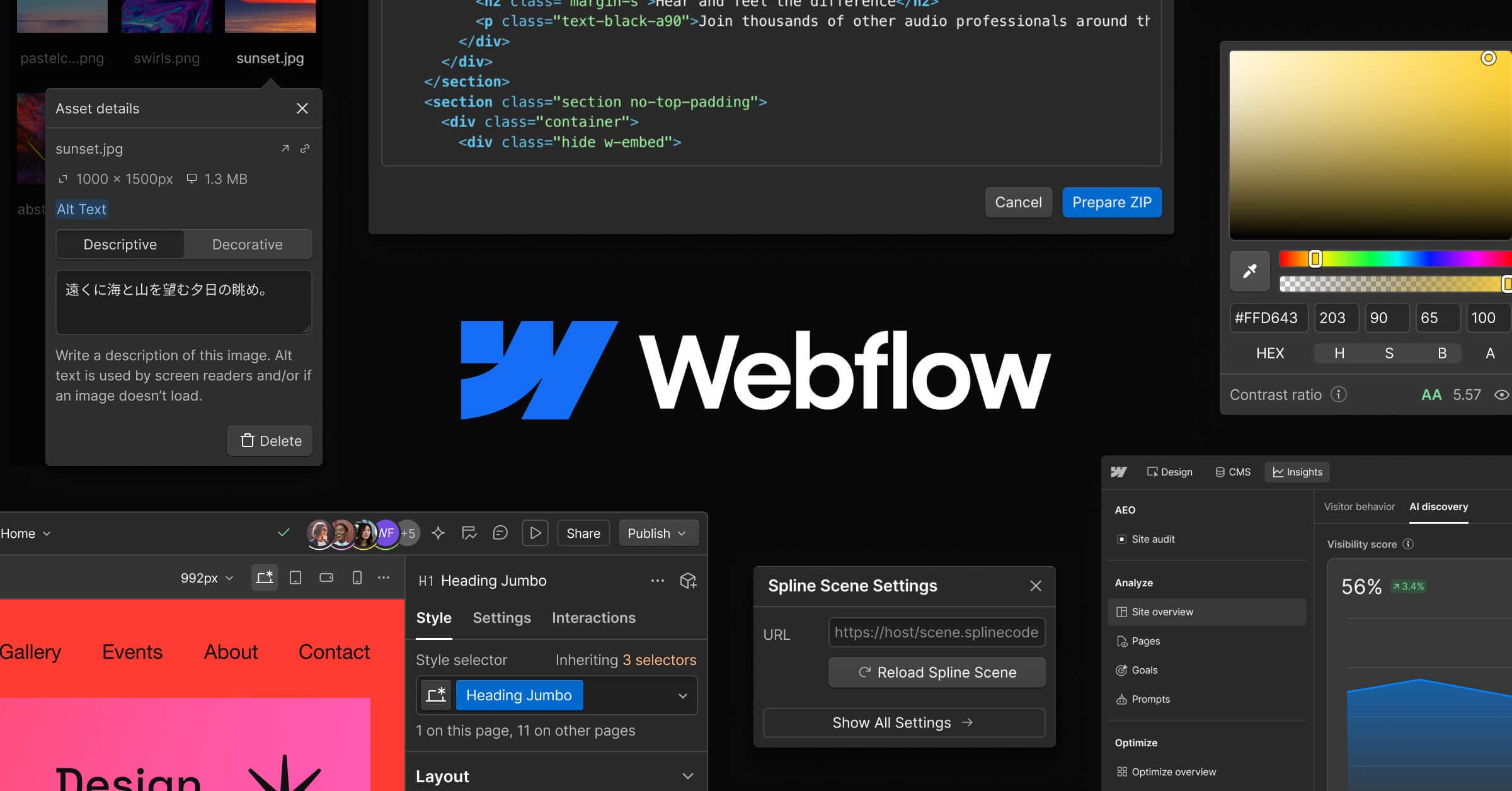
Screenshots
Commonly Cited Strengths & Limitations
Strengths
- Publish and update content in hours instead of days
- Visual CMS and hands-on support
- Freedom to execute bold ideas while protecting brand integrity at scale
Limitations
- Steep learning curve, benefiting from knowledge of HTML/CSS
- Layered pricing (site plans plus per-seat workspace plans) that gets expensive as you add sites, seats, and features
- E-commerce features lag behind dedicated platforms, with product limits and transaction fees on lower tiers
- Localization feature criticized as unreliable
- Designer can become slow or unstable on large sites
- No ability to switch templates and no mobile editing app
Common Use Cases
- Building and launching marketing websites
- Publishing and managing CMS content
- Conversion optimization with A/B tests and personalization
- Driving traffic from traditional search and LLMs
- Design-developer collaboration
- Managing edits with branching and publishing workflows
Details
- Pricing Model
- Freemium
- Starting Price
- Free
- Founded
- 2013
- Team Size
- 501-1000
- Headquarters
- San Francisco, CA
- Platforms
- Web
- Category
- Developer Tools
Who is Webflow for?
Marketing Teams
Build and launch websites and publish content without filing a ticket or relying on a developer.
Designers & Developers
Design and develop side by side with pixel-perfect precision in a shared workspace.
Agencies
Create fully custom web experiences that integrate with clients' tech stacks and power better client partnerships.
Frequently Asked Questions
Is Webflow free?
Webflow offers a free plan, with paid plans starting at Free.
Does Webflow have an API?
Yes, Webflow provides an API for developers.
What platforms does Webflow support?
Webflow is available on Web.
What does Webflow integrate with?
Webflow integrates with Claude, Cursor, GSAP.
Is Webflow cloud-based or self-hosted?
Webflow is offered as a cloud-based (SaaS) deployment.
What are the downsides of Webflow?
Steep learning curve, benefiting from knowledge of HTML/CSS Also, Layered pricing (site plans plus per-seat workspace plans) that gets expensive as you add sites, seats, and features
Who is Webflow best for?
Webflow is best suited for Marketing Teams, Designers & Developers, Agencies.
What can I use Webflow for?
Common uses for Webflow include building and launching marketing websites, publishing and managing cms content, conversion optimization with a/b tests and personalization, driving traffic from traditional search and llms.
How does Webflow compare to We0.ai?
Webflow and We0.ai are both used for developer tools -- specifically no-code tools. See the full side-by-side comparison for pricing and feature differences.
Key Features
- DesignBuild and launch websites in a visual canvas with control over layout and typography and drag-and-drop templates.
- CMSDesign, manage, and publish site content optimized for AI search, SEO, and conversion without a developer.
- OptimizeRun A/B tests, personalize visitor experiences, and use AI to test multiple variables at once.
- CollaborationUnites design, development, and marketing in one AI-native shared workspace.
- AEOSee how AI crawls your site, track visibility in AI answers, and create content that gets cited more.
- Page branchingBranch static and CMS pages, resolve conflicts, and merge changes with publishing workflows tracked in the Site Activity log.
- Webflow MCPPut AI agents to work building and managing your site with tools like Claude and Cursor while keeping control and governance.
- InteractionsCreate rich interactions and animations powered by GSAP.
Integrations
Technical Details
- Deployment
- Cloud
- API
- Available
- Free Plan
- Available
Official Pricing
Webflow's published plans · verified Oct 3, 2026
Free
$0
- Start building for free
- Upgrade any time
Enterprise
Contact Sales
- Advanced collaboration
- Security
- Scale for teams
Pricing shown above is sourced from Webflow's own published plans as of Oct 3, 2026 and can change at any time -- confirm current pricing on Webflow's own site before purchasing.
Full Webflow pricing breakdown, free plan and cheaper alternatives →
Real Pricing from Verified Users
See what people actually pay for Webflow
Reviews
0 reviews
No reviews yet. Be the first to share your experience!
Switching Stories
Real migration experiences with Webflow
Discussion
Ask questions, share tips, or discuss this tool with other users.
No discussion yet. Start the conversation!
Similar tools in Developer Tools
Other listed tools in Developer Tools, not reviewed as direct alternatives

- Chat-based generation
- Multi-agent build
- Design-to-code

- AI-powered data extraction
- Website change monitoring
- Scheduled runs

Turn website heatmaps into AI-generated UI redesigns and code in seconds.
Also No-Code Tools
- Generative UI from heatmaps
- Improvement goals
- Improvement report
- AI agents
- AI summaries
- Structured workflows

- Design with an agent
- CMS agent
- Code with an agent

- Replit chat
- Free mode
- Infinite Canvas
Also used for
People Also Viewed



More in Developer Tools
The platform for smart business apps


The agentic IDE powered by Codeium AI

Prompt, run, edit & deploy full-stack apps in the browser