HitPaw
AI multimedia suite to enhance, edit, and convert video, photos, and audio
Data verified Sep 23, 2026
Score
Editorial Verdict
AI-researched, not hands-on testedHitPaw's real selling point is breadth: it bundles a wide range of AI media tools — video upscaling to 8K, object and watermark removal, format conversion, photo enhancement, voice and audio editing — under one brand, with one-click workflows across Windows, macOS, mobile, and web. It fits everyday creators, e-commerce sellers, and hobbyist editors who want no-skills-needed results and, in some cases, a one-time purchase instead of a subscription. The main caveats are commercial rather than technical: users frequently report delayed or denied refunds despite the stated 30-day guarantee, unexpected auto-renewals, and free exports stamped with a watermark that makes it hard to judge quality before paying. Results can also be inconsistent across its many models, and the sheer number of separately sold HitPaw products makes it confusing to figure out which one you actually need.
Reviewed by AIToolPundit Editorial Team · last verified September 2026
About HitPaw
HitPaw is a consumer multimedia software suite with AI tools for enhancing and upscaling video (up to 8K), editing and converting media, removing objects and watermarks, editing and enhancing photos, and changing or generating voices and audio. It's aimed at everyday creators, photographers, video editors, and e-commerce sellers who want one-click, no-skills-needed results across Windows, macOS, mobile, and online. Its main differentiator is breadth: rather than a single tool, it bundles a wide range of desktop and mobile apps under one brand, with several offered as one-time-purchase licenses alongside subscriptions.
Screenshots
Commonly Cited Strengths & Limitations
Strengths
- Simple and intuitive interface
- High-quality AI-powered results
- Comprehensive range of tools
- Responsive customer support
- Cross-platform availability
- One-time purchase option available for some products
Limitations
- Refund requests frequently reported as delayed or denied despite a stated 30-day money-back guarantee
- Unexpected auto-renewal and subscription/billing charges
- Free version stamps a HitPaw watermark on exports, making output hard to judge before paying
- Slow processing, especially when upscaling to high resolutions
- Inconsistent results across AI models (e.g. grain or overexposure from low-light enhancement)
- Extra paid credits sometimes needed, and users report purchased credits disappearing
- No auto-save, risking data loss on crashes
- Free trial disables or restricts exports and previews
- Confusion over which of the many HitPaw products to buy
Common Use Cases
- Upscaling and enhancing videos to high resolution
- Removing objects and watermarks from videos and photos
- Translating and dubbing videos into multiple languages
- Editing and enhancing photos
- Changing voices in real time and generating AI music
- Isolating or removing vocals from audio
- Converting and compressing media file formats
- Enhancing e-commerce product images in batches
Details
- Pricing Model
- Freemium
- Category
- AI Image & Video Generation
Who is HitPaw for?
Photographers
Use one-click AI to fix low-light, shaky, or old photos and batch-process hundreds of images from weddings, events, and shoots.
Content Creators
Optimize and enhance footage for TikTok, YouTube, and Instagram in a few clicks regardless of editing skill.
Video Editors
Upscale, clean, and batch-convert footage without complex timelines or long rendering.
E-commerce Sellers
Batch-enhance 100+ product photos into higher-quality visuals to increase clicks and reduce returns.
Frequently Asked Questions
Does HitPaw offer a free trial?
Yes, HitPaw offers a free trial.
Does HitPaw have an API?
Yes, HitPaw provides an API for developers.
What does HitPaw integrate with?
HitPaw integrates with ChatGPT.
Is HitPaw cloud-based or self-hosted?
HitPaw is offered as both cloud and self-hosted (hybrid) deployment.
What are the downsides of HitPaw?
Refund requests frequently reported as delayed or denied despite a stated 30-day money-back guarantee Also, Unexpected auto-renewal and subscription/billing charges
Who is HitPaw best for?
HitPaw is best suited for Photographers, Content Creators, Video Editors.
What can I use HitPaw for?
Common uses for HitPaw include upscaling and enhancing videos to high resolution, removing objects and watermarks from videos and photos, translating and dubbing videos into multiple languages, editing and enhancing photos.
How does HitPaw compare to InfiniteArt.ai?
HitPaw and InfiniteArt.ai are both used for ai image & video generation -- specifically video editing tools. See the full side-by-side comparison for pricing and feature differences.
Key Features
- Video Enhancer (VikPea)Automatically upscales and enhances video quality up to 8K with AI.
- Video Converter (Univd)Converts, edits, and compresses videos, with conversion up to 170X faster.
- Edimakor Video EditorAll-in-one editing suite with auto-cut, filters, effects, stickers, and trimming.
- Video Object RemoverRemoves unwanted objects from videos.
- Video Watermark RemoverRemoves watermarks, text, and unwanted elements from videos.
- AI AvatarGenerates AI-powered avatars for videos.
- AI Video Translator (BlipCut)Translates videos with auto subtitles and voice dubbing in 130+ languages.
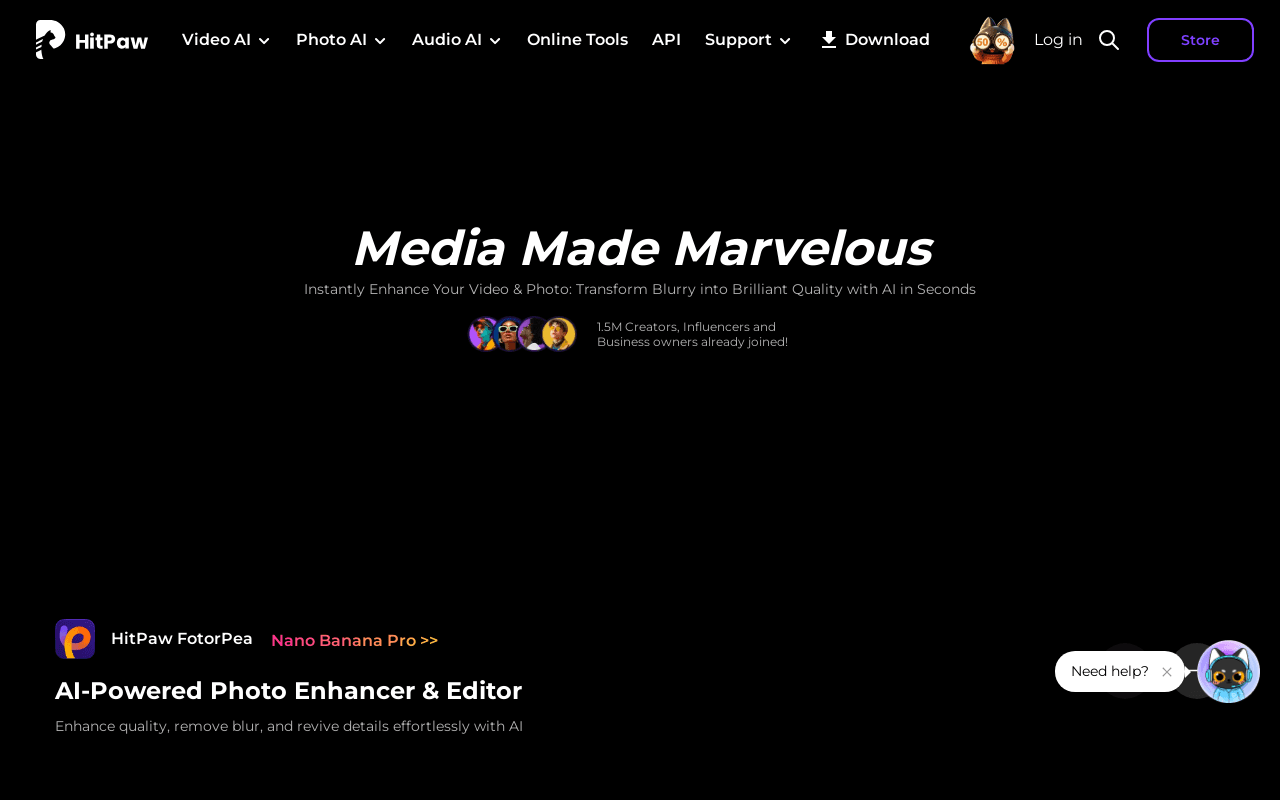
- Photo Enhancer (FotorPea)Enhances photo quality, removes blur, and revives details with AI.
- Photo Object RemoverRemoves unwanted objects from photos.
- Photo Watermark RemoverRemoves watermarks from photos while preserving quality.
- Image ConverterConverts images between formats, including WebP.
- Voice Changer (VoicePea)Real-time AI voice changer with 200+ character voices on Windows & Mac.
- AI Music Generator (Oyamuse)Generates music using AI.
- Vocal RemoverIsolates or removes vocals from audio tracks.
- AI Audio EnhancerRemoves background noise, hiss, and unwanted sounds for clearer audio.
- Audio ConverterConverts audio files between formats, including to MP3.
- AI Marvels (Mobile)AI dance, animation, photo-to-video, and photo editing on iOS and Android.
Integrations
Technical Details
- Deployment
- Hybrid
- Target Market
- B2C
- API
- Available
- Free Trial
- Yes
Support
Official Pricing
HitPaw's published plans · verified Sep 23, 2026
Free Trial
Contact Sales
- Access to tools with limited features and restricted exports
Monthly Subscription
Contact Sales
- Access to all features
Annual Subscription
Contact Sales
- Access to all features at a discount
Lifetime License
Contact Sales
- Unlimited access to all features
Pricing shown above is sourced from HitPaw's own published plans as of Sep 23, 2026 and can change at any time -- confirm current pricing on HitPaw's own site before purchasing.
Full HitPaw pricing breakdown, free plan and cheaper alternatives →
Real Pricing from Verified Users
See what people actually pay for HitPaw
Reviews
0 reviews
No reviews yet. Be the first to share your experience!
Switching Stories
Real migration experiences with HitPaw
Discussion
Ask questions, share tips, or discuss this tool with other users.
No discussion yet. Start the conversation!
Similar tools in AI Image & Video Generation
Other listed tools in AI Image & Video Generation, not reviewed as direct alternatives

AI creative studio for iOS and Mac that turns text into images and animates them into video.
Also Video Editing Tools
- Text-to-image generation
- Generate videos
- Multiple image models
AI dubbing and localization with a full editor to transcribe, translate, caption, and dub in 50+ languages.
Also Video Editing Tools
- Automated dubbing
- Transcription
- Translation

- Text-based video editing
- Video transcription
- Remove filler words

AI video platform for creating lifelike talking-avatar videos from text, audio, or images
Also Video Editing Tools
- AI Avatar Generator (Avatar V)
- Multiple angles
- Accurate lip-sync

- Free AI music generator
- 10 free songs daily
- Granular creation controls

- Seedance 2.5
- Nano Banana Pro
- Higgsfield Genjutsu
Also used for
People Also Viewed




More in AI Image & Video Generation

All-in-one audio & video editing


Open-source image generation AI