
PixVerse
AI video foundation models for text/image-to-video, cinematic production, and interactive worlds.
Data verified Sep 9, 2026
Score
- Try it free
- Free plan
- Best for
- Filmmakers & AI video creators
About PixVerse
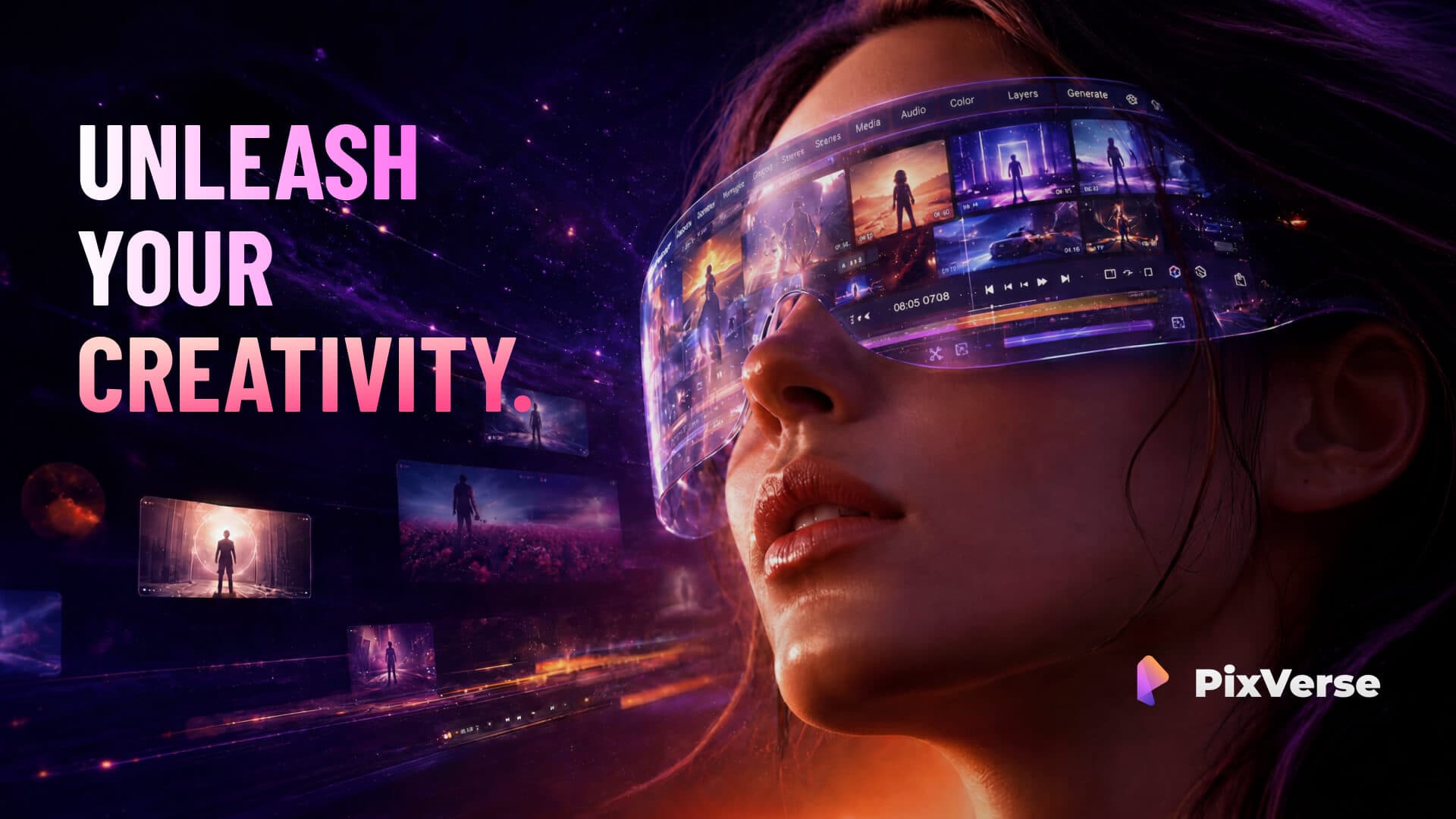
PixVerse is a full-stack AI video generation platform built on proprietary video foundation models, turning text prompts or images into clips through tools like Text & Image to Video, Templates, an Agent, Canvas node workflows, and a CLI. It serves creators, marketing teams, and enterprises shipping production-ready video, with an API positioned around high visual quality, fast generation, and lower cost-per-minute than rivals like Sora, VEO, and Kling. Its differentiator is combining industry-leading blind-preference video quality (its V6 model) with near real-time, cost-efficient generation in one scalable stack.
Screenshots
Commonly Cited Strengths & Limitations
Strengths
- Fast, near real-time generation speed
- Easy-to-use interface, quick to get started
- Large library of viral video templates
- Strong cinematic looks and viral effects
- Good for quick social media content
Limitations
- Short video durations (only 5s/8s options) and no 4K support
- Credits get used up quickly and the app is seen as expensive
- Frequent failed generations that still consume credits
- Cannot always preview/approve a result before spending credits
- Complex prompts often produce illogical or off-prompt results
- Restricted access to some advanced/trending models
- Free tier limited to low (360p) resolution
- Requests for better billing clarity and support
Common Use Cases
- Text-to-video and image-to-video clip generation
- Cinematic and science-fiction video storytelling
- AI marketing and e-commerce ad shorts
- Consistent-character video creation
- Building repeatable video workflows visually or via CLI
- Enterprise-scale production video generation via API
Details
- Pricing Model
- Freemium
- Team Size
- Small Business, Enterprise
- Category
- AI Image & Video Generation
Who is PixVerse for?
Filmmakers & AI video creators
Use the Agent, Canvas, and V6/C1/R1 models to direct cinematic multi-shot sequences and science-fiction storytelling.
Marketing & e-commerce teams
Use the Marketing Hub's guided workflows to generate ready-to-use ad and product shorts without tuning prompts.
Developers
Generate video from the terminal via the CLI and integrate the video foundation models through the API into existing pipelines.
Enterprises
Adopt the full-stack API and foundation models for reliable, scalable, cost-efficient production-ready video at high volume.
Frequently Asked Questions
Is PixVerse free?
PixVerse offers a free plan.
Does PixVerse have an API?
Yes, PixVerse provides an API for developers.
Is PixVerse cloud-based or self-hosted?
PixVerse is offered as a cloud-based (SaaS) deployment.
What are the downsides of PixVerse?
Short video durations (only 5s/8s options) and no 4K support Also, Credits get used up quickly and the app is seen as expensive
Who is PixVerse best for?
PixVerse is best suited for Filmmakers & AI video creators, Marketing & e-commerce teams, Developers.
What can I use PixVerse for?
Common uses for PixVerse include text-to-video and image-to-video clip generation, cinematic and science-fiction video storytelling, ai marketing and e-commerce ad shorts, consistent-character video creation.
What is the best alternative to PixVerse?
Our reviewed alternatives to PixVerse are Sora 2 / Sora 2 Pro, Google VEO 3.1, Kling 3.0, Grok Imagine and Pollo AI.
How does PixVerse compare to InfiniteArt.ai?
PixVerse and InfiniteArt.ai are both used for ai image & video generation -- specifically video editing tools. See the full side-by-side comparison for pricing and feature differences.
Key Features
- Text & Image to VideoGenerates video output from a text prompt or an input image.
- TemplateReady-made creative starting points for faster video creation.
- CLIRuns prompts, references, output ratios, and batches directly from the command line.
- AgentConversational workflow that turns creative intent into generated and refined video shots.
- Lip SyncAdds voice, sync, and sound to videos.
- Mini-AppsQuick utility tools for small video tasks.
- Marketing HubGuided workflows that produce ready-to-use marketing and e-commerce ad videos without prompt tuning.
- CharacterKeeps characters consistent across generated videos.
- CanvasNode-based graph to connect references, prompts, motion, and output into an editable video workflow.
- PixVerse V6 / C1 / R1 modelsModel lineup for clip generation, cinematic/physics-aware production, and high-fidelity portraits and real-time worlds.
- APIFull-stack media generation API powered by proprietary video foundation models for scalable production workflows.
Technical Details
- Deployment
- Cloud
- Target Market
- Both
- API
- Available
- Free Plan
- Available
Support
Real Pricing from Verified Users
See what people actually pay for PixVerse
Reviews
0 reviews
No reviews yet. Be the first to share your experience!
Switching Stories
Real migration experiences with PixVerse
Discussion
Ask questions, share tips, or discuss this tool with other users.
No discussion yet. Start the conversation!
PixVerse alternatives we reviewed
Reviewed when this listing was published; open-source options are marked.
Sora 2 / Sora 2 Pro
OpenAI's text-to-video model, a higher-cost competitor benchmarked against PixVerse.
Google VEO 3.1
Google's high-end video generation model compared in the same image-to-video rankings.
Kling 3.0
Rival AI video generator benchmarked alongside PixVerse on ELO and price.
Grok Imagine
xAI's image/video generation model competing on quality and cost per minute.
Pollo AI
Alternative AI video generation platform aggregating multiple models.
Similar tools in AI Image & Video Generation
Other listed tools in AI Image & Video Generation, not reviewed as direct alternatives

AI creative studio for iOS and Mac that turns text into images and animates them into video.
Also Video Editing Tools
- Text-to-image generation
- Generate videos
- Multiple image models
AI dubbing and localization with a full editor to transcribe, translate, caption, and dub in 50+ languages.
Also Video Editing Tools
- Automated dubbing
- Transcription
- Translation

- Seedance 2.5
- Nano Banana Pro
- Higgsfield Genjutsu
- Raya AI agent
- Competitor strategy extraction
- Customer review mining

AI creative agents that turn one brief into on-brand images, video, copy, slides, and audio
Also Video Editing Tools
- AI Agent
- Brand consistency
- Smart Model Routing

- Video translation and dubbing
- Voice cloning
- Lip-sync
Also used for
People Also Viewed


More in AI Image & Video Generation

All-in-one audio & video editing


Open-source image generation AI