
Sketch
Design, prototype, collaborate — all in Sketch
Data verified Oct 4, 2026
Editorial Verdict
AI-researched, not hands-on testedSketch's native macOS app is genuinely enjoyable to use and works fully offline, with a simple but powerful interface. The one fact to know before installing: it now requires macOS Sequoia (15.0.0) or newer -- not usable on older Mac systems.
Reviewed by AIToolPundit Editorial Team · last verified October 2026
About Sketch
Sketch is the digital design platform that brought the design industry to the Mac. With its powerful vector tools, reusable symbols, and cloud collaboration, Sketch remains a favorite among designers for crafting beautiful digital experiences.
Screenshots
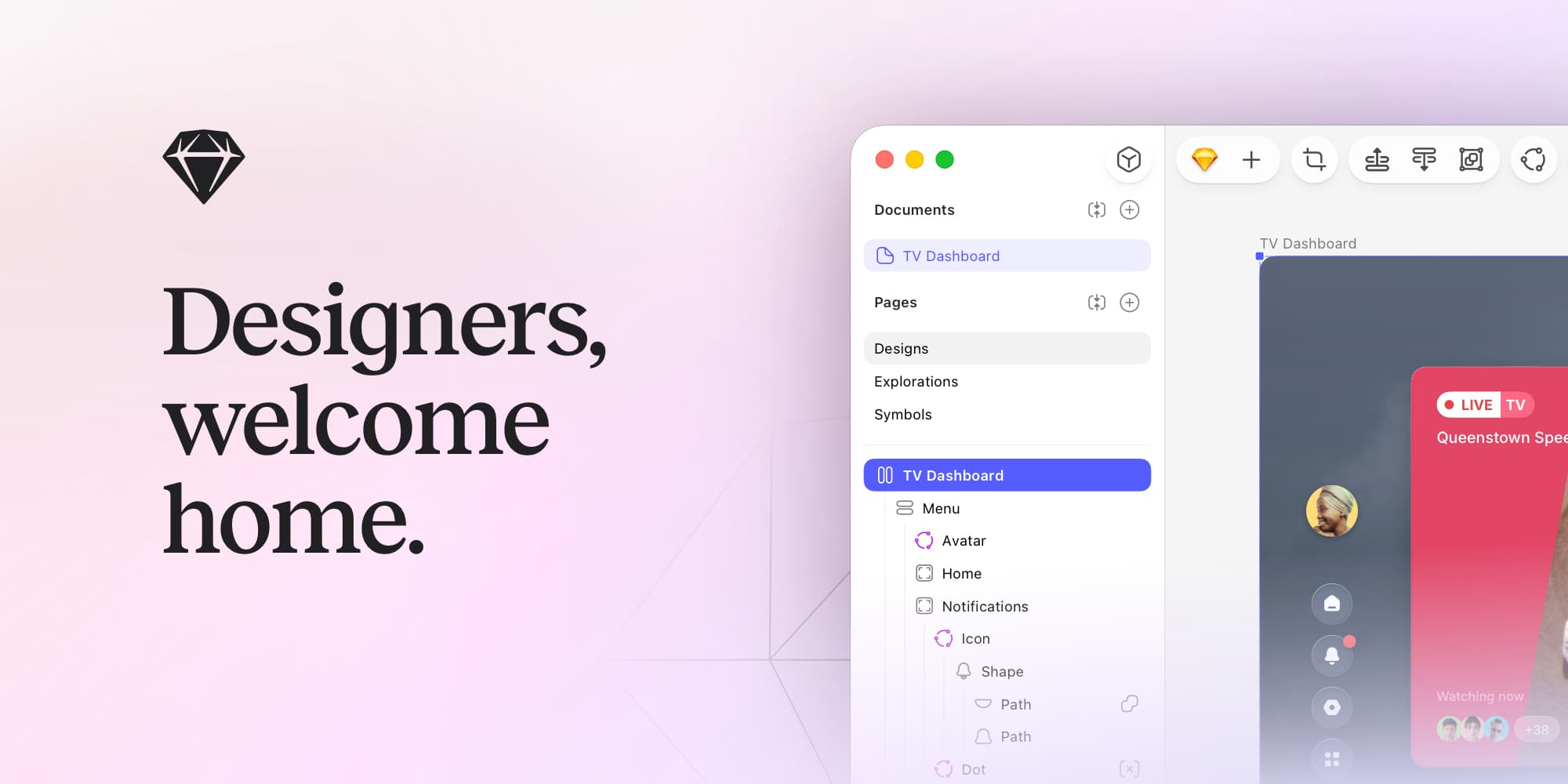
Commonly Cited Strengths & Limitations
Strengths
- Native macOS app
- Simple, intuitive UI
- Works offline
- Free developer handoff tools
- No extra cost for guest editors who already pay for Sketch
Limitations
- Requires macOS Sequoia (15.0.0) or newer
Common Use Cases
- Designing icons, apps, and interfaces
- Creating interactive prototypes
- Team collaboration and feedback
- Developer handoff
Details
- Pricing Model
- Freemium
- Starting Price
- $10/editor/mo
- Founded
- 2010
- Team Size
- 51-200
- Headquarters
- The Hague, Netherlands
- Platforms
- MacWeb
- Category
- Design & Creative
Who is Sketch for?
Designers
Designers use Sketch's focused native macOS editor, vector tools, and infinite canvas to create work without distractions.
Developers
Developers inspect files, download assets, and export tokens for free during handoff.
Design teams
Teams share a Workspace, co-edit in real time, and manage shared component libraries.
Frequently Asked Questions
Is Sketch free?
Sketch offers a free plan, with paid plans starting at $10/editor/mo.
Does Sketch offer a free trial?
Yes, Sketch offers a free trial of 30 days.
Does Sketch have an API?
Yes, Sketch provides an API for developers.
What platforms does Sketch support?
Sketch is available on Mac, Web.
What does Sketch integrate with?
Sketch integrates with Slack, Jira, Notion, Abstract, Zeplin.
Is Sketch cloud-based or self-hosted?
Sketch is offered as a cloud-based (SaaS) deployment.
What are the downsides of Sketch?
Requires macOS Sequoia (15.0.0) or newer
Who is Sketch best for?
Sketch is best suited for Designers, Developers, Design teams.
What can I use Sketch for?
Common uses for Sketch include designing icons, apps, and interfaces, creating interactive prototypes, team collaboration and feedback, developer handoff.
How does Sketch compare to Kittl?
Sketch and Kittl are both used for design & creative -- specifically graphic-design-tools. See the full side-by-side comparison for pricing and feature differences.
Key Features
- Vector editorCreate anything from icons to entire apps with a precise vector editor.
- Infinite CanvasDesign on an infinite canvas with focused, distraction-free tools.
- Stack layouts & nestable framesPowerful stack layouts with min/max sizing and negative gaps, plus nestable frames to save time.
- Templates, Frame presets & LibrariesGet started fast with hundreds of free templates, Frame presets, and component Libraries.
- Offline designWork locally without an internet connection, on your own terms.
- Multi-layer renaming, Canvas Minimap & Command BarWorkflow tools including easy multi-layer renaming, a Canvas Minimap, and a Command Bar.
- Real-time co-editingDesign privately alone or co-edit with others in real time.
- PrototypingCreate a working prototype in less than 10 clicks.
- Smart AnimateAdd movement to your UI with full control over easing and timings.
- OverlaysCreate modals, alerts, panels, and menus with Overlays.
- InteractionsInteract via hover, press, drag, and swipe, not just clicks.
- Scroll areasCreate and combine horizontal, vertical, or multi-directional scroll areas.
- Prototype testingTest prototypes on any web browser, iPhone, or iPad.
- Component variants & sectionsCombine related components with variants and organize the canvas with sections.
- Effects supportUse shadows and effects in more places.
- Sharing & PreviewsShare an entire document or create a Preview for specific pages and prototypes with password protection.
- Comments & feedbackPin comments on designs, reply in threads, and resolve them when done.
- Shared WorkspaceSync a shared Workspace for all your team's files, libraries, and drafts.
- Shared component librariesShare component libraries across projects and manage who can update them.
- Developer handoff toolsInvite developers to inspect files, download assets, and export tokens for free.
Integrations
Technical Details
- Deployment
- Cloud
- API
- Available
- Free Trial
- 30 days
- Free Plan
- Available
Official Pricing
Sketch's published pricing · verified Oct 4, 2026
$10/editor/mo
Pricing shown above is sourced from Sketch's own published plans as of Oct 4, 2026 and can change at any time -- confirm current pricing on Sketch's own site before purchasing.
Real Pricing from Verified Users
See what people actually pay for Sketch
Reviews
0 reviews
No reviews yet. Be the first to share your experience!
Switching Stories
Real migration experiences with Sketch
Discussion
Ask questions, share tips, or discuss this tool with other users.
No discussion yet. Start the conversation!
Similar tools in Design & Creative
Other listed tools in Design & Creative, not reviewed as direct alternatives
AI-first design platform with vector tools, templates, mockups and brand kits
Also graphic-design-tools
- AI generation
- Editing tools
- Infinite canvas

AI creative agents that turn one brief into on-brand images, video, copy, slides, and audio
Also graphic-design-tools
- AI Agent
- Brand consistency
- Smart Model Routing

Turn website heatmaps into AI-generated UI redesigns and code in seconds.
Also graphic-design-tools
- Generative UI from heatmaps
- Improvement goals
- Improvement report

- Templates Library
- Magic Studio (AI)
- Magic Write

- Figma Design
- Figma Make
- AI-native canvas

- Cloud storage
- Generative AI credits
- Image Trace
Also used for
People Also Viewed


More in Design & Creative

Collaborative interface design tool

The world's best image editing software