WayinVideo
AI video platform that turns long videos into share-ready shorts, clips, and transcripts.
Data verified Sep 11, 2026
Score
- Price
- $4.99/mo
- Try it free
- Free plan
- Best for
- Social media creators
Editorial Verdict
AI-researched, not hands-on testedTurning a 60-minute video into roughly 10 clips in minutes, with support for 100+ languages, makes WayinVideo fast for multilingual teams. Free users can't upload local files for AI clipping, exports cap at 720p without paying, and the desktop app is Windows-only.
Reviewed by AIToolPundit Editorial Team · last verified October 2026
About WayinVideo
WayinVideo is a cloud-based AI video platform that auto-clips long recordings into vertical shorts, searches inside footage for exact moments, and generates summaries, speaker-labeled transcripts, animated captions, and multi-aspect-ratio reframes. It's aimed at social media creators, marketers, and educators who need to repurpose long-form video without manual timeline editing, and at developers who can access the same capabilities via a REST API. Its main differentiator is bundling highlight clipping, semantic moment search, and 100+ language transcription/captioning into one browser-based tool.
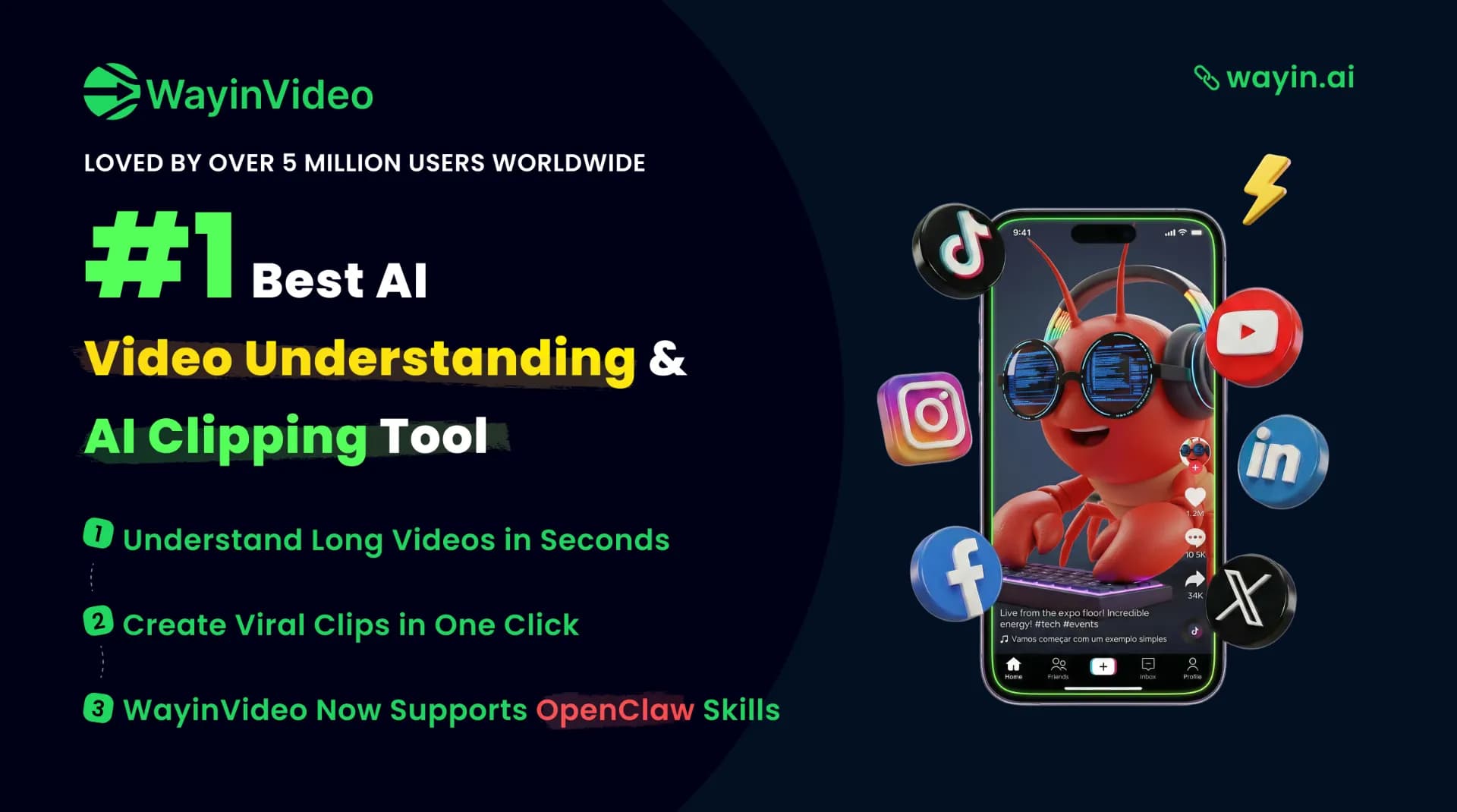
Screenshots
Commonly Cited Strengths & Limitations
Strengths
- Intuitive browser-based interface requiring no video editing expertise
- Fast clipping (e.g., a 60-minute video into ~10 clips in minutes)
- Broad multilingual support (100+ languages) for transcription, summaries, and captions
- All-in-one toolkit combining clipping, search, summarization, transcription, captions, and reframing
Limitations
- Free users cannot upload local video files; uploading for AI clipping requires a paid subscription
- Free tier caps export resolution at 720p
- One reviewer reported the advertised free trial was misleading since a paid plan was needed to upload files
- Credit-based model means every action consumes credits and users can hit usage caps
- Desktop app is Windows-only
Common Use Cases
- Repurposing long videos into short-form social clips
- Finding specific moments inside long videos
- Summarizing long videos with timestamped outlines
- Transcribing meetings, classes, and interviews
- Generating multilingual animated captions and subtitles
- Reframing videos for multiple aspect ratios and platforms
- Processing videos programmatically via API
Details
- Pricing Model
- Freemium
- Starting Price
- $4.99/mo
- Category
- AI Image & Video Generation
Who is WayinVideo for?
Social media creators
Turn long uploads or streams into vertical Shorts, Reels, and TikToks with captions in one click.
Developers
Use the pay-as-you-go REST API to run clipping, transcription, and moment search inside their own automation workflows.
Students and educators
Summarize and transcribe long videos across 100+ languages for cross-language learning from classes and lectures.
Frequently Asked Questions
Is WayinVideo free?
WayinVideo offers a free plan, with paid plans starting at $4.99/mo.
Does WayinVideo have an API?
Yes, WayinVideo provides an API for developers.
What does WayinVideo integrate with?
WayinVideo integrates with YouTube, TikTok, Instagram Reels, Instagram Stories, REST API.
Is WayinVideo cloud-based or self-hosted?
WayinVideo is offered as a cloud-based (SaaS) deployment.
What are the downsides of WayinVideo?
Free users cannot upload local video files; uploading for AI clipping requires a paid subscription Also, Free tier caps export resolution at 720p
Who is WayinVideo best for?
WayinVideo is best suited for Social media creators, Developers, Students and educators.
What can I use WayinVideo for?
Common uses for WayinVideo include repurposing long videos into short-form social clips, finding specific moments inside long videos, summarizing long videos with timestamped outlines, transcribing meetings, classes, and interviews.
How does WayinVideo compare to InfiniteArt.ai?
WayinVideo and InfiniteArt.ai are both used for ai image & video generation -- specifically video editing tools. See the full side-by-side comparison for pricing and feature differences.
Key Features
- AI Video ClipperAuto-detects highlights, speaker changes, and pacing to turn long videos into short vertical clips in one click.
- AI Video SearchAnalyzes the full video and transcript so you can type a keyword or question and jump to the exact moment.
- AI Video SummarizerProduces a one-paragraph overview plus a timestamped outline of key moments, across 100+ languages.
- AI Video TranscriptionGenerates transcripts with punctuation, timestamps, and speaker labels for meetings, classes, and interviews.
- AI Caption GeneratorCreates multilingual animated subtitles and callout cards ready for social export.
- AI Video ReframeTracks faces and key objects to keep the subject centered across 9:16, 1:1, and 16:9 aspect ratios.
- API IntegrationAccess clipping, transcription, summarization, and moment search programmatically without a browser.
Integrations
Technical Details
- Deployment
- Cloud
- Target Market
- Both
- API
- Available
- Free Plan
- Available
Support
Official Pricing
WayinVideo's published plans · verified Sep 11, 2026
Free
$0
- 60 minutes of input video
- 10 Find Moments credits
- AI captions and customizable fonts
- 720p export
- No credit card required
Starter
$4.99/mo
- Billed yearly (regular $13.99/mo)
- 18,000 credits per year (~9,000 minutes)
- AI clipping
- Bulk edit and export up to 20 clips
- 1080p HD export
- Connect 3 social accounts
Pro
$9.58/mo
- Billed yearly (regular $26.99/mo)
API (Pay-as-you-go)
$10/one-time
- Top-ups starting from $10
- API credits do not expire
- AI clipping, transcription, summarization, find moments
Pricing shown above is sourced from WayinVideo's own published plans as of Sep 11, 2026 and can change at any time -- confirm current pricing on WayinVideo's own site before purchasing.
Full WayinVideo pricing breakdown, free plan and cheaper alternatives →
Real Pricing from Verified Users
See what people actually pay for WayinVideo
Reviews
0 reviews
No reviews yet. Be the first to share your experience!
Switching Stories
Real migration experiences with WayinVideo
Discussion
Ask questions, share tips, or discuss this tool with other users.
No discussion yet. Start the conversation!
Similar tools in AI Image & Video Generation
Other listed tools in AI Image & Video Generation, not reviewed as direct alternatives

AI creative studio for iOS and Mac that turns text into images and animates them into video.
Also Video Editing Tools
- Text-to-image generation
- Generate videos
- Multiple image models
AI dubbing and localization with a full editor to transcribe, translate, caption, and dub in 50+ languages.
Also Video Editing Tools
- Automated dubbing
- Transcription
- Translation

- Seedance 2.5
- Nano Banana Pro
- Higgsfield Genjutsu
- Raya AI agent
- Competitor strategy extraction
- Customer review mining

- Meeting Transcription & Recording
- Speaker Recognition
- Auto-Language Detection

AI creative agents that turn one brief into on-brand images, video, copy, slides, and audio
Also Video Editing Tools
- AI Agent
- Brand consistency
- Smart Model Routing
Also used for



More in AI Image & Video Generation

All-in-one audio & video editing


Open-source image generation AI