
ClickUp
VerifiedFeaturedDealOne app to replace them all
Data verified Oct 3, 2026
Editorial Verdict
AI-researched, not hands-on testedClickUp bundles tasks, docs, chat, whiteboards, and goal-tracking into one all-in-one work platform rather than a single-purpose tool, which is its main pitch against point solutions like Linear or Asana. Free Forever is a real free tier for small teams, and Unlimited ($7/user/month annual) is where most growing teams land — Business ($12/user/month annual) adds the automation and reporting depth larger teams tend to need.
Reviewed by AIToolPundit Editorial Team · last verified September 2026
ClickUp's bet is breadth: instead of using separate tools for tasks, docs, chat, and whiteboards, it puts all of them in one workspace with a shared data model, so a task can link directly to a doc or a chat thread. That breadth is also the main tradeoff — the interface has more surface area to learn than a single-purpose tool.
Pricing (verified at clickup.com/pricing, annual billing)
- Free Forever — unlimited tasks and members, capped at 60MB storage, 1 form
- Unlimited — $7/user/month, unlimited storage/integrations/custom fields/Gantt charts, native time tracking, goal/portfolio management
- Business — $12/user/month, unlimited dashboards, 5,000 automations/month, mind mapping, Google SSO
- Enterprise — custom, advanced security and support
Where it's strong
Teams that want to consolidate multiple tools (task tracker + docs + light chat) into one subscription instead of paying for several separate apps.
Where to be careful
The sheer number of features and views can mean more setup time before a team's workflow feels dialed in, compared to a narrower tool that's ready to use immediately.
About ClickUp
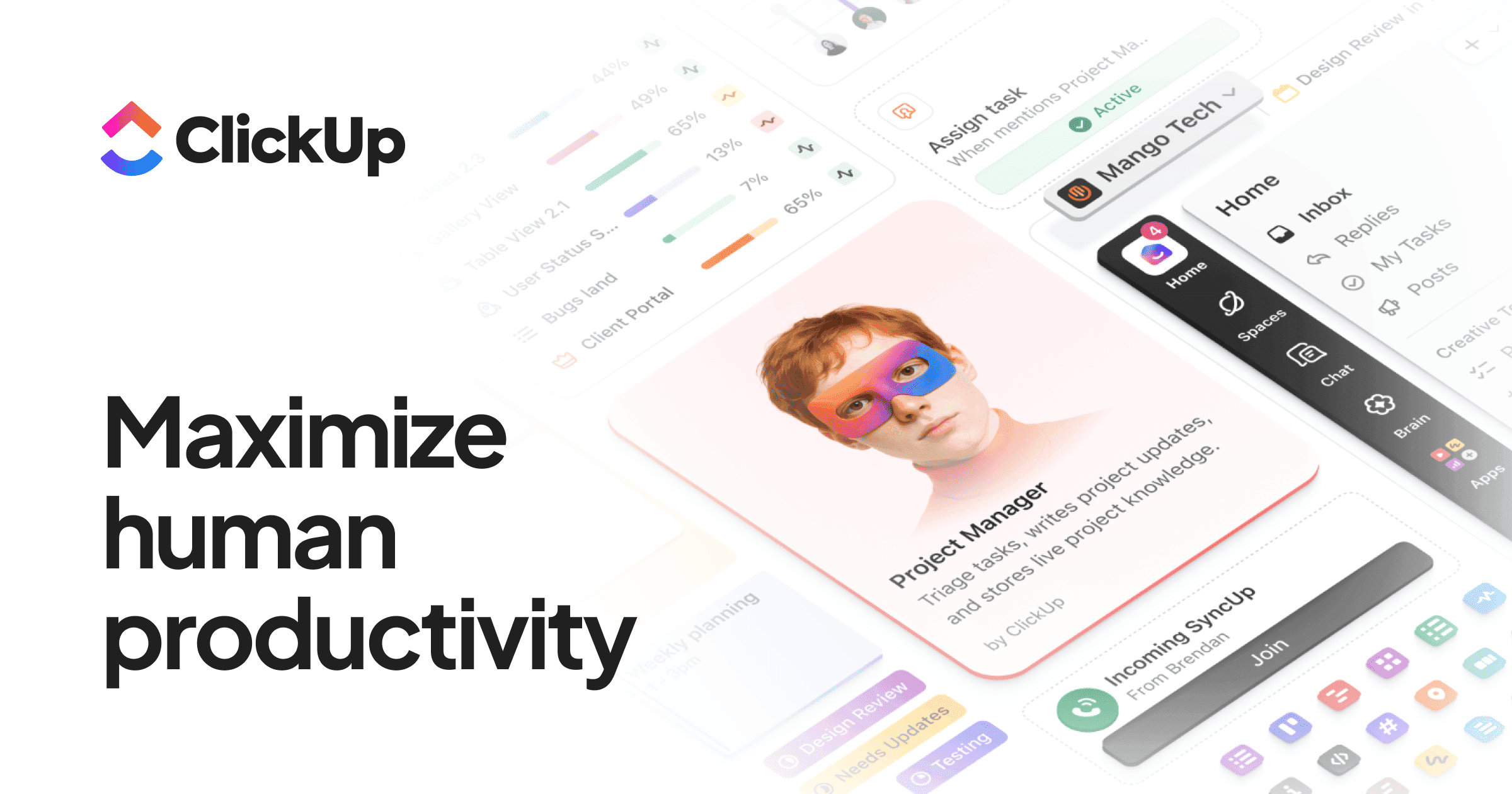
ClickUp is the all-in-one productivity platform replacing 10+ apps with tasks, docs, goals, whiteboards, and chat — in one place. Used by 2 million teams at Amazon, Nike, and Uber who wanted to consolidate their tool stack.
Screenshots
Commonly Cited Strengths & Limitations
Strengths
- Replaces fragmented software with 100+ products in one platform
- Free forever with no credit card required
- Runs every major AI model with full context of your work
- Available on macOS, iOS, Windows, and Android
Limitations
- Steep learning curve — the #2 most-cited complaint on G2, with so many features it feels overwhelming for new users
- Time-consuming setup and onboarding to configure a workspace that makes sense for a team (roughly 2-3 weeks)
- Performance lags and slow dashboard load times (3-8 seconds), browser crashes, and sync delays on large projects
- Feature overload — 35+ views and many customization options can complicate simple workflows
- Mobile app feels less polished and inconsistent
- High volume of notifications can be distracting
- Updates occasionally introduce new bugs
- Pricing criticized — must upgrade the whole team rather than individuals, and add-ons charged per user
- Some advanced features locked behind higher-tier plans
Common Use Cases
- Replace fragmented software with a single workspace
- Project management
- Team collaboration and chat
- Delegating tasks to AI agents
- Time tracking and reporting
Details
- Pricing Model
- Freemium
- Starting Price
- Free
- Founded
- 2017
- Team Size
- 1000+
- Headquarters
- San Diego, CA
- Platforms
- WebiOSAndroidMacWindowsLinux
- Category
- Project Management
Who is ClickUp for?
Developers
Use Brain² connected to GitHub and tools like Linear to get answers and delegate coding-related tasks to agents.
Strategists
Leverage Multiplayer AI that gets smarter as the team uses Brain² to inform planning and reporting.
Visual Designers
Tap connected apps like Figma and whiteboards within a shared AI-aware workspace.
Frequently Asked Questions
Is ClickUp free?
ClickUp offers a free plan, with paid plans starting at Free.
Does ClickUp have an API?
Yes, ClickUp provides an API for developers.
What platforms does ClickUp support?
ClickUp is available on Web, iOS, Android, Mac, Windows, Linux.
What does ClickUp integrate with?
ClickUp integrates with Google Drive, GitHub, Salesforce, MCP, ChatGPT, GPT, Claude Opus, Gemini.
Is ClickUp cloud-based or self-hosted?
ClickUp is offered as a cloud-based (SaaS) deployment.
What are the downsides of ClickUp?
Steep learning curve — the #2 most-cited complaint on G2, with so many features it feels overwhelming for new users Also, Time-consuming setup and onboarding to configure a workspace that makes sense for a team (roughly 2-3 weeks)
Who is ClickUp best for?
ClickUp is best suited for Developers, Strategists, Visual Designers.
What can I use ClickUp for?
Common uses for ClickUp include replace fragmented software with a single workspace, project management, team collaboration and chat, delegating tasks to ai agents.
How does ClickUp compare to Tweek Calendar?
ClickUp and Tweek Calendar are both used for project management -- specifically project management tools. See the full side-by-side comparison for pricing and feature differences.
Key Features
- Super AgentsAI agents that work 24/7 with infinite memory and 500+ tool superpowers to delegate any task.
- Brain² (AI)AI that sees your tasks, docs, and conversations and picks the best AI model for each job.
- Deep SearchAnswers complex questions by checking your workspace, connected apps, and the web.
- Ambient IntelligenceSurfaces relevant context, related tasks, and smart suggestions before you ask.
- Memory & PreferencesLearns how you and your team like to work and gets smarter with use.
- Multiplayer AIGets more useful for everyone the more your team uses it.
- Connected Apps & Any MCPTaps Google Drive, GitHub, Salesforce, and other tools via MCP for answers and insights.
- Projects
- Chat
- Time Tracking
- Calendar
- Docs
- Whiteboards
- Sprints
- Automations
- Dashboards
- Scheduling
- Custom Statuses
- Custom Fields
- Gantt Charts
- Kanban Boards
- Goals
- Forms
Integrations
Technical Details
- Deployment
- Cloud
- API
- Available
- Free Plan
- Available
Official Pricing
ClickUp's published plans · verified Oct 3, 2026
Free
$0
- Free forever
- No credit card
Pricing shown above is sourced from ClickUp's own published plans as of Oct 3, 2026 and can change at any time -- confirm current pricing on ClickUp's own site before purchasing.
Real Pricing from Verified Users
See what people actually pay for ClickUp
Reviews
0 reviews
No reviews yet. Be the first to share your experience!
Switching Stories
Real migration experiences with ClickUp
Discussion
Ask questions, share tips, or discuss this tool with other users.
No discussion yet. Start the conversation!
Similar tools in Project Management
Other listed tools in Project Management, not reviewed as direct alternatives

A minimal weekly planner and to-do app with a paper-like design for individuals and small teams.
Also Project Management Tools
- Weekly view planner
- Cross-device sync
- Recurring task management

- Capture knowledge
- Find answers
- Automate busywork

- Asana Work Graph
- Multiplayer
- Shared memory
- Inbox
- Planner
- Automation

- AI agents
- Agent builder
- AI assistant

- Intake and integrations
- Planning and monitoring
- AI and automations
Also used for
People Also Viewed


More in Project Management

The issue tracker built for modern software teams
Scheduling automation for teams

Work OS that powers teams to run projects and workflows
Visual project management with Kanban boards