
Tweek Calendar
A minimal weekly planner and to-do app with a paper-like design for individuals and small teams.
Data verified Oct 10, 2026
Score
Editorial Verdict
AI-researched, not hands-on testedTweek's weekly, paper-like layout is a genuine relief if hourly-grid calendar apps feel overwhelming -- the design is deliberately simple and it syncs two-way with Google and Outlook. The honest catch: basic features like notifications and dark mode sit behind the premium paywall, and some users report sync issues across devices. A good fit for individuals and families who want lightweight weekly planning; not built for teams that need real project-management depth.
Reviewed by AIToolPundit Editorial Team · last verified October 2026
About Tweek Calendar
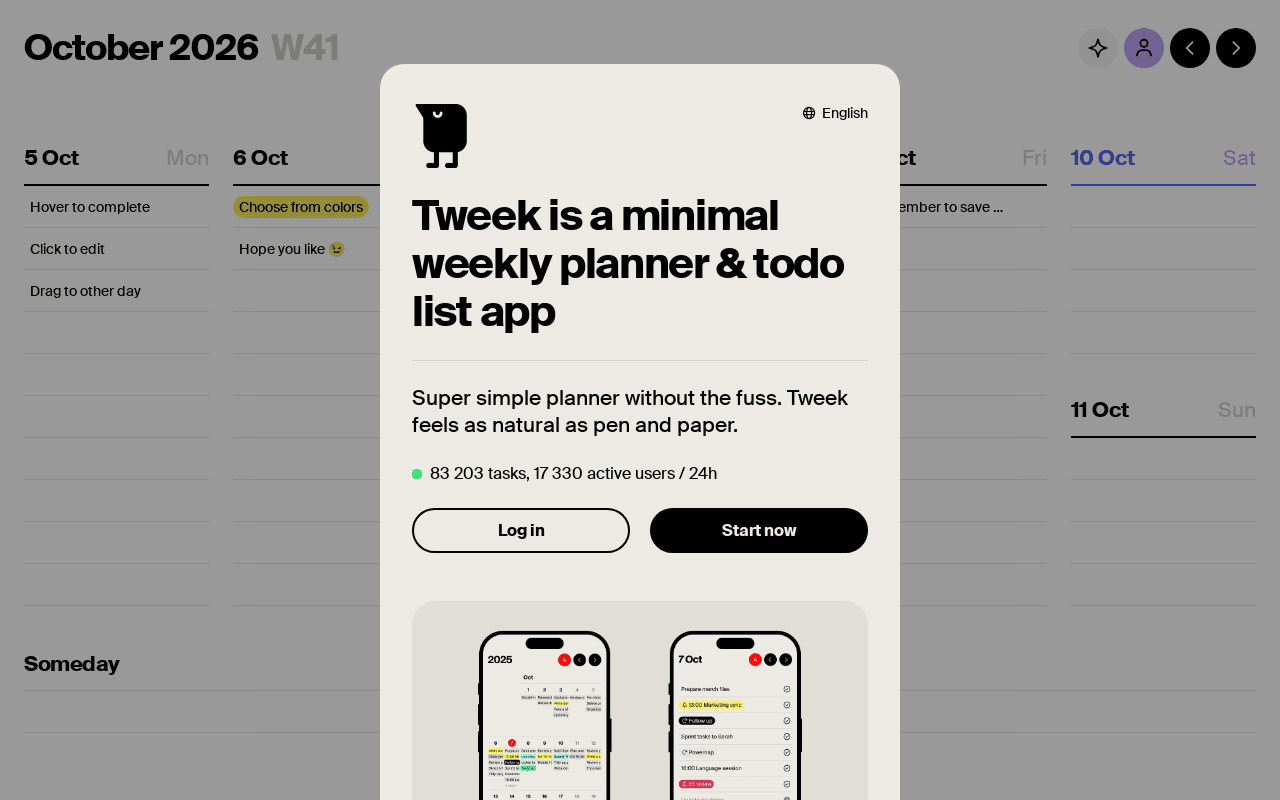
Tweek is a minimalist weekly planner and task management app that lays out your to-dos in a clean, paper-like weekly view alongside a calendar, deliberately avoiding the clutter and hourly grids of heavier project tools. It's aimed at individuals, families, and small teams who want lightweight planning that syncs across phone, tablet, desktop, and web rather than complex project tracking. Its main differentiator is its distraction-free, visually simple weekly layout paired with two-way Google and Outlook calendar sync.
Screenshots
Commonly Cited Strengths & Limitations
Strengths
- Clean, minimal, paper-like design that reduces clutter
- Colorful, visually appealing interface
- Easy to use and boosts productivity
- Works across computers, phones, and tablets
- Well suited to personal, family, and small-team planning
Limitations
- Essential features like notifications and dark mode are locked behind the premium paywall
- Marketing/upgrade messages pushed through notifications, even for existing subscribers
- Reported synchronization and calendar-integration issues across devices
- Too limited for complex workflows or larger teams
Details
- Pricing Model
- Freemium
- Starting Price
- $2.83/mo
- Platforms
- WebiOSAndroid
- Category
- Productivity & Automation
Who is Tweek Calendar for?
Individuals and personal planners
Plan their week and daily to-dos in a simple, uncluttered layout without the overhead of full project tools.
Families
Share a calendar and tasks with unlimited people to coordinate household plans.
Frequently Asked Questions
How much does Tweek Calendar cost?
Tweek Calendar starts at $2.83/mo (Freemium).
Does Tweek Calendar have an API?
Tweek Calendar does not currently offer a public API.
What platforms does Tweek Calendar support?
Tweek Calendar is available on Web, iOS, Android.
What are the downsides of Tweek Calendar?
Essential features like notifications and dark mode are locked behind the premium paywall Also, Marketing/upgrade messages pushed through notifications, even for existing subscribers
Who is Tweek Calendar best for?
Tweek Calendar is best suited for Individuals and personal planners, Families.
What is the best alternative to Tweek Calendar?
Our reviewed alternatives to Tweek Calendar are Super Productivity and Planka. Open-source options: Super Productivity, Planka.
How does Tweek Calendar compare to Notion?
Tweek Calendar and Notion are both used for productivity & automation -- specifically project management tools. See the full side-by-side comparison for pricing and feature differences.
Key Features
- Weekly view plannerLays out tasks in a clean, distraction-free weekly layout without a stressful hourly grid.
- Cross-device syncKeeps your calendar in sync across phone, tablet, desktop, and web.
- Recurring task managementHandles tasks that repeat on a regular basis.
- Calendar sharingShare calendars with unlimited people for family or team collaboration.
- Google & Outlook two-way syncTwo-way syncs events with Google and Outlook calendars.
Technical Details
Official Pricing
Tweek Calendar's published pricing · verified Oct 10, 2026
$2.83/mo
Pricing shown above is sourced from Tweek Calendar's own published plans as of Oct 10, 2026 and can change at any time -- confirm current pricing on Tweek Calendar's own site before purchasing.
Real Pricing from Verified Users
See what people actually pay for Tweek Calendar
Reviews
0 reviews
No reviews yet. Be the first to share your experience!
Switching Stories
Real migration experiences with Tweek Calendar
Discussion
Ask questions, share tips, or discuss this tool with other users.
No discussion yet. Start the conversation!
Tweek Calendar alternatives we reviewed
Reviewed when this listing was published; open-source options are marked.
Super Productivity
Open sourceOpen-source task and time-management app with a focus on distraction-free daily planning.
Planka
Open sourceOpen-source kanban board for organizing and sharing weekly task boards with a team.
Similar tools in Productivity & Automation
Other listed tools in Productivity & Automation, not reviewed as direct alternatives

- Capture knowledge
- Find answers
- Automate busywork

- Asana Work Graph
- Multiplayer
- Shared memory
- Inbox
- Planner
- Automation

- AI agents
- Agent builder
- AI assistant

- Super Agents
- Brain² (AI)
- Deep Search

- Intake and integrations
- Planning and monitoring
- AI and automations
Also used for
People Also Viewed


More in Productivity & Automation

Connect your apps and automate workflows

Customer experience automation

Automate anything without code

Digital analytics platform