Notion
VerifiedFeaturedDealAll-in-one workspace for notes, tasks, and wikis
Data verified Oct 3, 2026
Editorial Verdict
AI-researched, not hands-on testedNotion earns its reputation as an all-in-one workspace, and its AI-native tooling genuinely lets small teams punch above their weight. The tradeoff shows up at scale: large databases and complex pages can noticeably slow down, the mobile app lags well behind desktop, and real-world integrations (especially Google Workspace/Calendar) are thinner than the marketing suggests.
Reviewed by AIToolPundit Editorial Team · last verified October 2026
About Notion
Notion is an all-in-one workspace that combines notes, tasks, wikis, and databases. It provides a flexible platform for teams and individuals to organize their work, collaborate in real time, and build custom workflows. With powerful features like linked databases, templates, and API integrations, Notion adapts to any workflow whether you are managing a startup or running a large enterprise.
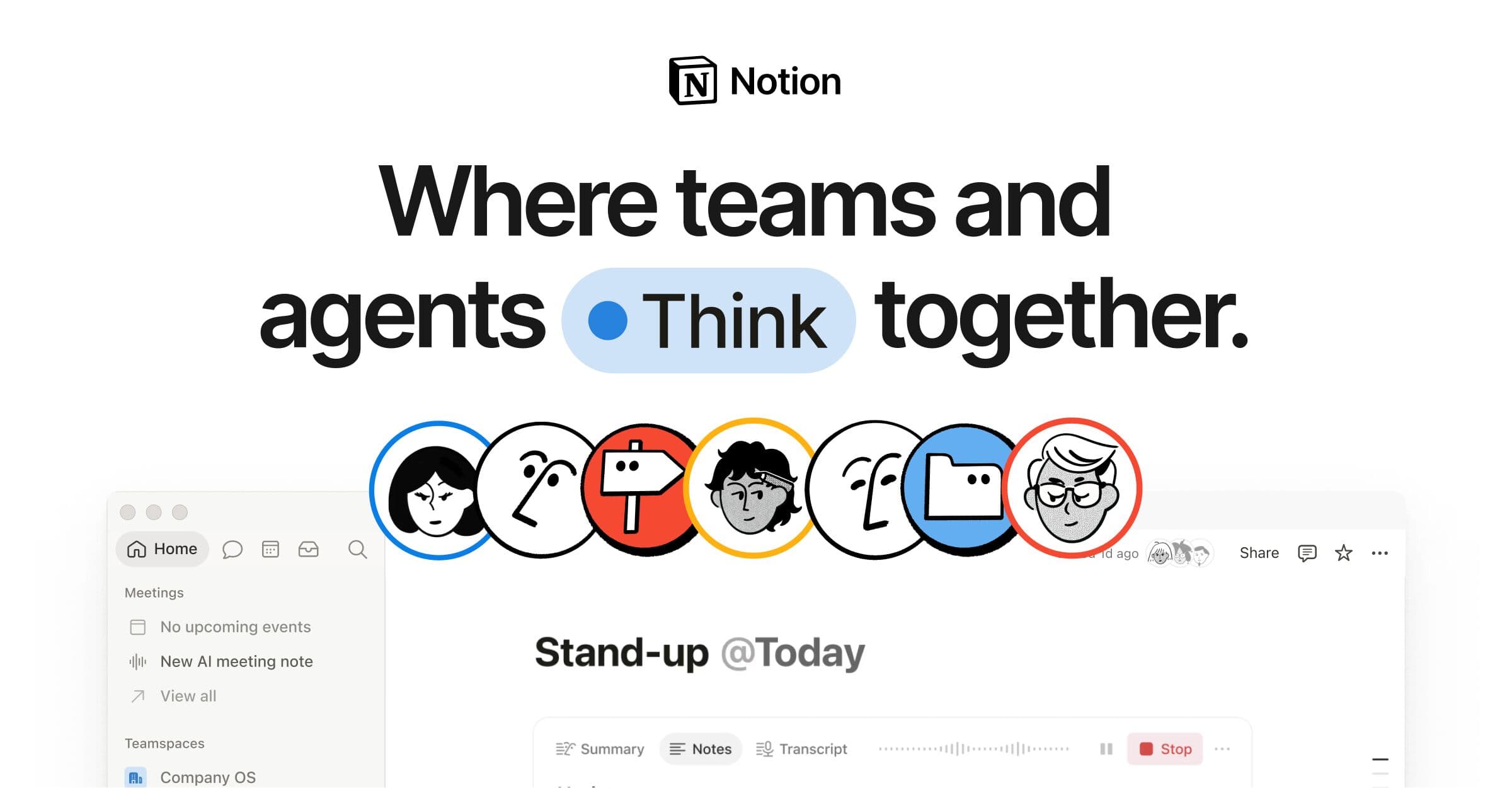
Screenshots
Commonly Cited Strengths & Limitations
Strengths
- AI-native tooling gives a competitive advantage to stay small while doing a lot
- Thoughtful design speeds up collaboration and decisions
- Custom Agents let teams build AI tools that do the work for them
Limitations
- Performance slows down with large databases, complex pages, or growing workspaces, sometimes causing noticeable lag or freezing
- Mobile app is less robust than desktop, lacking features like database creation and with slower load times
- Steep learning curve due to the large number of features and customization options
- Limited offline functionality
- Integrations are often superficial, with weak native connections to email clients and no true Google Workspace/Calendar integration
- Customer support is reported as poor, with promised features that never materialize
- Occasional data synchronization and loading inconsistencies
- Customization constraints, such as a limited color palette and drag-and-drop not enabled everywhere
Common Use Cases
- Triage product feedback
- Resolve support tickets in Slack
- Respond to security alerts faster
- Automate weekly reporting
- Create your own developer tools
Details
- Pricing Model
- Freemium
- Starting Price
- Free
- Founded
- 2016
- Team Size
- 201-500
- Headquarters
- San Francisco, CA
- Platforms
- WebiOSAndroidMacWindows
- Category
- Project Management
Who is Notion for?
Operations Teams
Use Notion Custom Agents to build AI tools that do the work for them.
Product Design Teams
Rely on Notion's design to speed up collaboration and decisions and deliver impact to customers faster.
Frequently Asked Questions
Is Notion free?
Notion offers a free plan, with paid plans starting at Free.
Does Notion have an API?
Yes, Notion provides an API for developers.
What platforms does Notion support?
Notion is available on Web, iOS, Android, Mac, Windows.
What does Notion integrate with?
Notion integrates with Slack.
Is Notion cloud-based or self-hosted?
Notion is offered as a cloud-based (SaaS) deployment.
What are the downsides of Notion?
Performance slows down with large databases, complex pages, or growing workspaces, sometimes causing noticeable lag or freezing Also, Mobile app is less robust than desktop, lacking features like database creation and with slower load times
Who is Notion best for?
Notion is best suited for Operations Teams, Product Design Teams.
What can I use Notion for?
Common uses for Notion include triage product feedback, resolve support tickets in slack, respond to security alerts faster, automate weekly reporting.
What is the best alternative to Notion?
Our reviewed alternatives to Notion are AppFlowy and AFFiNE. Open-source options: AppFlowy, AFFiNE.
How does Notion compare to Tweek Calendar?
Notion and Tweek Calendar are both used for project management -- specifically project management tools. See the full side-by-side comparison for pricing and feature differences.
Key Features
- Capture knowledgeBrings everything into one system of record.
- Find answersGets answers instantly with citations.
- Automate busyworkKeeps work moving 24/7 with agents.
- Custom AgentsLets teams build AI tools that do the work for them.
Integrations
Technical Details
- Deployment
- Cloud
- Target Market
- Both
- API
- Available
- Free Plan
- Available
Security & Compliance
Support
Official Pricing
Notion's published pricing · verified Oct 3, 2026
Free
Pricing shown above is sourced from Notion's own published plans as of Oct 3, 2026 and can change at any time -- confirm current pricing on Notion's own site before purchasing.
Real Pricing from Verified Users
See what people actually pay for Notion
Reviews
0 reviews
No reviews yet. Be the first to share your experience!
Switching Stories
Real migration experiences with Notion
Discussion
Ask questions, share tips, or discuss this tool with other users.
No discussion yet. Start the conversation!
Notion alternatives we reviewed
Reviewed when this listing was published; open-source options are marked.
AppFlowy
Open sourceOpen-source Notion alternative with local-first data ownership.
AFFiNE
Open sourceOpen-source docs + whiteboards in one, self-hostable.
Similar tools in Project Management
Other listed tools in Project Management, not reviewed as direct alternatives

A minimal weekly planner and to-do app with a paper-like design for individuals and small teams.
Also Project Management Tools
- Weekly view planner
- Cross-device sync
- Recurring task management

- Asana Work Graph
- Multiplayer
- Shared memory
- Inbox
- Planner
- Automation

- AI agents
- Agent builder
- AI assistant

- Super Agents
- Brain² (AI)
- Deep Search

- Intake and integrations
- Planning and monitoring
- AI and automations
Also used for
People Also Viewed


More in Project Management
One app to replace them all

The issue tracker built for modern software teams
Scheduling automation for teams

Work OS that powers teams to run projects and workflows