
Filmora
AI-powered video editor that makes professional editing faster and easier for all skill levels
Data verified Oct 12, 2026
Score
Editorial Verdict
AI-researched, not hands-on testedFilmora is a beginner-friendly video editor from Wondershare with a large library of effects and stock footage and a wide set of AI editing tools. Reviewers say it is easy to learn but limited for professional work such as advanced colour grading, motion tracking and VFX, and the free version adds a watermark to exports with many templates locked behind the subscription. A good fit for casual creators, YouTubers and small marketing teams; editors who need cinematic control should look at the open-source editors listed below.
Reviewed by AIToolPundit Editorial Team · last verified October 2026
About Filmora
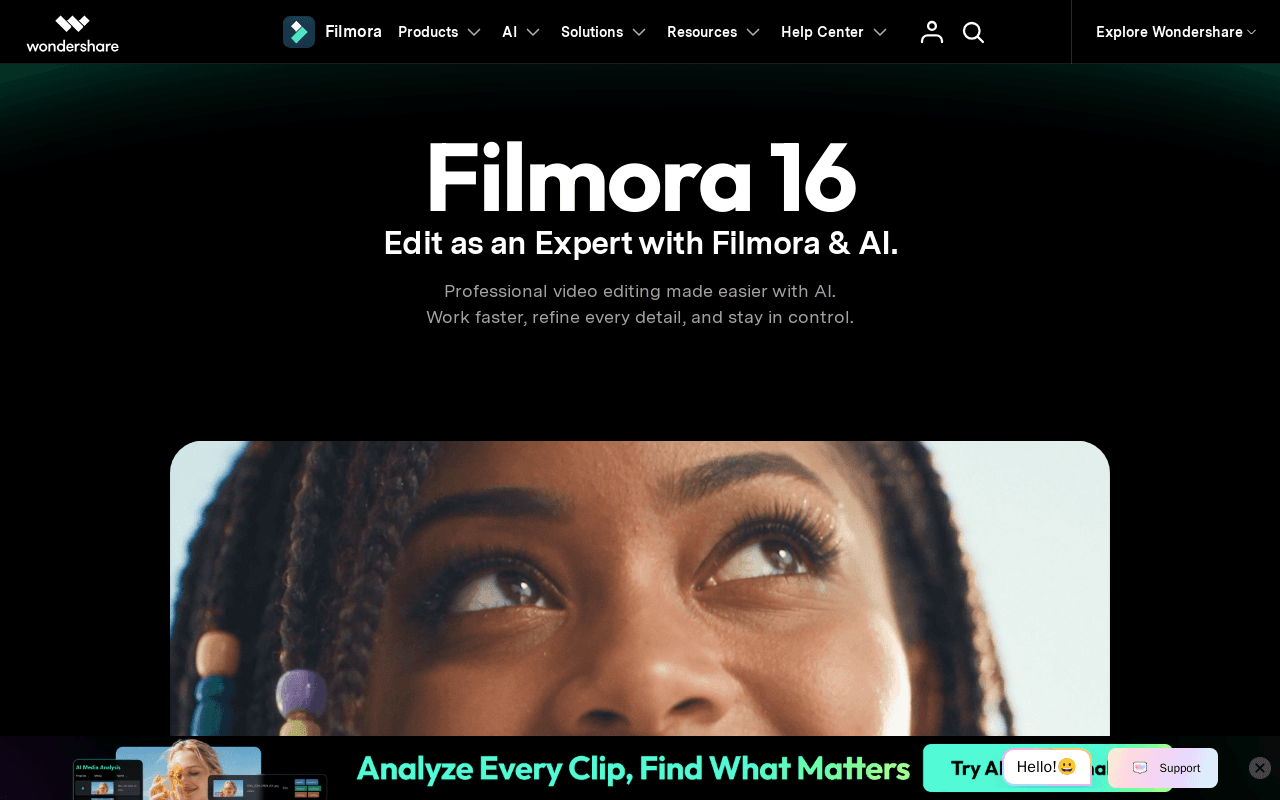
Filmora is Wondershare's desktop and mobile video editing application that pairs an approachable timeline editor with AI-assisted tools for cutting, color grading, audio cleanup, captions, and generative video. It's aimed at beginners, casual creators, and small teams who want near-professional results without the complexity of tools like Premiere Pro or DaVinci Resolve. Its standout is a single connected workflow where AI features—Media Analysis, voiceovers, subtitle generation, 360° reframing, and AI video generation—live alongside a large royalty-free asset and effects library.
Screenshots
Commonly Cited Strengths & Limitations
Strengths
- User-friendly interface accessible to beginners and casual users
- Vast library of royalty-free stock footage and effects
- Training resources to improve editing skills
- Broad set of AI-powered editing tools
Limitations
- Limited advanced features (e.g. color grading, motion tracking, VFX) not ideal for professional or cinematic editing
- Initial learning curve
- Subscription costs and many features/templates locked behind a paywall
Details
- Pricing Model
- Freemium
- Platforms
- WindowsmacOSWebiOSAndroid
- Category
- Productivity & Automation
Who is Filmora for?
Beginner and casual creators
Use Filmora's simple interface, templates, and AI tools to produce polished videos without professional editing experience.
Content creators and YouTubers
Rely on screen recording, auto subtitles, rough-cut tools, and a large effects library to produce social and video content quickly.
Small business and marketing teams
Use the team plan and multi-version delivery to adapt and export edits across aspect ratios and audiences with company-use licensing.
Frequently Asked Questions
Does Filmora have an API?
Filmora does not currently offer a public API.
What platforms does Filmora support?
Filmora is available on Windows, macOS, Web, iOS, Android.
What are the downsides of Filmora?
Limited advanced features (e.g. color grading, motion tracking, VFX) not ideal for professional or cinematic editing Also, Initial learning curve
Who is Filmora best for?
Filmora is best suited for Beginner and casual creators, Content creators and YouTubers, Small business and marketing teams.
What is the best alternative to Filmora?
Our reviewed alternatives to Filmora are Shotcut, Kdenlive, OpenShot and DaVinci Resolve. Open-source options: Shotcut, Kdenlive, OpenShot.
How does Filmora compare to SpeechLab?
Filmora and SpeechLab are both used for productivity & automation -- specifically video editing tools. See the full side-by-side comparison for pricing and feature differences.
Key Features
- AI Media AnalysisIdentifies people, scenes, actions, speech, and key moments, then generates tags, summaries, and edit suggestions to find shots faster.
- Screen RecorderCaptures screen, camera, microphone, and system audio simultaneously, keeping each source available for independent editing.
- Rough CutRemoves pauses, enables text-based editing, and trims clips to shape a cleaner first cut.
- Advanced Timeline EditingRefines motion with keyframes and curves, tracks subjects with Camera Tracking, supports dual timelines, and draws custom motion paths with the Pen Tool.
- Video EnhancementEnhances clarity, improves lighting, stabilizes shaky footage, reduces noise, and removes unwanted distractions inside the edit.
- Color Correction & GradingProvides fast color correction plus Color Mask to target faces, skies, and backgrounds with HSL, curves, and color wheels.
- AI Voice EnhancerGenerates voiceovers from text, enhances speech clarity, reduces background noise, and balances the audio mix.
- AI Subtitle GeneratorTranscribes dialogue, suggests corrections, manages captions on dedicated tracks, and applies dynamic caption styles.
Technical Details
Real Pricing from Verified Users
See what people actually pay for Filmora
Reviews
0 reviews
No reviews yet. Be the first to share your experience!
Switching Stories
Real migration experiences with Filmora
Discussion
Ask questions, share tips, or discuss this tool with other users.
No discussion yet. Start the conversation!
Filmora alternatives we reviewed
Reviewed when this listing was published; open-source options are marked.
Shotcut
Open sourceCross-platform open-source video editor
Kdenlive
Open sourceFree open-source video editor on MLT
OpenShot
Open sourceFree open-source video editor
DaVinci Resolve
Pro video editing suite
Similar tools in Productivity & Automation
Other listed tools in Productivity & Automation, not reviewed as direct alternatives
AI dubbing and localization with a full editor to transcribe, translate, caption, and dub in 50+ languages.
Also Video Editing Tools
- Automated dubbing
- Transcription
- Translation

- Text-based video editing
- Video transcription
- Remove filler words

AI video platform for creating lifelike talking-avatar videos from text, audio, or images
Also Video Editing Tools
- AI Avatar Generator (Avatar V)
- Multiple angles
- Accurate lip-sync

AI creative studio for iOS and Mac that turns text into images and animates them into video.
Also Video Editing Tools
- Text-to-image generation
- Generate videos
- Multiple image models

- Free AI music generator
- 10 free songs daily
- Granular creation controls

- Seedance 2.5
- Nano Banana Pro
- Higgsfield Genjutsu
Also used for
More from filmora.wondershare.com

People Also Viewed




More in Productivity & Automation

Connect your apps and automate workflows

Customer experience automation

Automate anything without code

Digital analytics platform