Wave.Video
All-in-one online video editor, live streaming studio, hosting, and stock library
Data verified Oct 26, 2026
Score
- Try it free
- Free plan
- Best for
- Content Creators
About Wave.Video
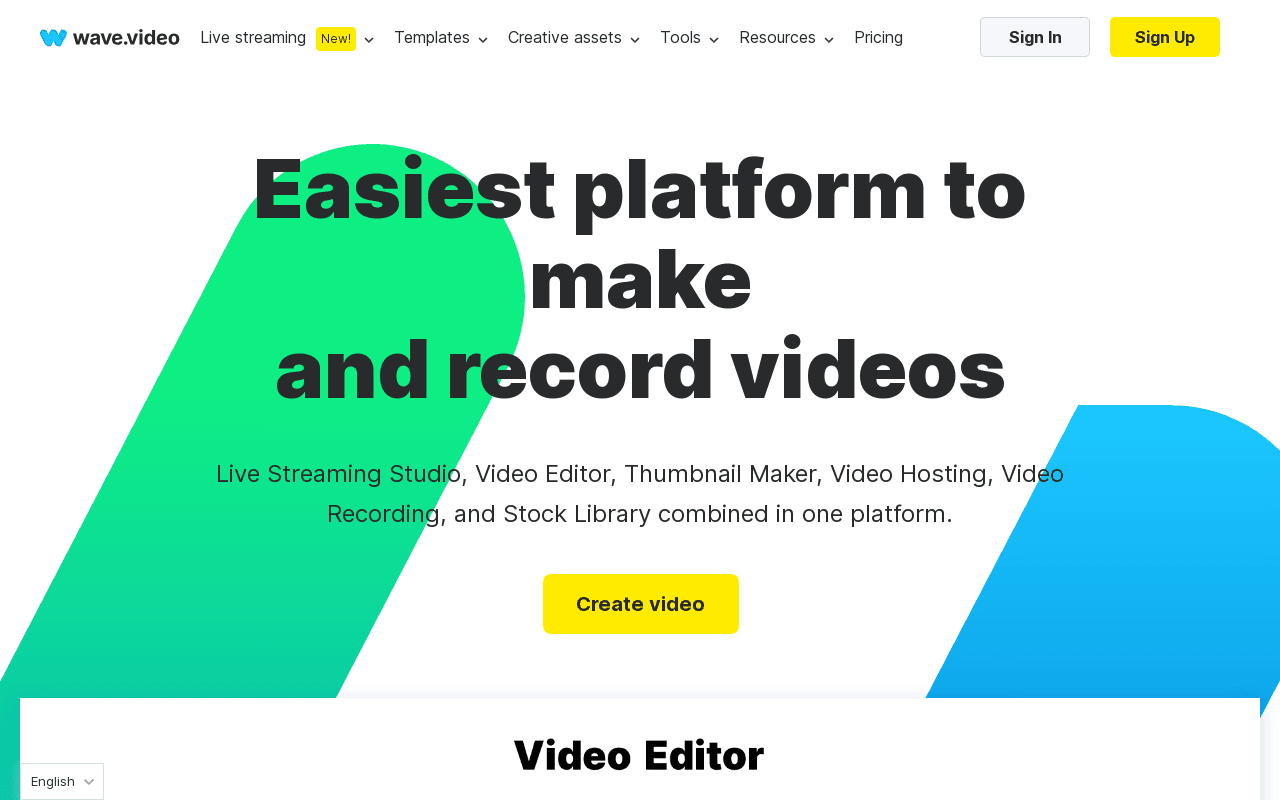
Wave.video is a cloud-based video platform that bundles an online editor, multistreaming live studio, screen/video recorder, video hosting, thumbnail maker, and a built-in stock library into a single subscription. It's aimed at marketers, content creators, and small businesses who want to produce, live-stream, host, and repurpose branded video without juggling separate tools. Its main differentiator is consolidating this many video workflows—especially multistreaming to several channels at once—into one platform rather than a standalone editor.
Screenshots
Commonly Cited Strengths & Limitations
Strengths
- Bundle of powerful tools for the price of one
- No coding required for live streams
- Discounted stock assets from top-rated providers
Limitations
- Platform frequently crashes, freezes, and can be slow, with rendering errors
- Limited customization and audio/timeline editing for advanced production
- Long videos are hard to edit because they're broken into short clips
- Advanced features and extra users are pricey; free plan and premium assets feel restrictive
- Poor customer support with slow response times
- Uploading media and downloading finished videos can be slow
Common Use Cases
- Creating and editing videos
- Live streaming and multistreaming to multiple channels
- Creating video thumbnails
- Hosting and sharing videos
- Recording podcasts, live shows, and community videos
- Adding captions and subtitles to videos
Details
- Pricing Model
- Freemium
- Team Size
- Small Business
- Category
- AI Image & Video Generation
Who is Wave.Video for?
Content Creators
Create, edit, and host videos to grow their audience and business.
Podcasters
Invite guests to pre-record podcasts and live shows with customizable layouts and scenes.
Live Streamers
Broadcast fully-customized, branded live or pre-recorded streams to multiple channels at once.
Frequently Asked Questions
Is Wave.Video free?
Wave.Video offers a free plan.
Does Wave.Video have an API?
Yes, Wave.Video provides an API for developers.
What does Wave.Video integrate with?
Wave.Video integrates with YouTube, Instagram.
Is Wave.Video cloud-based or self-hosted?
Wave.Video is offered as a cloud-based (SaaS) deployment.
What are the downsides of Wave.Video?
Platform frequently crashes, freezes, and can be slow, with rendering errors Also, Limited customization and audio/timeline editing for advanced production
Who is Wave.Video best for?
Wave.Video is best suited for Content Creators, Podcasters, Live Streamers.
What can I use Wave.Video for?
Common uses for Wave.Video include creating and editing videos, live streaming and multistreaming to multiple channels, creating video thumbnails, hosting and sharing videos.
How does Wave.Video compare to Loom?
Wave.Video and Loom are both used for ai image & video generation -- specifically video editing tools. See the full side-by-side comparison for pricing and feature differences.
Key Features
- Online Video EditorResize and trim videos, combine clips, change layouts, add text animations, stickers, transitions, and auto-generated captions and custom subtitles.
- Live Streaming StudioMultistreaming software to create customized live streams and broadcast live or pre-recorded videos to multiple channels simultaneously with guests.
- Thumbnail MakerRemove photo backgrounds, apply layouts, and add titles to create video thumbnails.
- Video HostingUpload and store videos, create shareable video landing pages, personalize players, embed videos, and track analytics.
- Video RecordingOnline recording tool to customize layouts, plan scenes, share tabs or videos, and invite guests to pre-record podcasts or shows.
- Stock LibraryBrowse a built-in library of stock videos, images, and audio tracks from top-rated stock providers at a discounted price.
- AI Video GenerationGenerate videos with AI from text, templates, or a blog post.
- Video PlayerPersonalizable video player for embedding and sharing videos.
Integrations
Technical Details
- Deployment
- Cloud
- Target Market
- B2B
- API
- Available
- Free Plan
- Available
Real Pricing from Verified Users
See what people actually pay for Wave.Video
Reviews
0 reviews
No reviews yet. Be the first to share your experience!
Switching Stories
Real migration experiences with Wave.Video
Discussion
Ask questions, share tips, or discuss this tool with other users.
No discussion yet. Start the conversation!
Similar tools in AI Image & Video Generation
Other listed tools in AI Image & Video Generation, not reviewed as direct alternatives

- Screen and camera recording
- Video editor
- Easy sharing and embedding
- Video hosting
- Video collaboration
- Embeddable player
- Host and Stream
- Publish & Manage Video Library
- Analytics

AI creative studio for iOS and Mac that turns text into images and animates them into video.
Also Video Editing Tools
- Text-to-image generation
- Generate videos
- Multiple image models
AI dubbing and localization with a full editor to transcribe, translate, caption, and dub in 50+ languages.
Also Video Editing Tools
- Automated dubbing
- Transcription
- Translation

- Seedance 2.5
- Nano Banana Pro
- Higgsfield Genjutsu
Also used for
People Also Viewed


More in AI Image & Video Generation

All-in-one audio & video editing


Open-source image generation AI