Video Editor MCP
Let Claude or ChatGPT upload, search, edit, and generate videos through Video Jungle.
Data verified Sep 18, 2026
Score
- Best for
- Marketers
About Video Editor MCP
Video Editor MCP is an open-source Model Context Protocol server that connects LLM assistants like Claude Desktop and ChatGPT to the Video Jungle platform, so you can upload videos, run multi-modal (audio + visual) semantic search, and generate or cut edits using natural-language prompts. It's aimed at developers, marketers, and video creators who want AI-driven, on-demand video generation and A/B-tested marketing videos rather than manual editing. Its standout capabilities are searching your own macOS Photos library by content and exporting edits as OpenTimelineIO projects to open directly in DaVinci Resolve Studio.
Screenshots
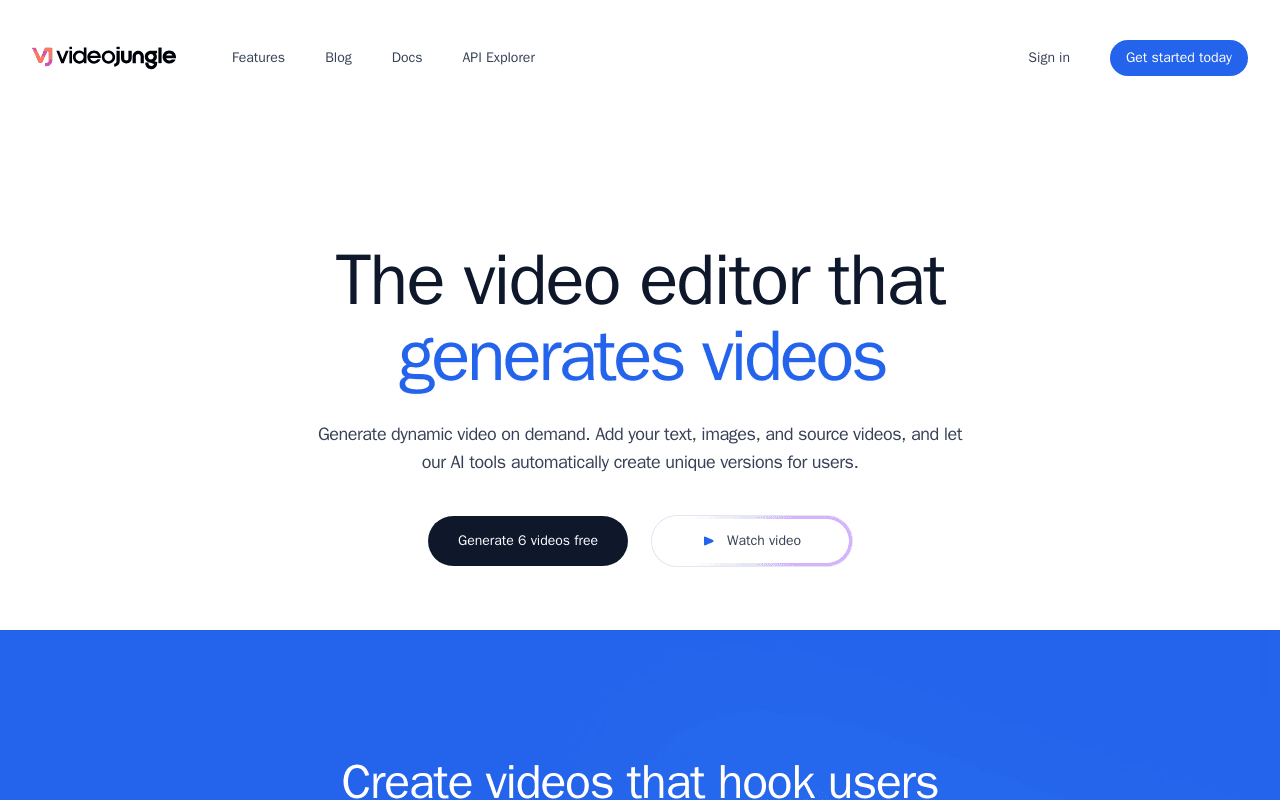
Product Video
Video Editor MCP demo
Commonly Cited Strengths & Limitations
Strengths
- Multi-modal (audio and visual) semantic video search via natural language
- Local macOS Photos library search
- Exports edits to DaVinci Resolve Studio via OpenTimelineIO
- Open-source MCP server that works with Claude and ChatGPT
Common Use Cases
- Uploading and analyzing videos through an LLM
- Searching a video library by content using natural language
- Generating video edits from search results
- Searching local phone/Photos videos on macOS
- Editing videos in DaVinci Resolve via OpenTimelineIO
- Generating on-demand marketing videos from templates or a URL
- Running A/B tests on generated videos to find top-performing marketing copy
Details
- Pricing Model
- Unknown
- Category
- AI Image & Video Generation
Who is Video Editor MCP for?
Marketers
Generate multiple on-demand video variations, run A/B campaigns, and analyze competitor videos to find the most effective marketing copy.
Video Editors
Export AI-generated edits as OpenTimelineIO projects to finish in a running DaVinci Resolve Studio instance.
Developers
Wire video upload, semantic search, and edit generation into Claude or ChatGPT workflows through the MCP server and Video Jungle API.
Frequently Asked Questions
Does Video Editor MCP have an API?
Yes, Video Editor MCP provides an API for developers.
Is Video Editor MCP open source?
Yes, Video Editor MCP is open source.
What does Video Editor MCP integrate with?
Video Editor MCP integrates with Video Jungle, Claude Desktop, DaVinci Resolve Studio, Apple Photos, OpenTimelineIO, Smithery, PyPI, MCP Inspector.
Who is Video Editor MCP best for?
Video Editor MCP is best suited for Marketers, Video Editors, Developers.
What can I use Video Editor MCP for?
Common uses for Video Editor MCP include uploading and analyzing videos through an llm, searching a video library by content using natural language, generating video edits from search results, searching local phone/photos videos on macos.
How does Video Editor MCP compare to InfiniteArt.ai?
Video Editor MCP and InfiniteArt.ai are both used for ai image & video generation -- specifically video editing tools. See the full side-by-side comparison for pricing and feature differences.
Key Features
- add-videoDownloads a video from a URL, adds it to your library, and runs multi-modal analysis for later retrieval.
- search-videosFinds matching videos using embeddings and keywords, returning metadata usable for edit generation.
- search-local-videosSearches your macOS Photos app for videos using Apple's tags (requires LOAD_PHOTOS_DB=1).
- create-videojungle-projectCreates a Video Jungle project to hold scripts, analyzed videos, and images for edit generation.
- edit-locallyCreates an OpenTimelineIO project and downloads it to open in a running DaVinci Resolve Studio instance.
- generate-edit-from-videosRenders a video edit from a set of video files.
- generate-edit-from-single-videoCuts an edit from a single existing video file.
- get-project-assetsRetrieves assets within a project for use in video edit generation.
- update-video-editUpdates a video edit's information live, reflecting in real time if Video Jungle is open.
- Create Video TemplatesUses an existing video script or a pasted URL as a template, analyzing the source to generate videos in a similar edit style and pacing.
- Import Your AssetsAdds images, videos, audio, and text to a project for AI to automatically generate videos from.
- Analyze Competitor's VideosGenerates multiple video iterations and analyzes top-performing videos to find effective marketing copy.
- A/B Testing & PerformanceExports and links generated videos for performance tracking, runs A/B tests, and suggests new video ideas based on data.
Integrations
Technical Details
- Target Market
- B2B
- API
- Available
Real Pricing from Verified Users
See what people actually pay for Video Editor MCP
Reviews
0 reviews
No reviews yet. Be the first to share your experience!
Switching Stories
Real migration experiences with Video Editor MCP
Discussion
Ask questions, share tips, or discuss this tool with other users.
No discussion yet. Start the conversation!
Similar tools in AI Image & Video Generation
Other listed tools in AI Image & Video Generation, not reviewed as direct alternatives

AI creative studio for iOS and Mac that turns text into images and animates them into video.
Also Video Editing Tools
- Text-to-image generation
- Generate videos
- Multiple image models
AI dubbing and localization with a full editor to transcribe, translate, caption, and dub in 50+ languages.
Also Video Editing Tools
- Automated dubbing
- Transcription
- Translation

- Seedance 2.5
- Nano Banana Pro
- Higgsfield Genjutsu

- AI-powered data extraction
- Website change monitoring
- Scheduled runs

AI creative agents that turn one brief into on-brand images, video, copy, slides, and audio
Also Video Editing Tools
- AI Agent
- Brand consistency
- Smart Model Routing

- Video translation and dubbing
- Voice cloning
- Lip-sync
Also used for
People Also Viewed



More in AI Image & Video Generation

All-in-one audio & video editing


Open-source image generation AI